Add an admin to your platform
You can add a new admin to your platform to help you manage it from the dashboard.
Steps to add a new admin to your platform
-
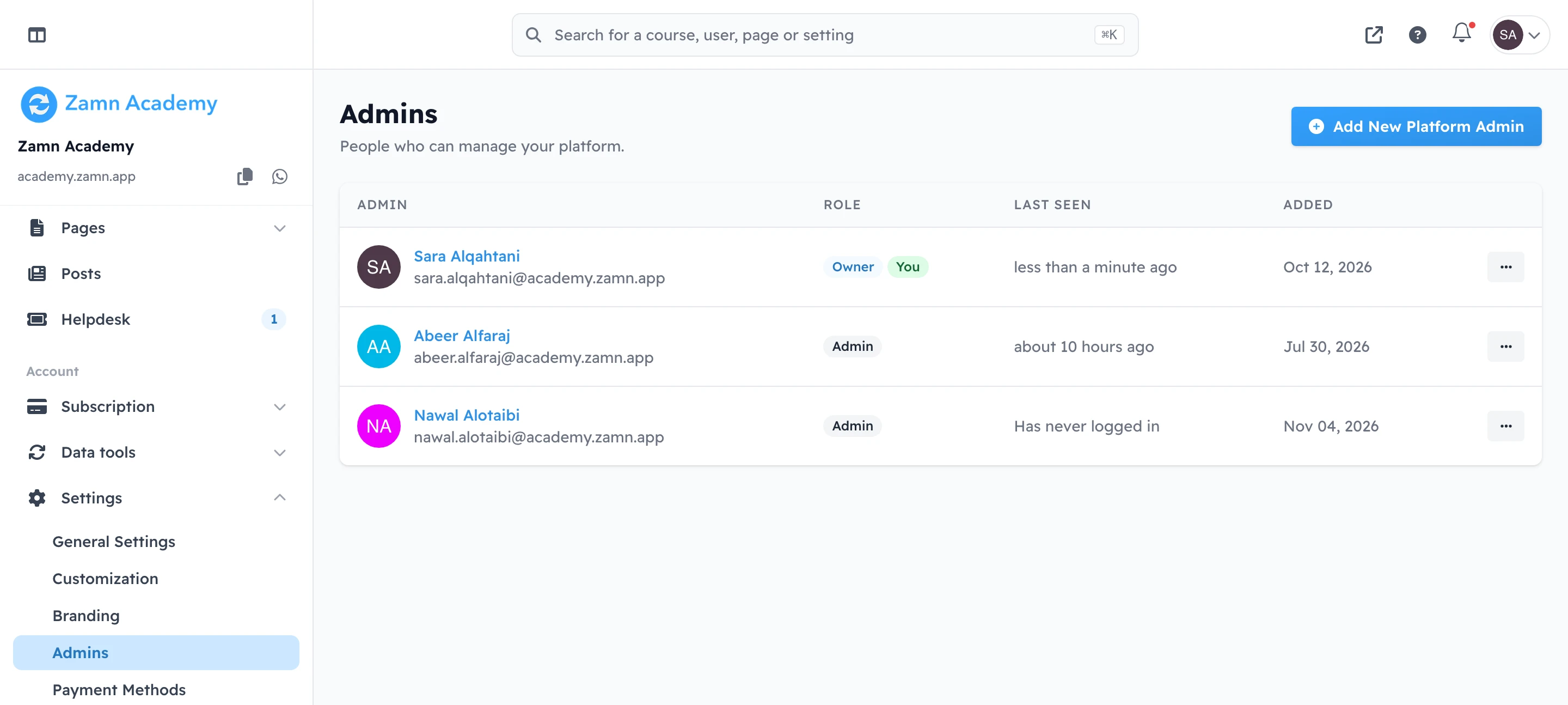
From the dashboard, click Settings.
-
Choose Admins.
-
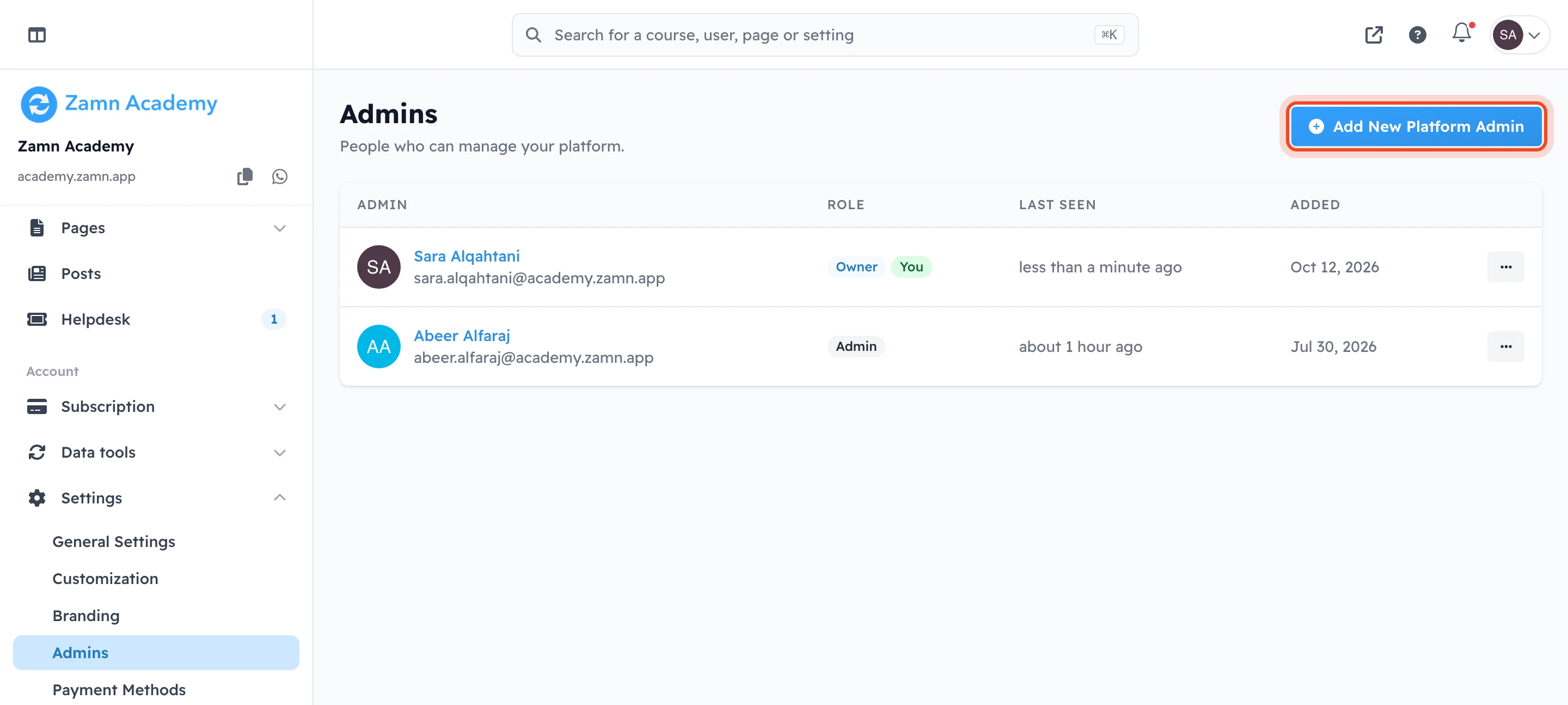
Click Add New Platform Admin.
-
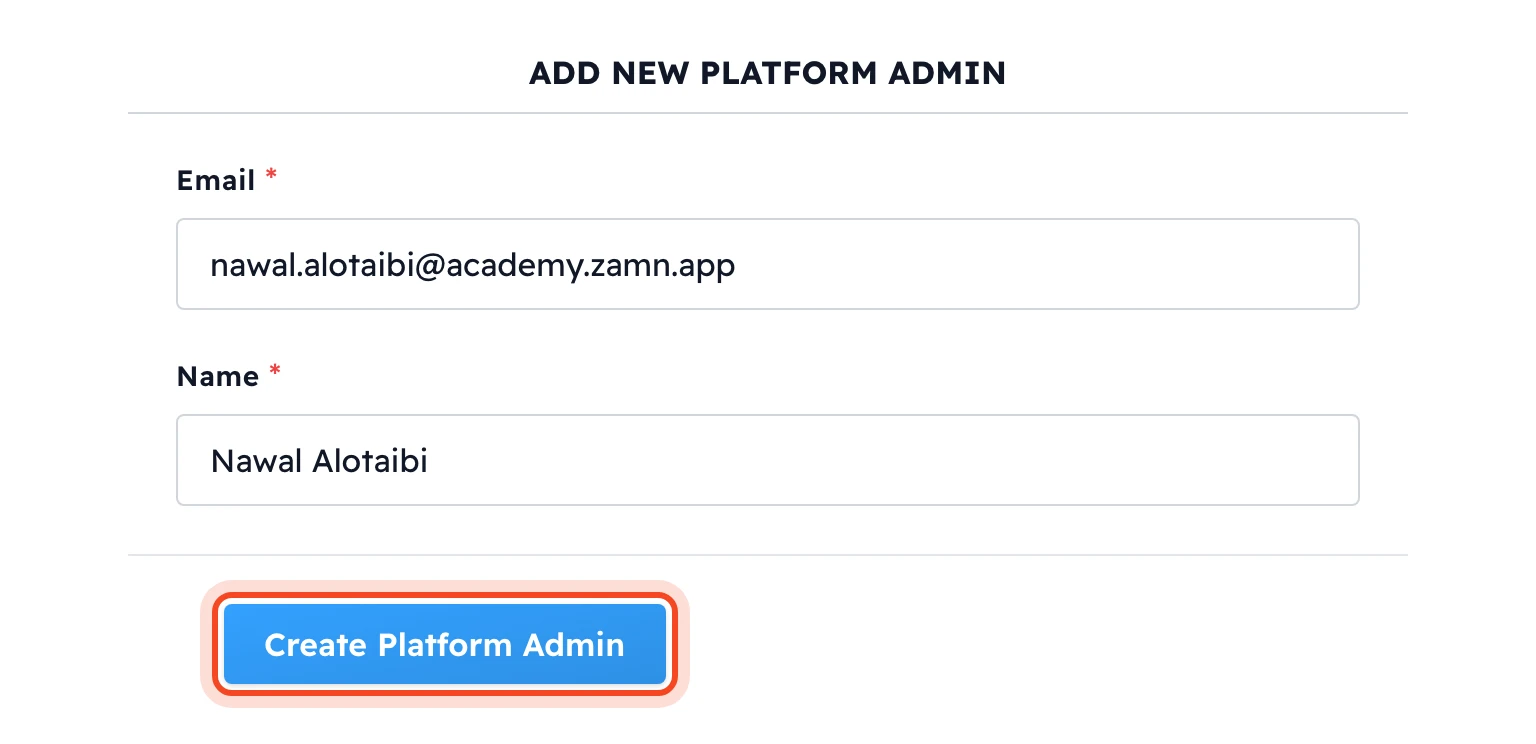
Enter the required details:
- The admin's Email.
- The admin's Name.
-
Click Create Platform Admin to save and add the admin.
The new admin shows in the list of admins.