How to get help from Zamn technical support
You can easily contact Zamn technical support on WhatsApp, from your platform dashboard or from the Zamn website.
From your dashboard
-
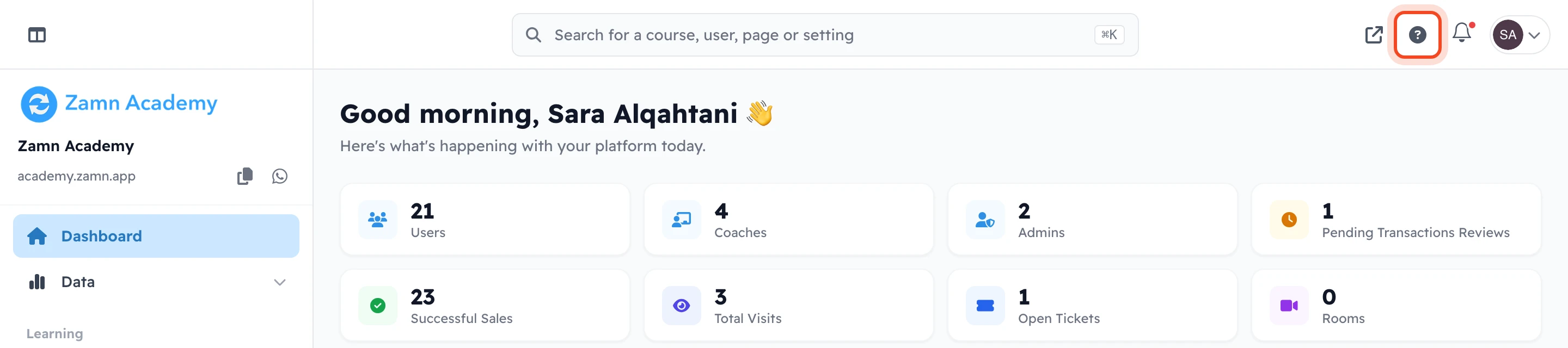
Click the Help icon (question mark) in the top bar of the dashboard.
-
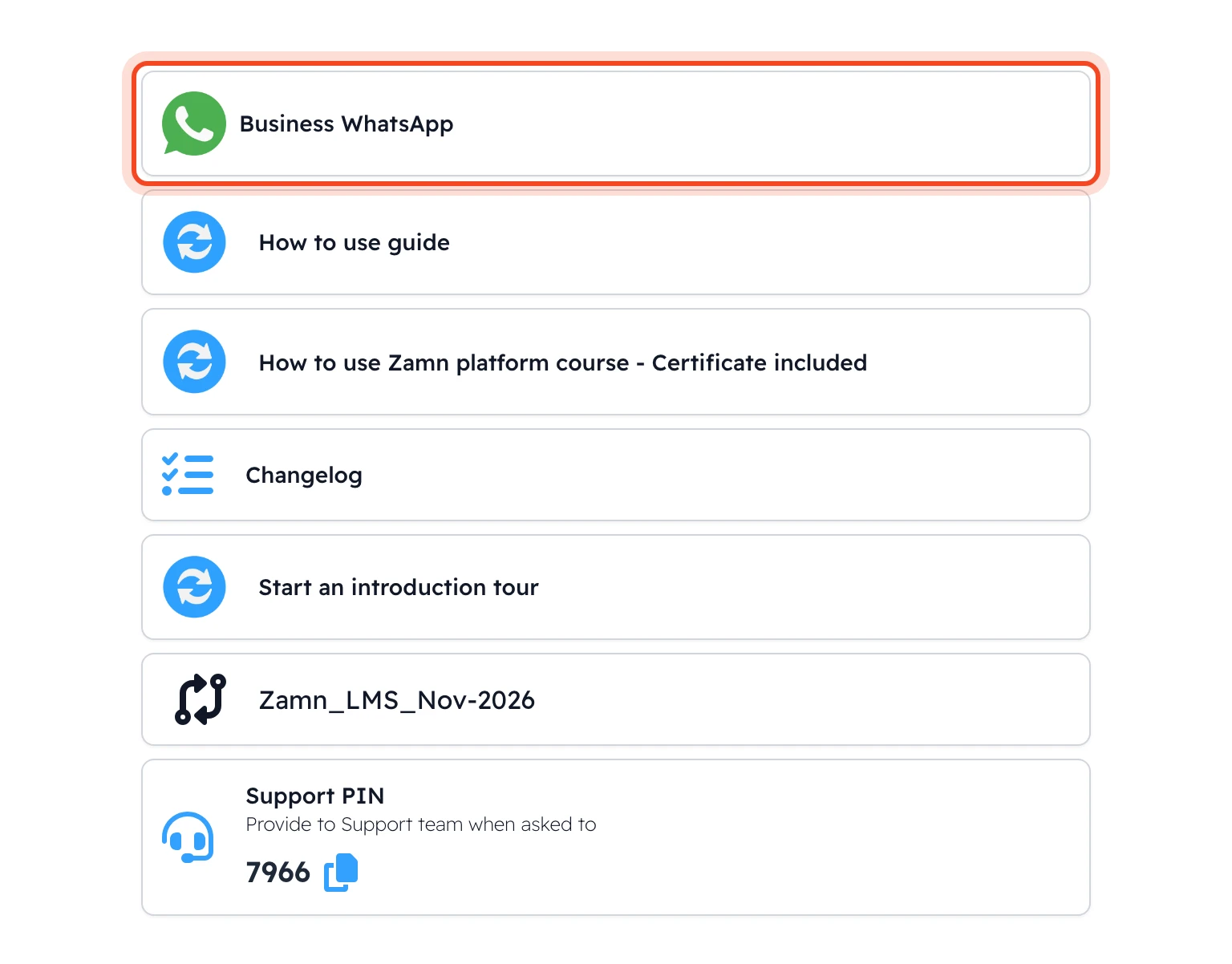
The help side panel opens. Click Business WhatsApp to chat with the support team.
From the Zamn website
-
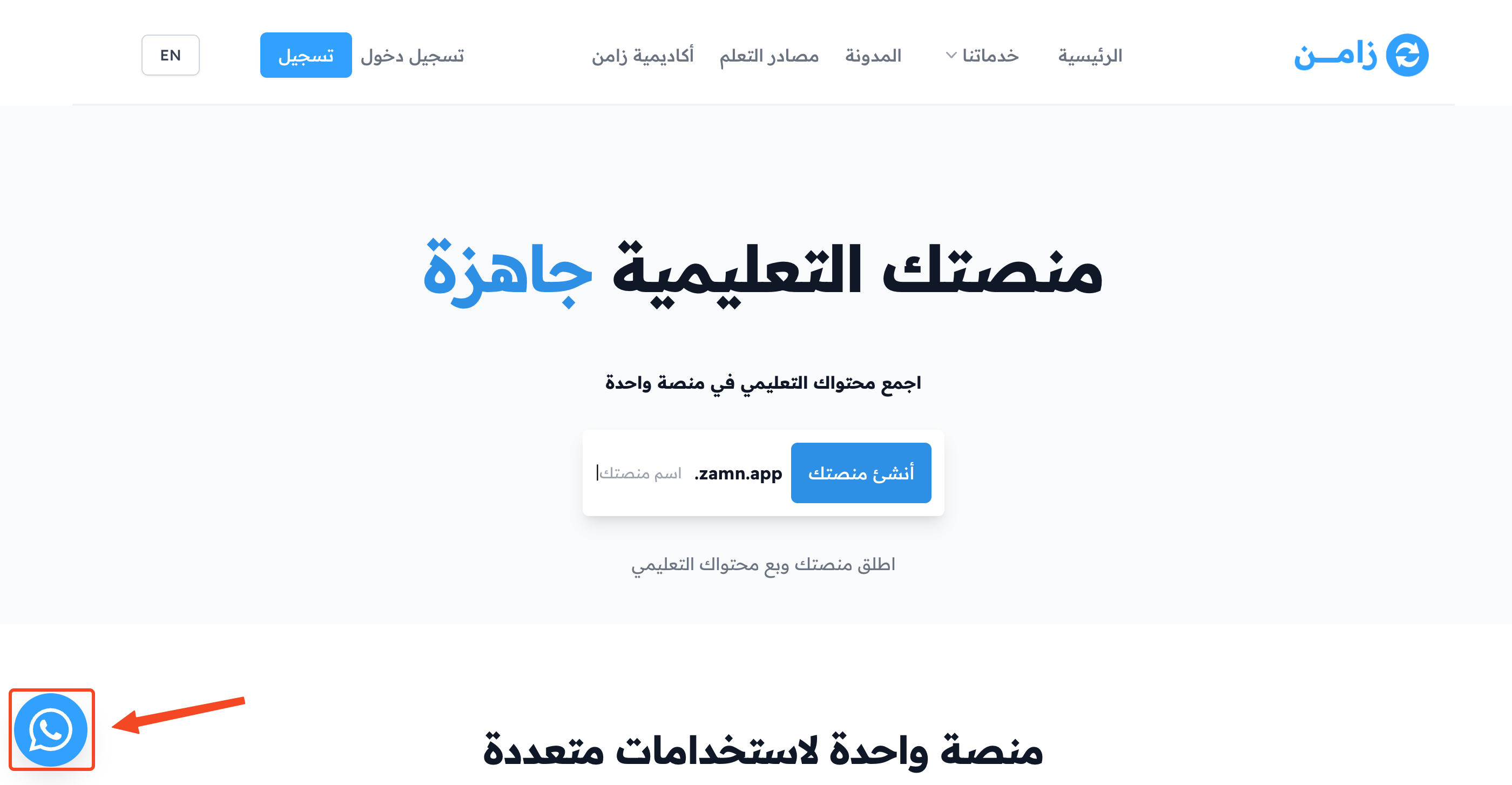
Open the official Zamn website.
-
Click the WhatsApp icon at the bottom of the page to chat with the support team.