Search for content on your platform
You can search for content on your platform from the platform's home page, and from the dashboard: with the search box at the top of every dashboard page, or on the Courses page.
Search from the home page
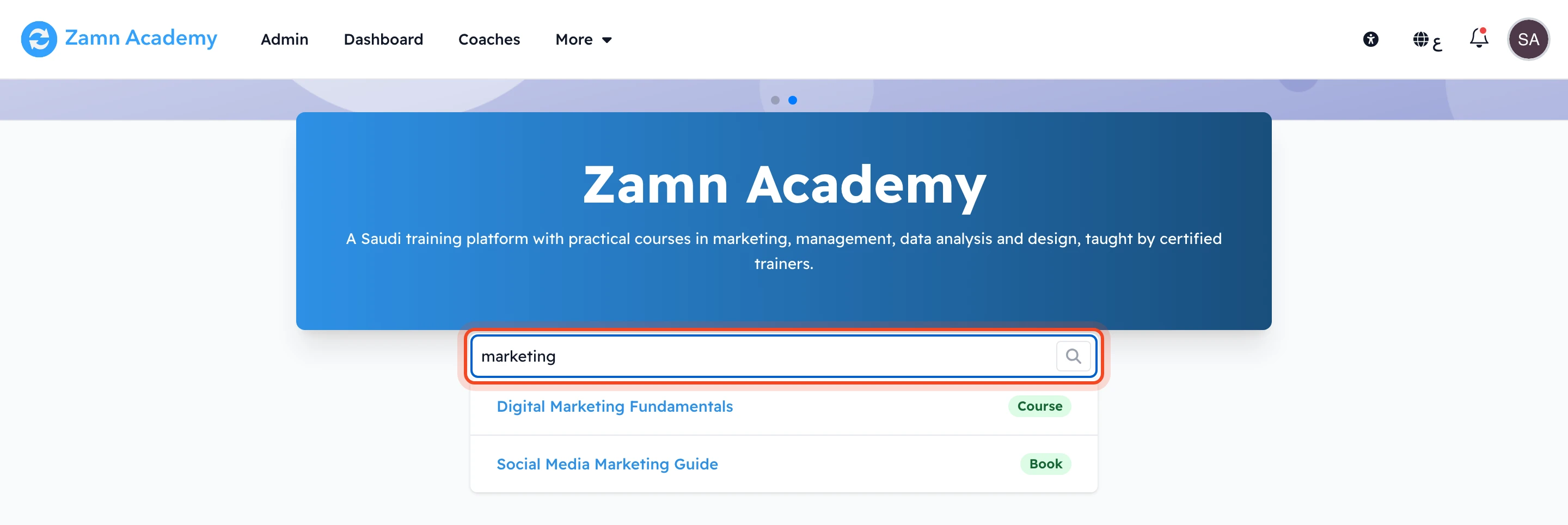
Use the search box on your platform's home page to search for a course, book, post or page. Type what you are looking for, and the results show under the box.
Search from the dashboard
The search box at the top of the dashboard
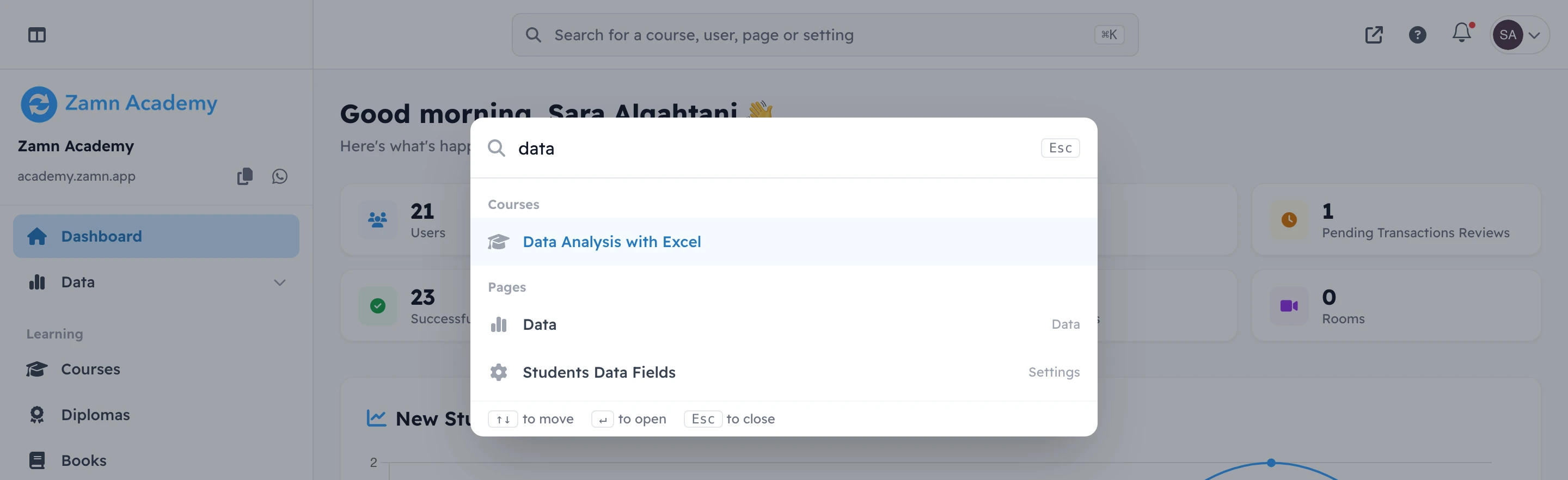
The search box at the top of every dashboard page finds courses, users (by name, email or phone), dashboard pages, and quick actions such as New course and New coupon.
-
Click the Search for a course, user, page or setting box at the top of the page. You can also press ⌘K on a Mac, or Ctrl K on other computers.

-
Type what you are looking for. The results show in groups: Courses, Users, Pages and Actions. Before you type, you see your Recent courses and the quick actions.
-
Click a result to open it. You can also move with the arrow keys, then press Enter.
The Courses page
-
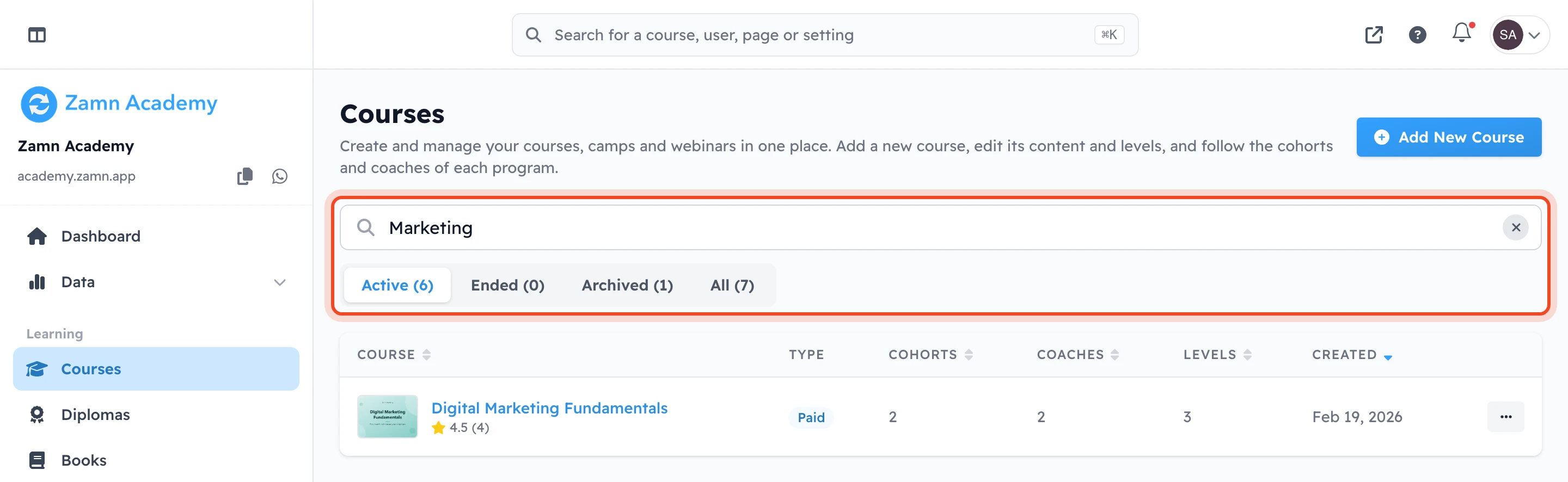
In the side menu of the dashboard, click Courses.
-
Type part of the course name in the Search courses by name box. To see the courses by status, click a tab: Active, Ended, Archived or All. Each tab shows how many courses it has.