Stop cheating: block copy, paste and print during assignments
Zamn gives you ways to stop cheating in your assignments, like blocking copy, paste and print while students work on assignments in your courses.
-
Students cannot copy any content from the assignment page, with the mouse or the keyboard.
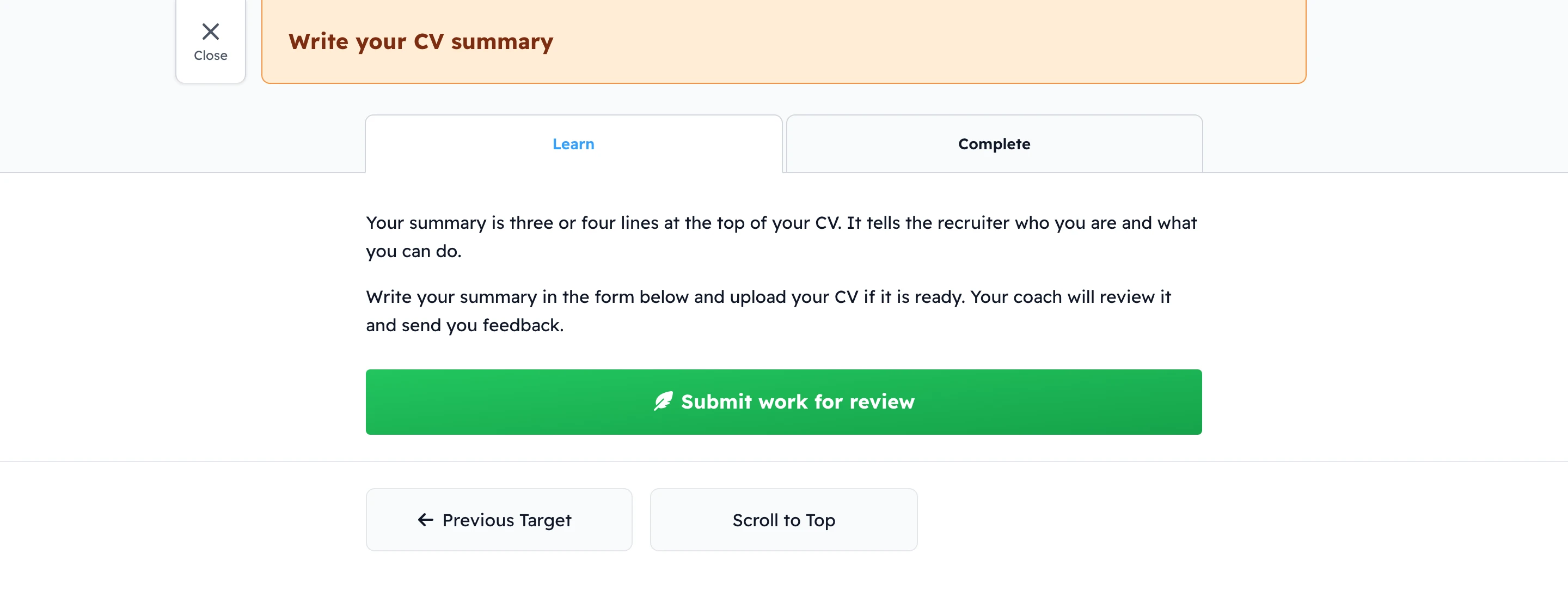
-
Students cannot paste into the answer fields, with the mouse or the keyboard. The assignment page does not accept answers added by copy and paste.
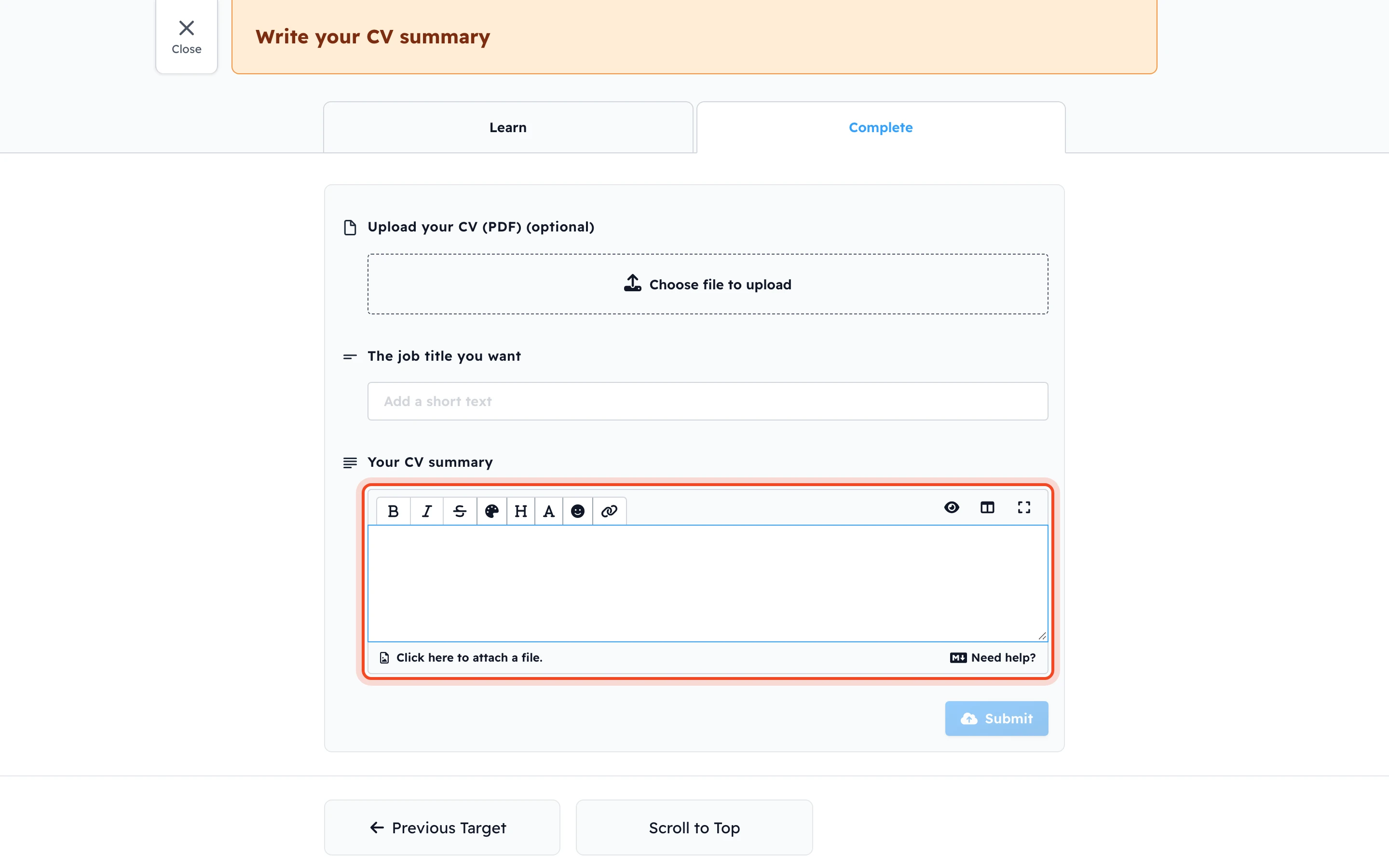
-
If a student tries to print the page, all of the page content is hidden in the printed copy.
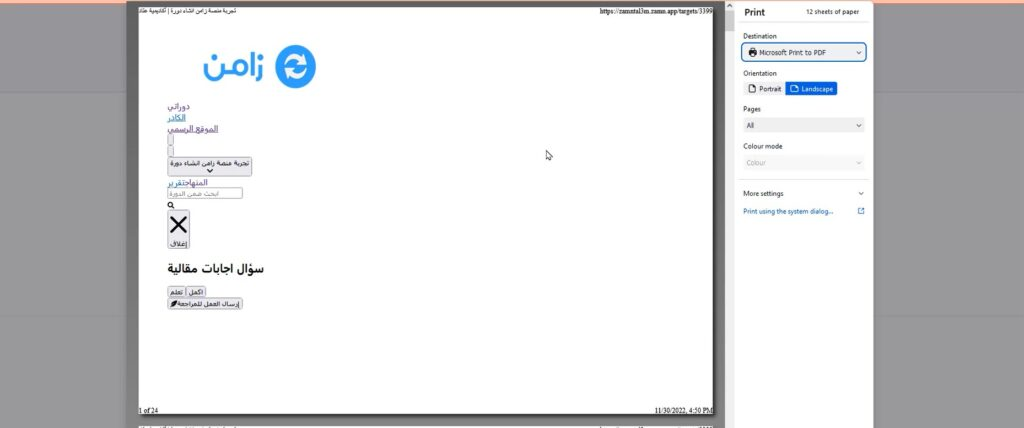
Blocking copy and print works only on some special plans and during the free trial. On the Websites plans (Basic, Growth and Pro), students can copy and print the page. Blocking paste works on all plans.
Why does Zamn offer different ways to stop cheating?
Zamn always looks for the best ways to protect the level of your students and trainees, and to show you their real level. Everything starts with trust, but to help you improve your courses and know your students' real skills, we always work to find the best ways to stop cheating.