Reset your password as a platform admin
If you forgot the password of your platform admin account, or you want to change it, follow these steps:
-
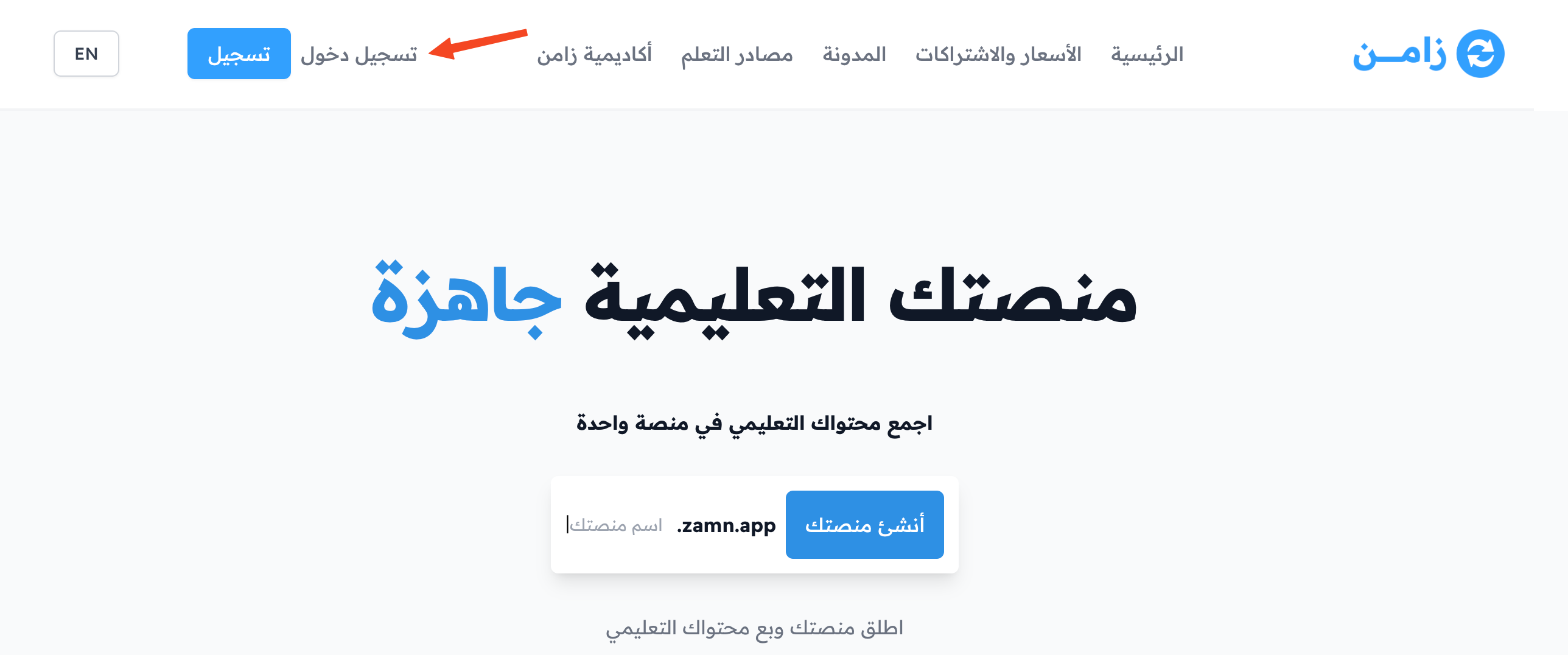
On the Zamn website, click Sign in.
-
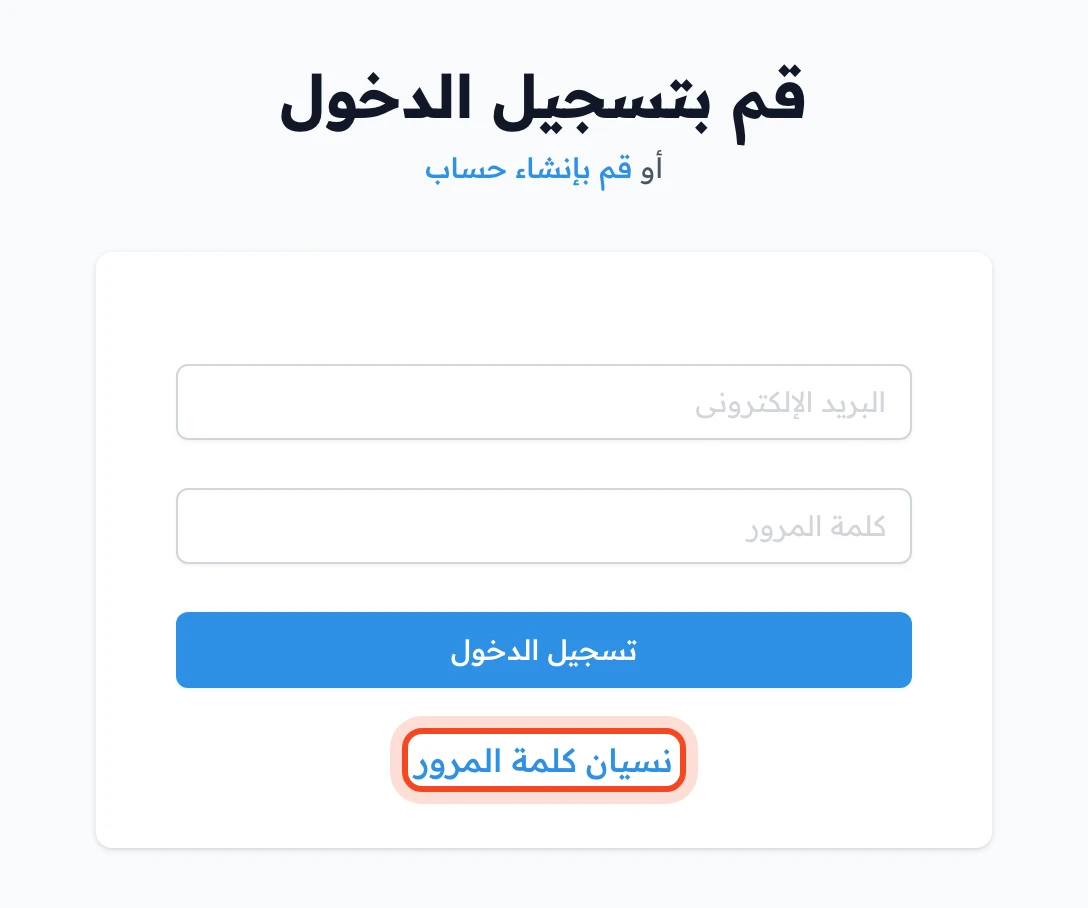
The sign in page shows in Arabic. Click the blue link under the blue button (it means Forgot password).
-
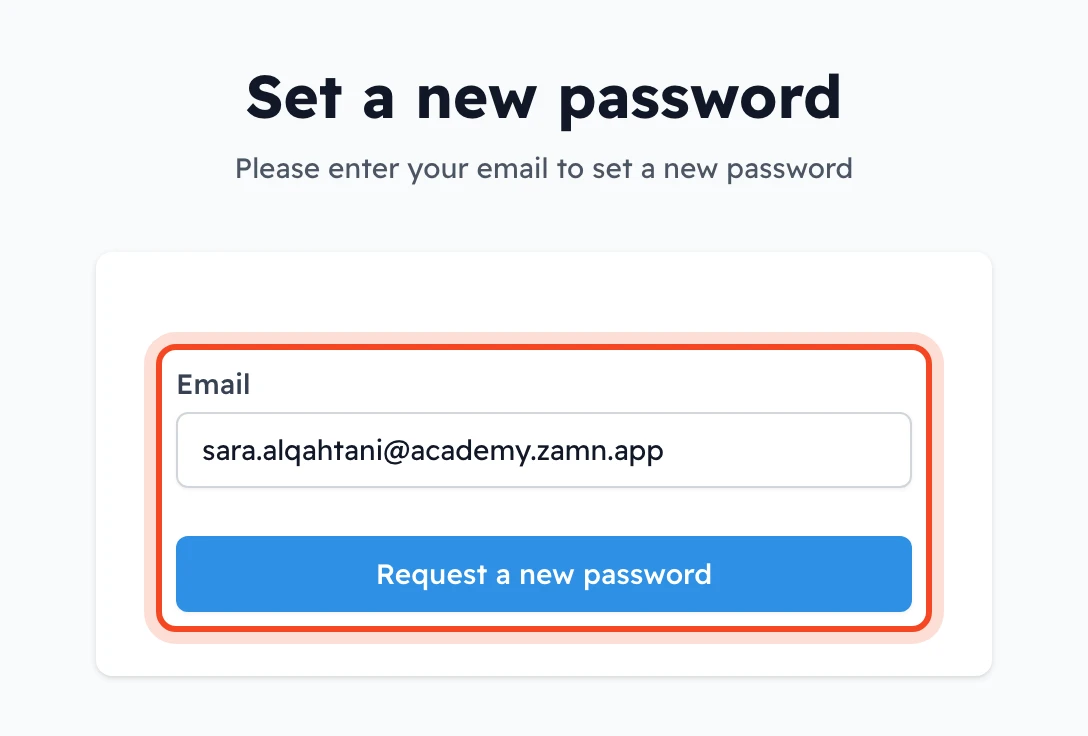
Enter your email, then click Request a new password.
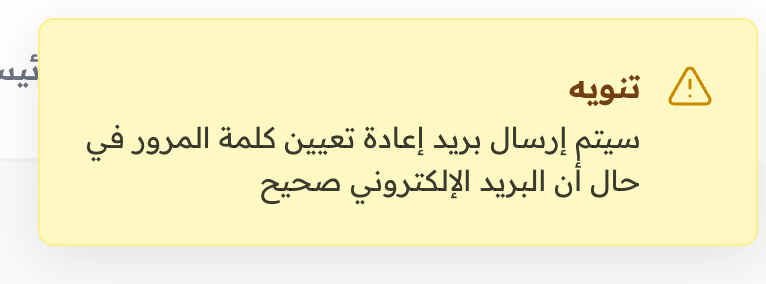
A message tells you that a password reset email will be sent if your email is correct.
-
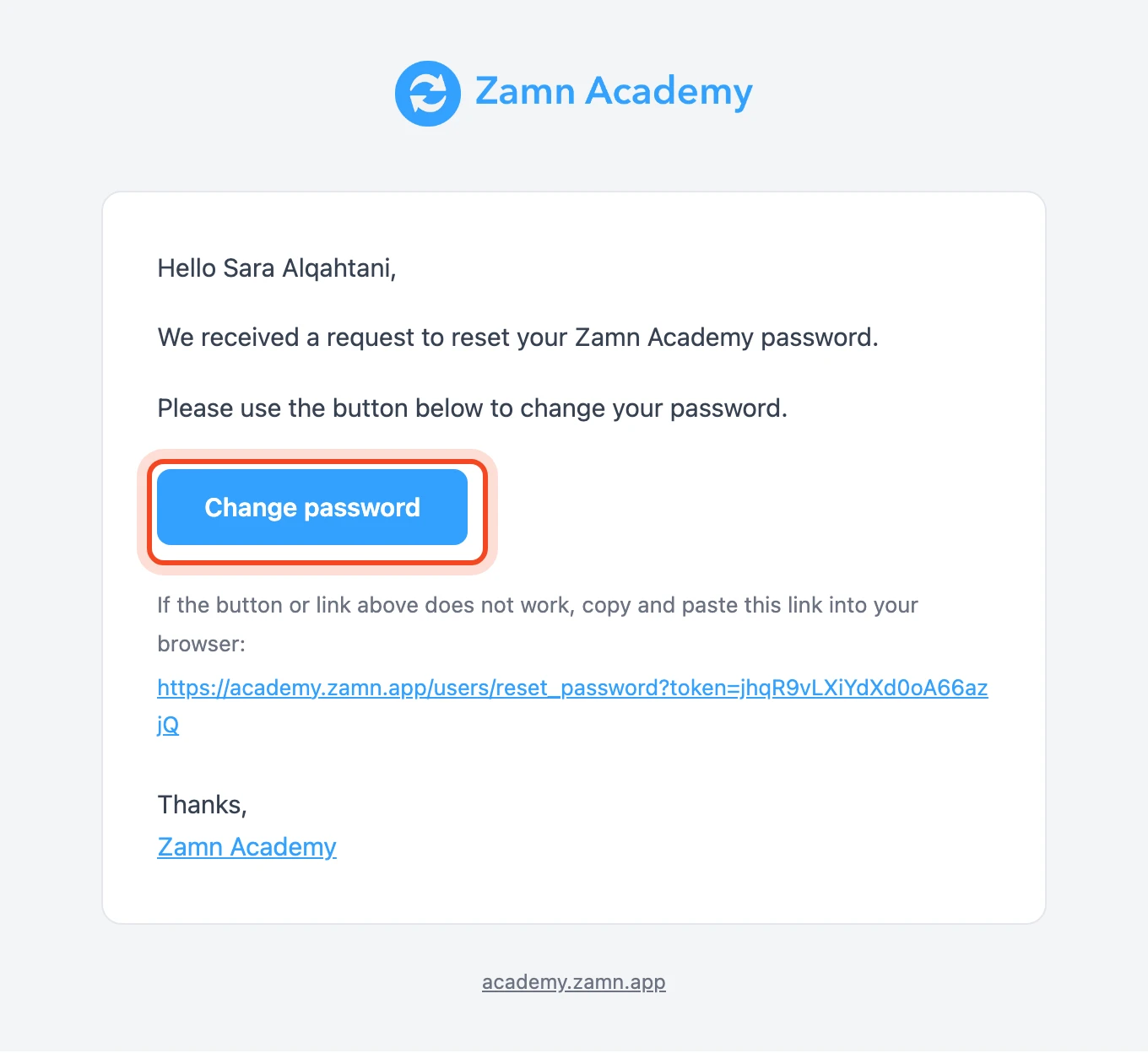
Open the message in your email, and click the Change password button.
-
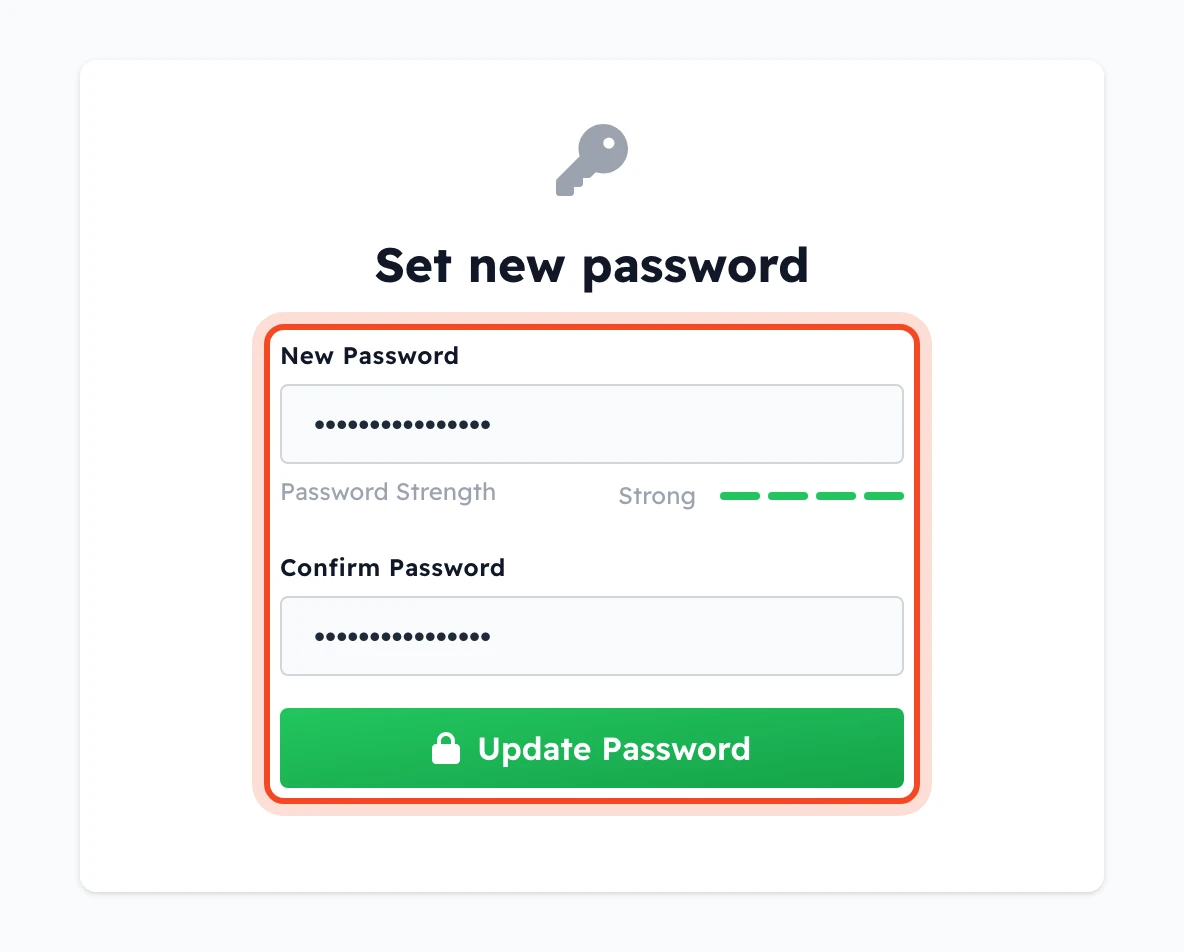
Enter your new password and confirm it, then click Update Password.