Get your support PIN
The Zamn support team may ask you for your Support PIN when they help you. Follow these steps to get it.
Steps to get your support PIN
-
In the dashboard, click the Help icon (question mark) in the top bar.
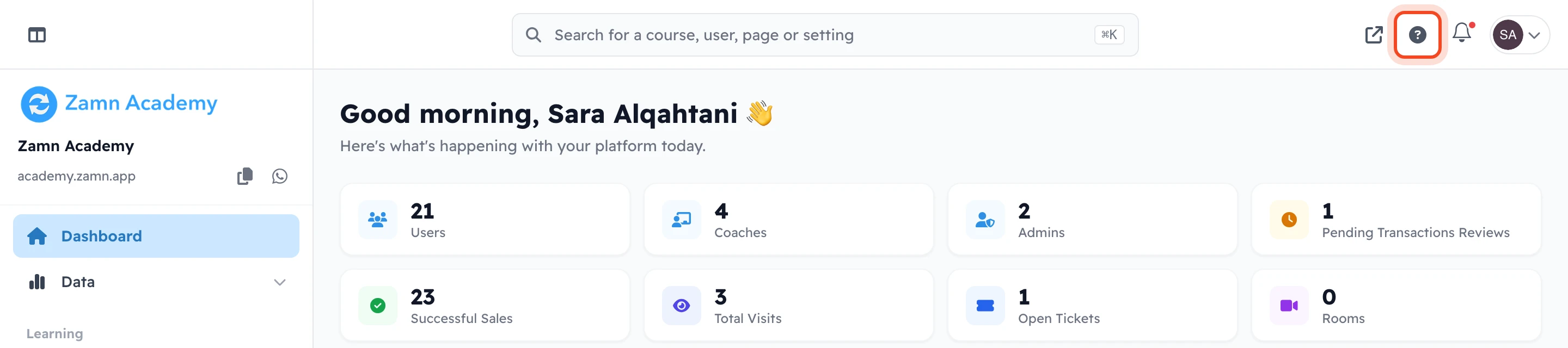
-
The help side panel opens. Copy the Support PIN with the copy icon next to it, and share it with the support team when they ask.
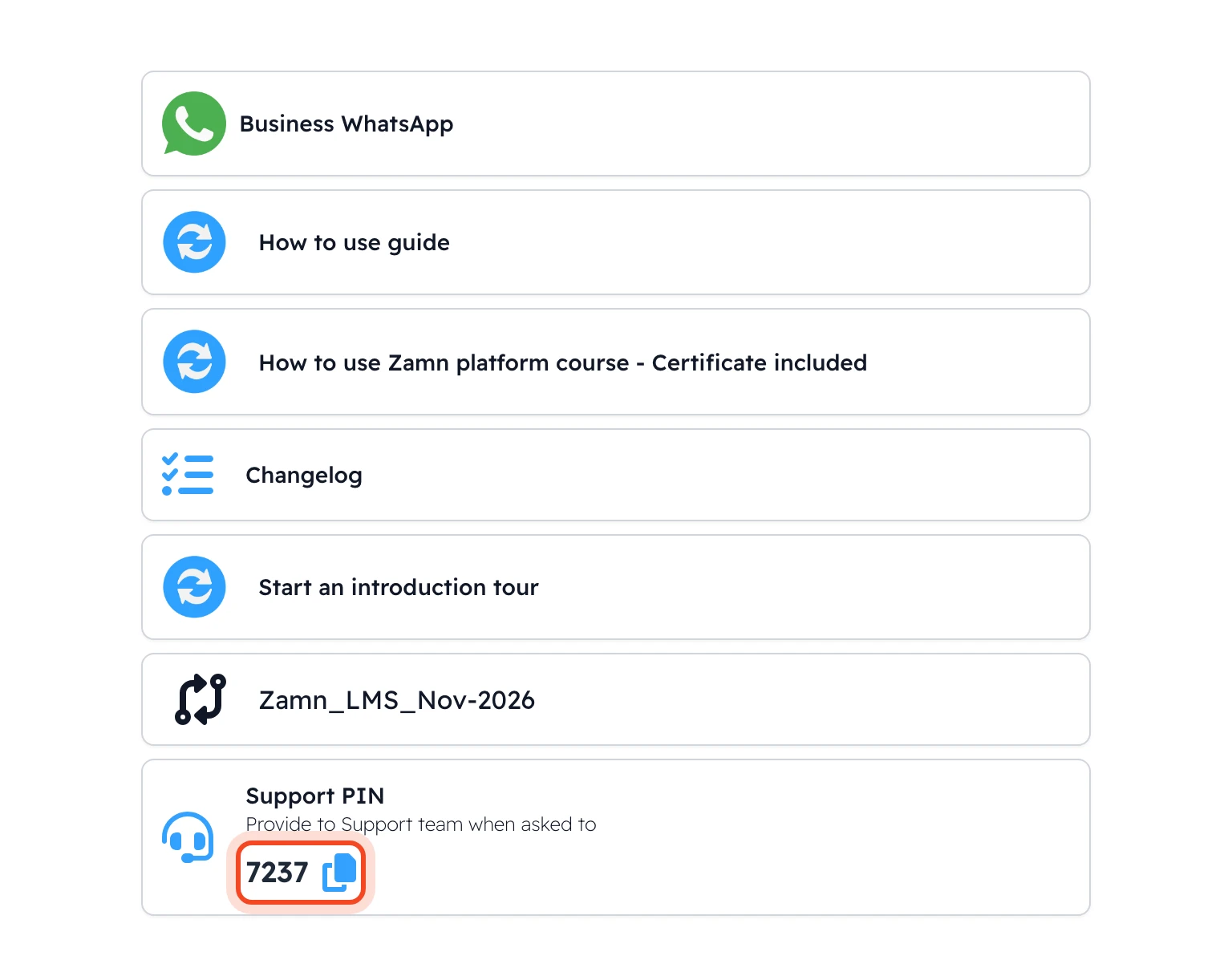 Note
The Support PIN works for 2 hours only. After that, click the Help icon again to get a new PIN.