Share a course link
You can share the link of the public page of any course on your platform, so people can see it and enroll. These steps are for platform admins.
Steps to share a course link
-
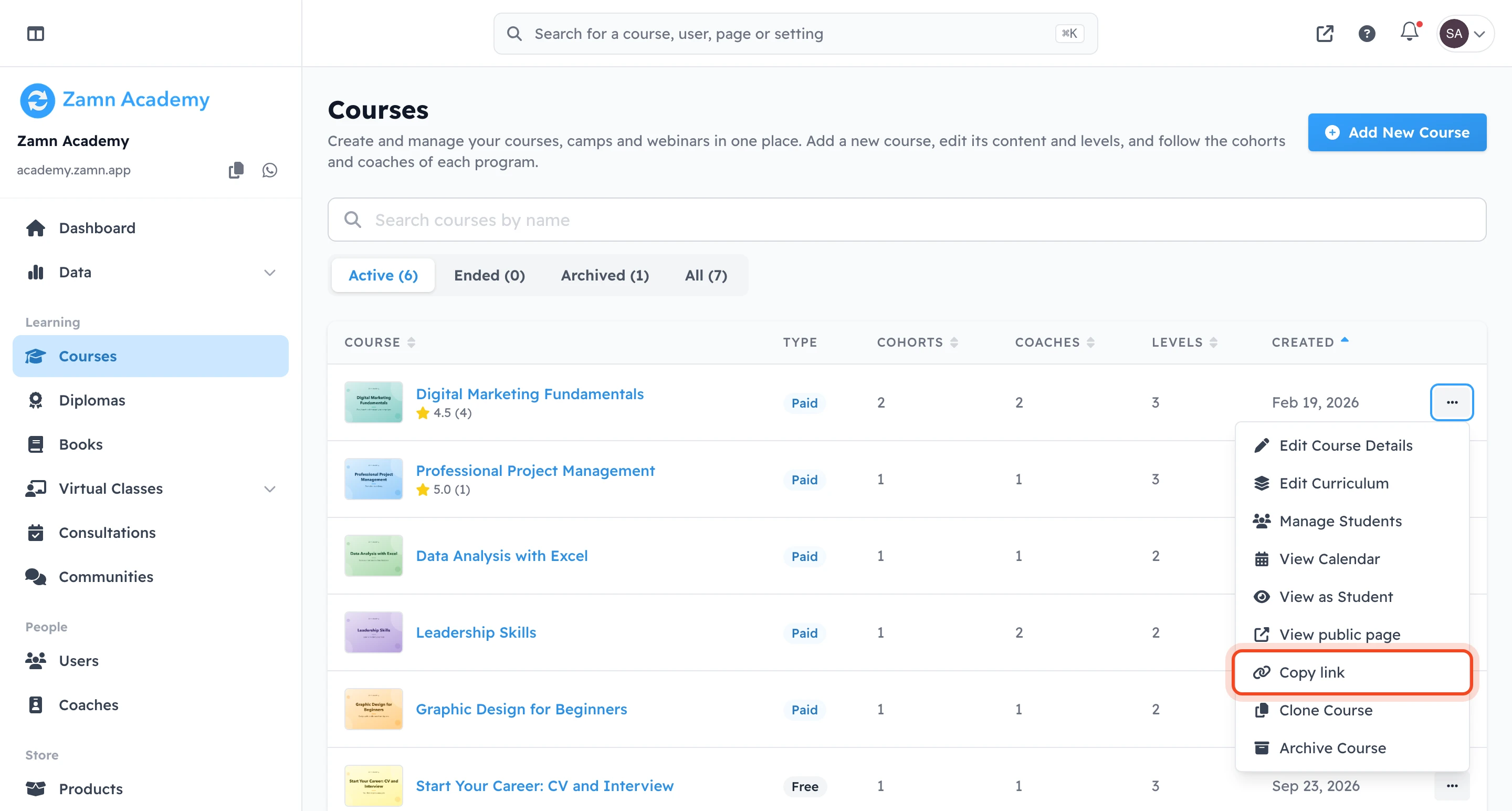
On the Courses page in your platform dashboard, click ⋯ at the end of the row of the course you want to share, then click Copy link.
-
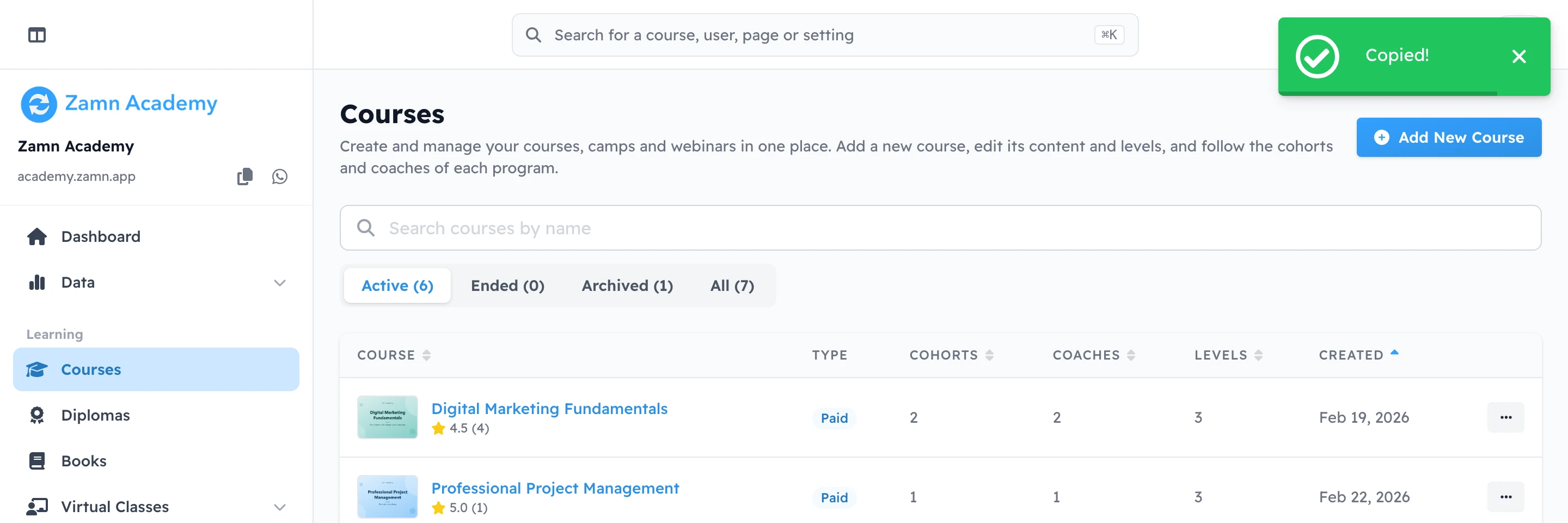
The link of the course public page is copied, and the message Copied! shows. Paste the link wherever you want to share it.
tip
To see the public page of the course first, click View public page in the same menu. The page opens in a new tab.
Note
For an archived course, View public page and Copy link do not work. The menu shows The course is archived under them.