How grades work in assignments
Student work in assignments is graded based on the evaluation criteria that the platform admin or the trainer sets.
Evaluation criteria
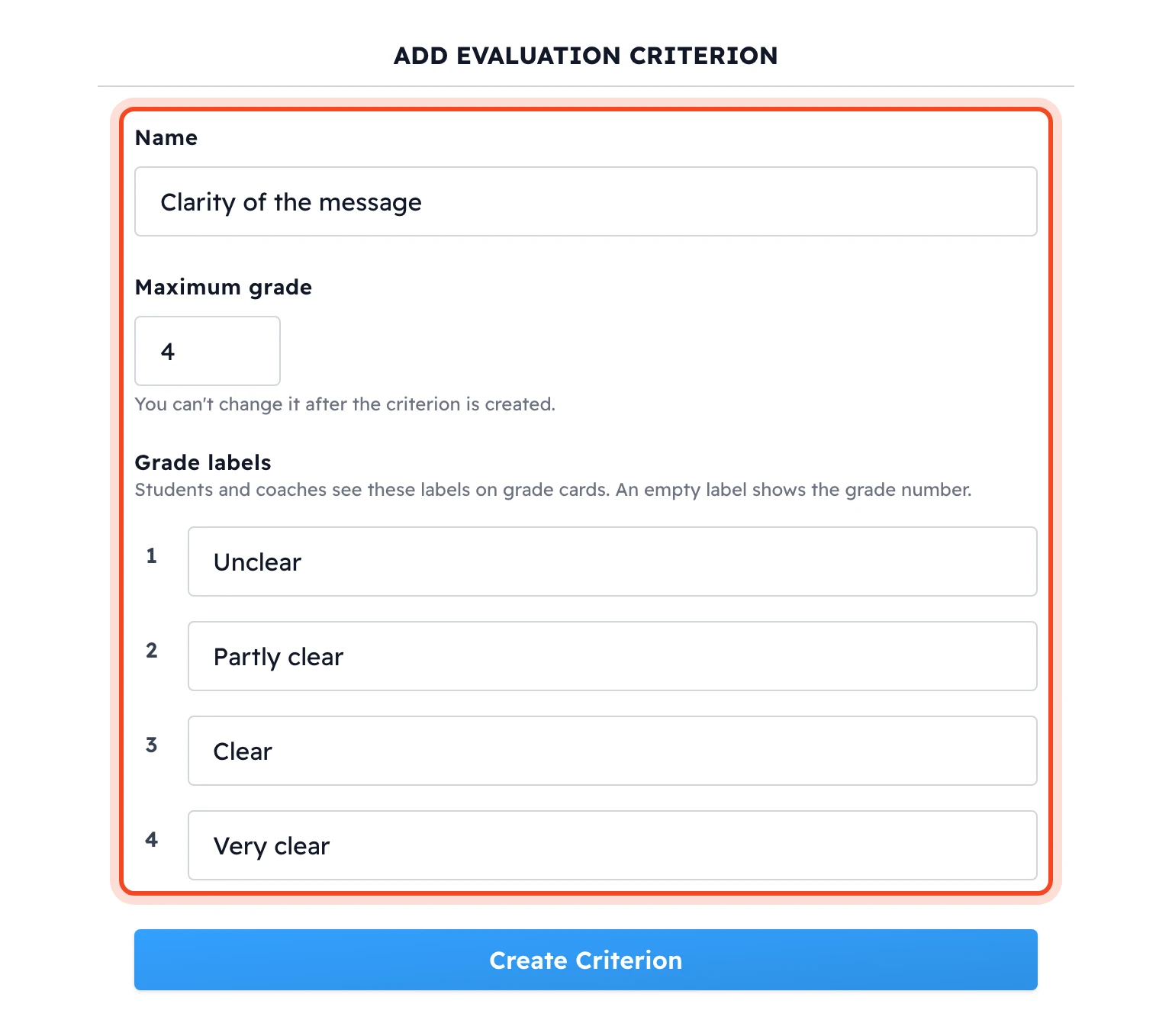
For each evaluation criterion, you choose a name and set the Maximum grade. You can also name the grades, which means adding a label for each grade that shows in the grade card.
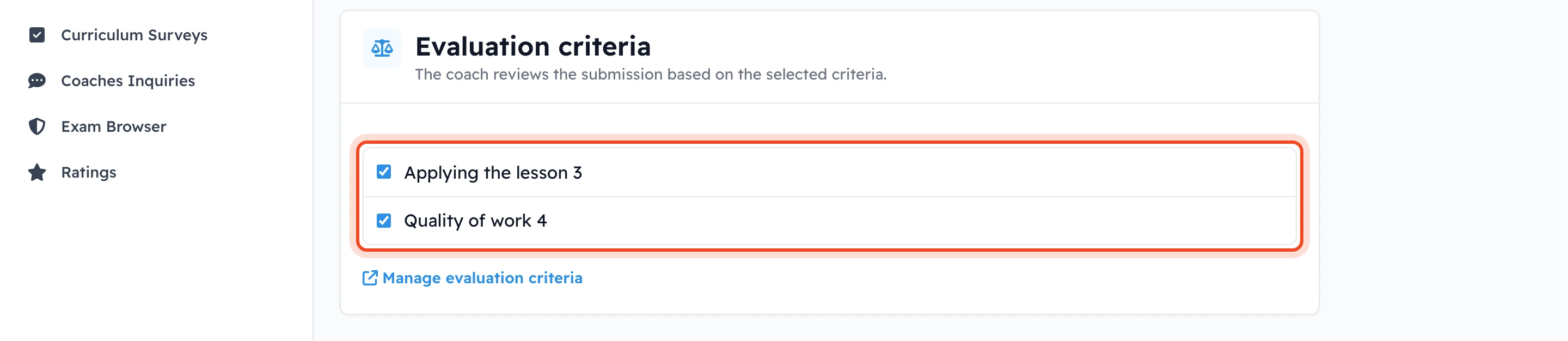
You can add more than one evaluation criterion to each assignment, as the trainer sees fit.
Grading the student
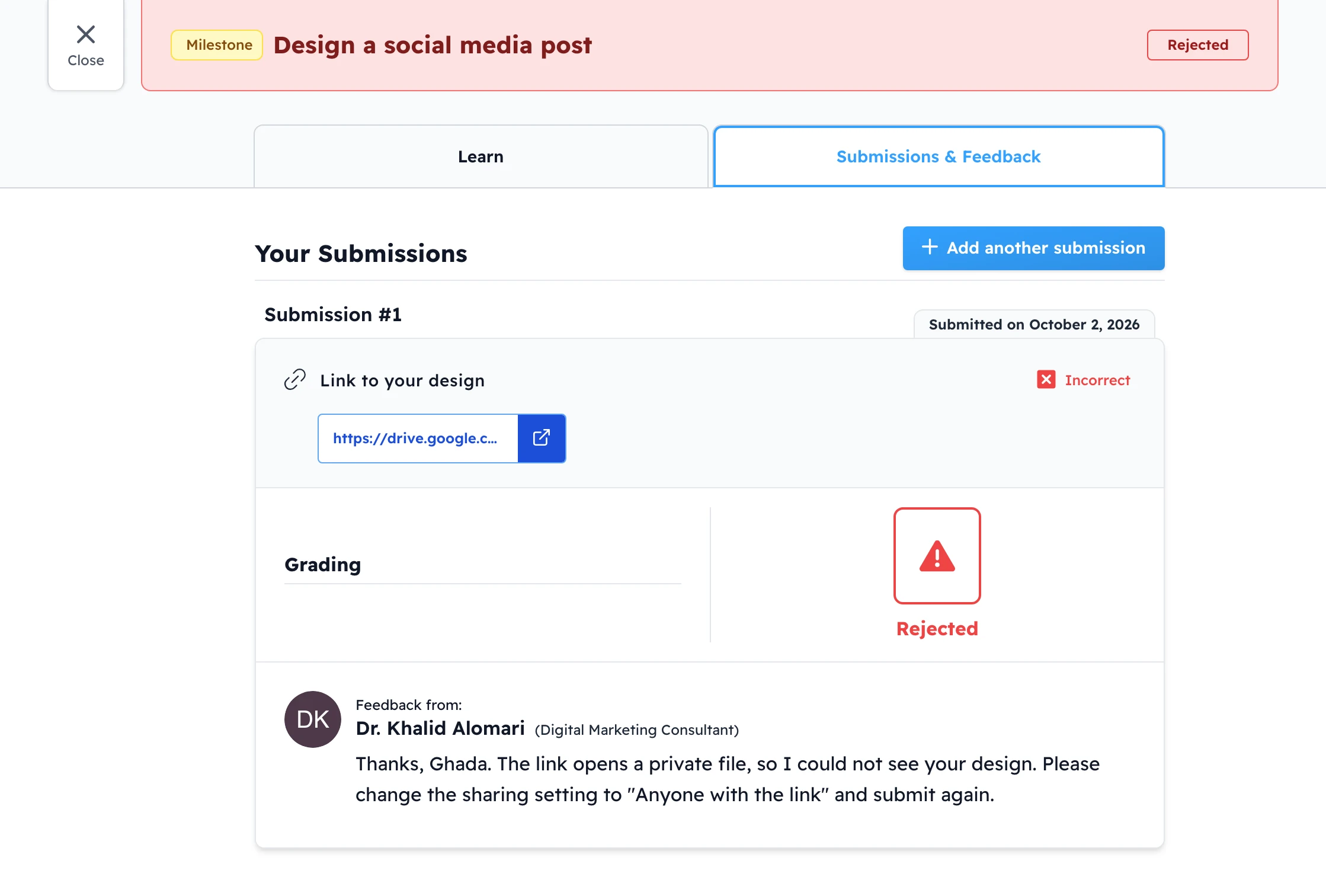
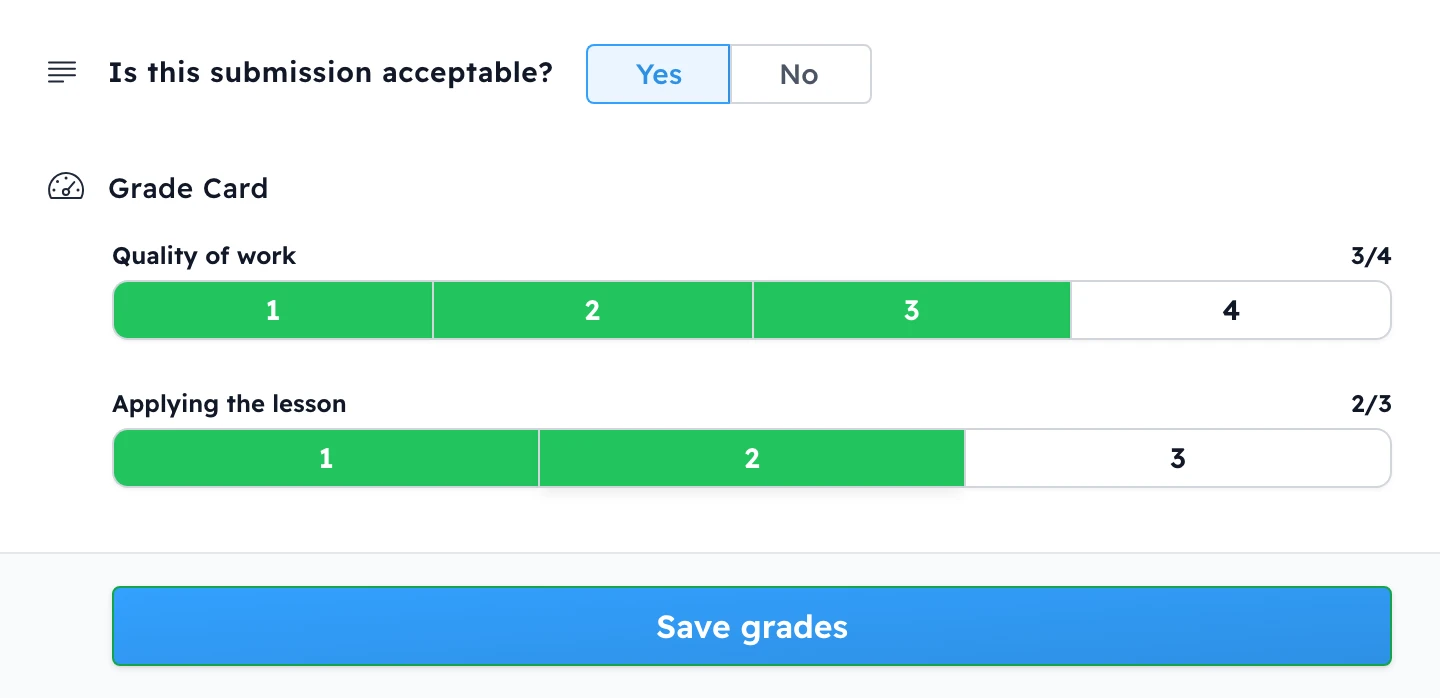
The coach reviews the answers of students and decides whether the submission is acceptable or not.
If the submission is not acceptable, the student fails this assignment.
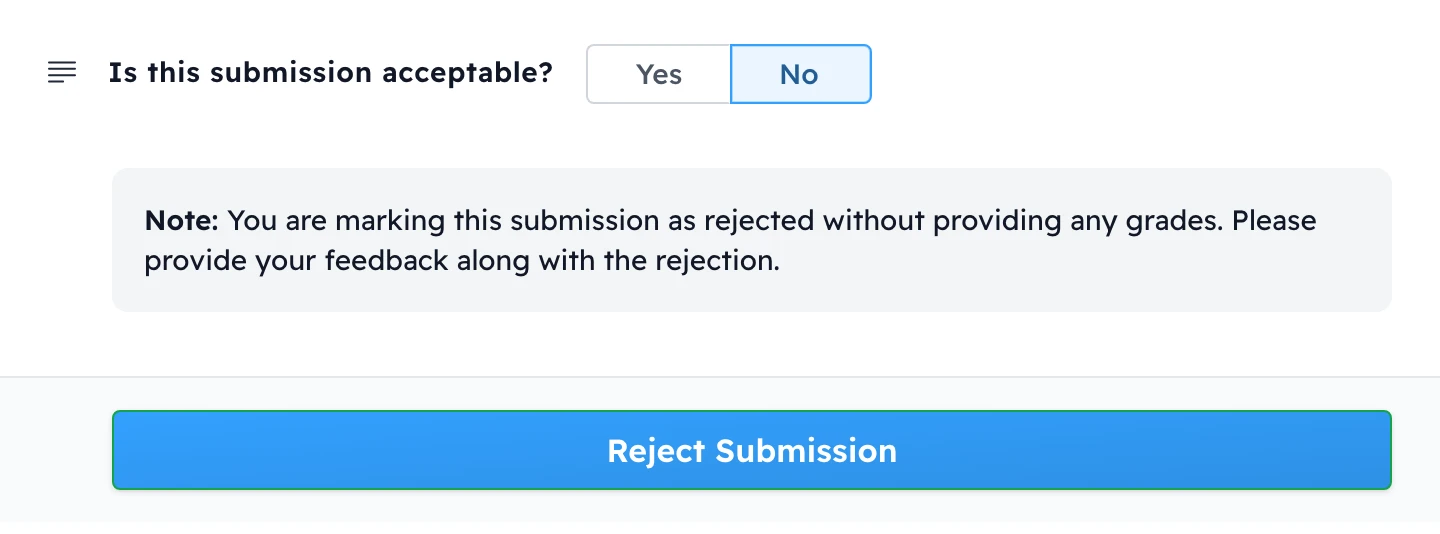
This is how the student sees a rejected submission:
If the submission is acceptable, the coach chooses the grade of the answer for each criterion, then clicks Save grades to send the result to the student.
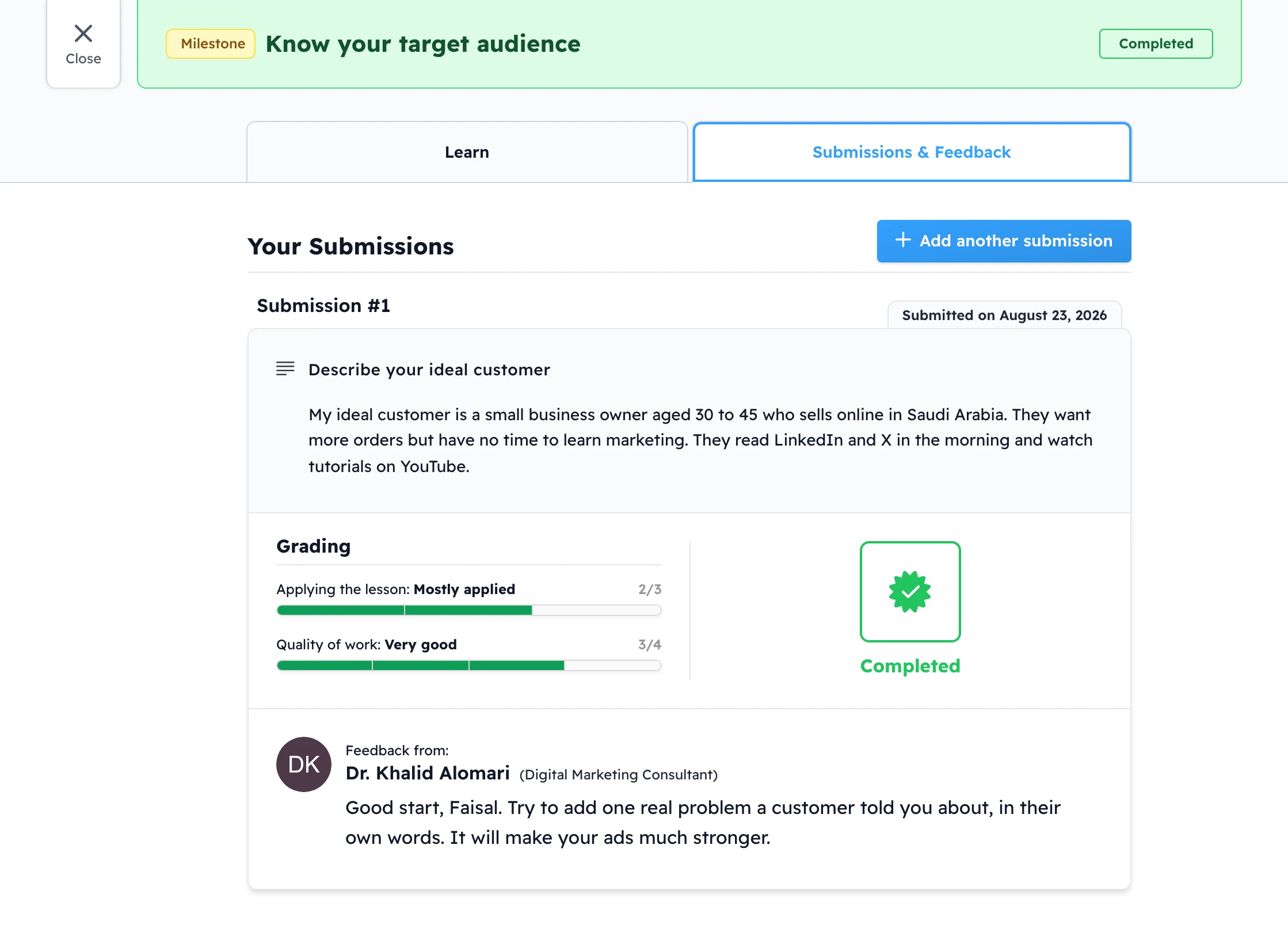
This is how the student sees an accepted submission:
Effect on progress in the course
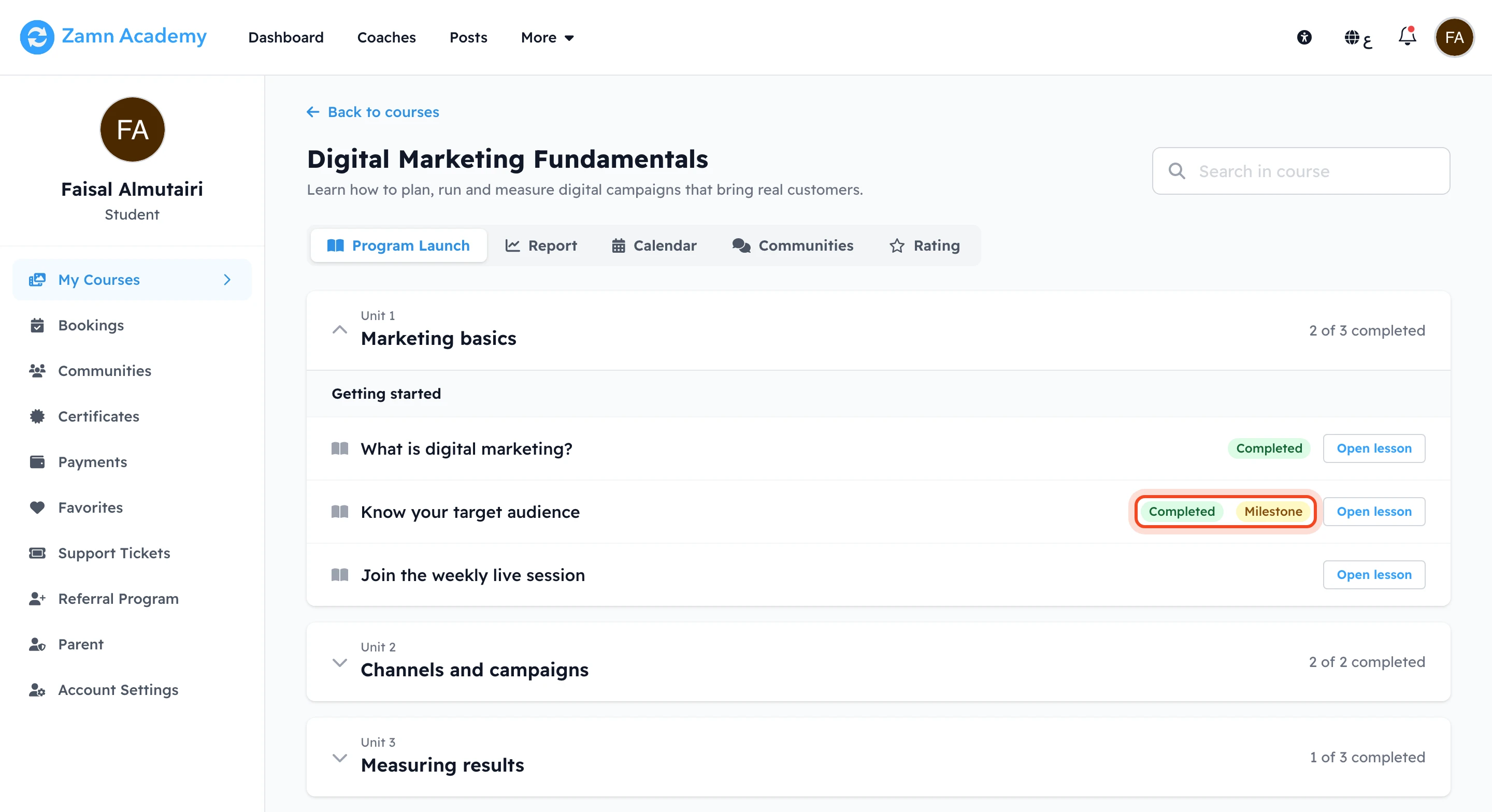
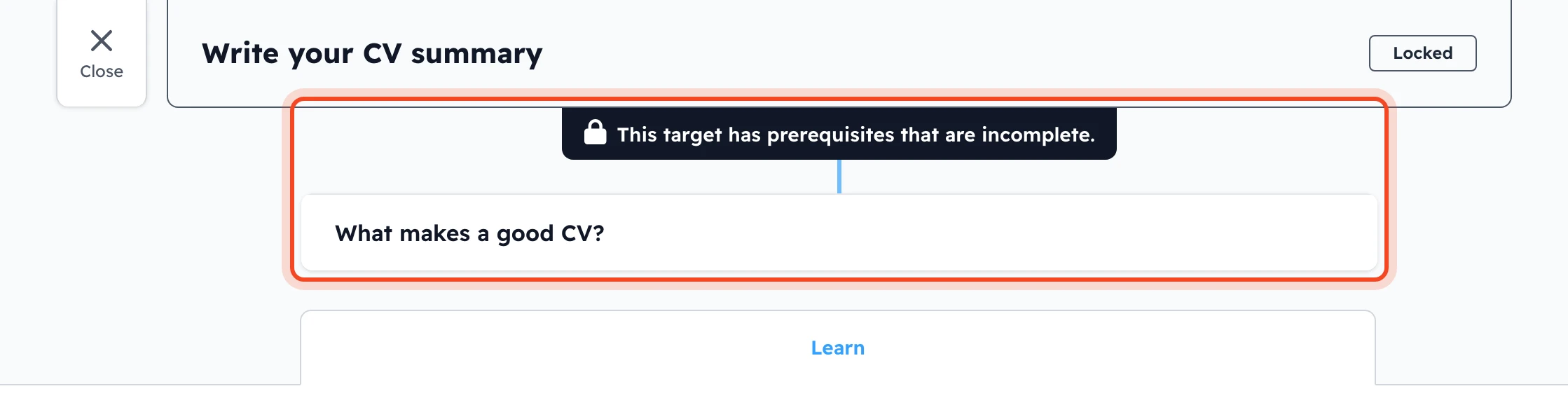
If the assignment is a milestone target (it has the Milestone label) or a prerequisite for another target, the student cannot move forward in the course until they pass it, which means until their submission is accepted. The way students progress can change based on the progression behavior set for the course.
The student has completed the course when they complete all the milestone targets in all levels of the course.