Add your ID number to your account
You can add your ID number to your account details on the platform from the Account settings page.
How to add your ID number
-
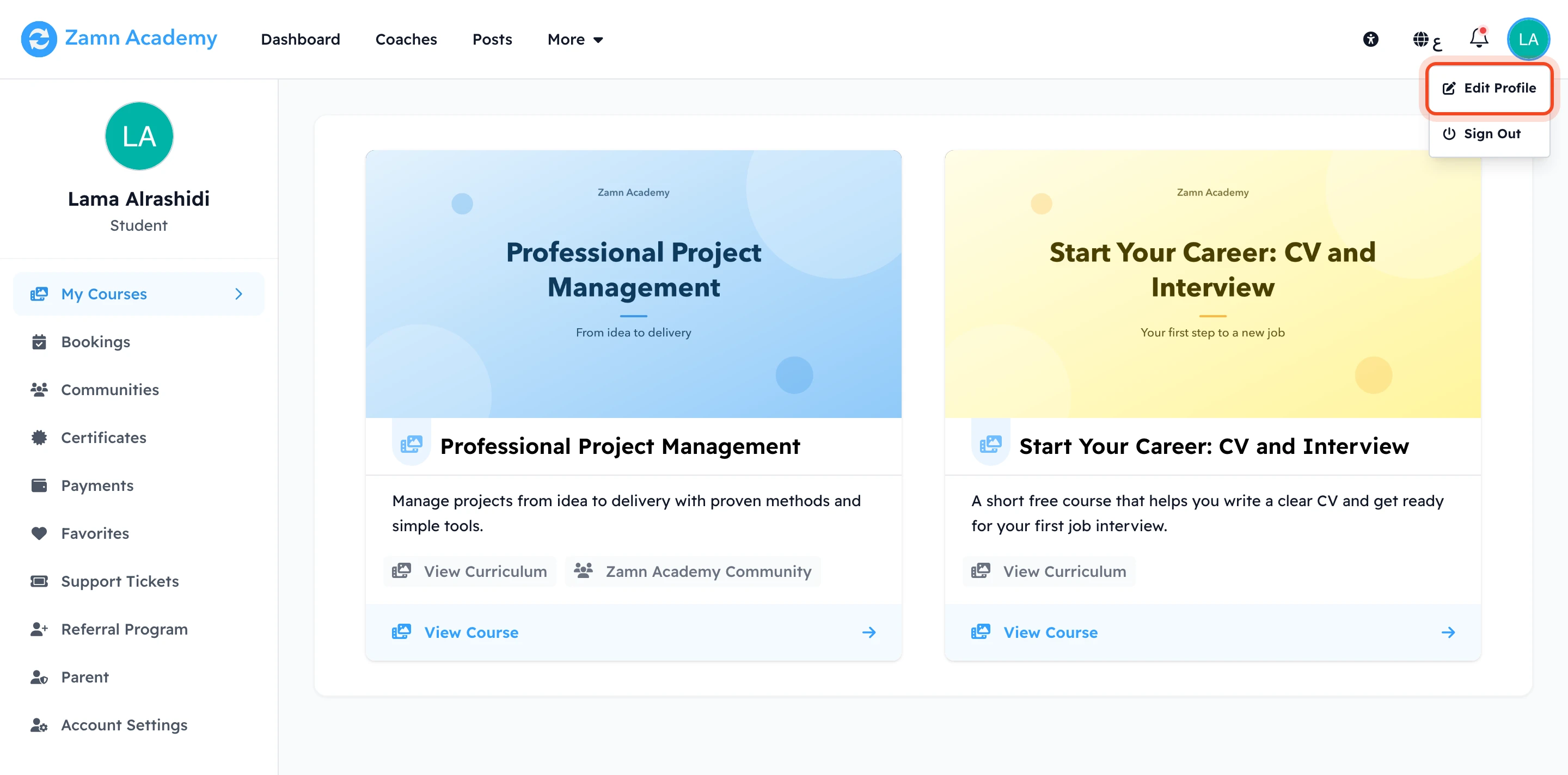
Click your profile icon in the top bar, then click Edit Profile. The Account settings page opens on the Personal info tab.
-
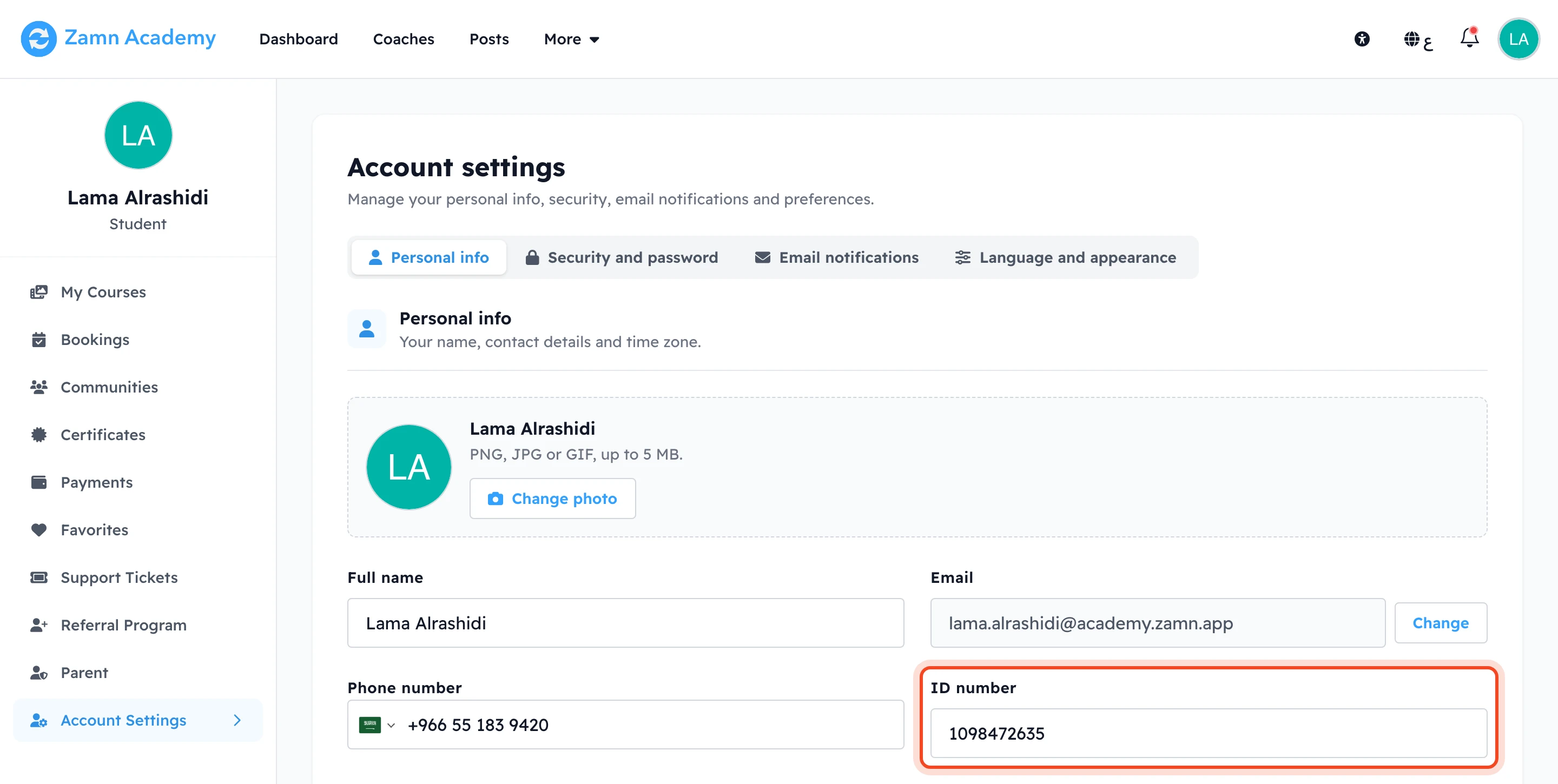
Type your ID number in the ID number field.
-
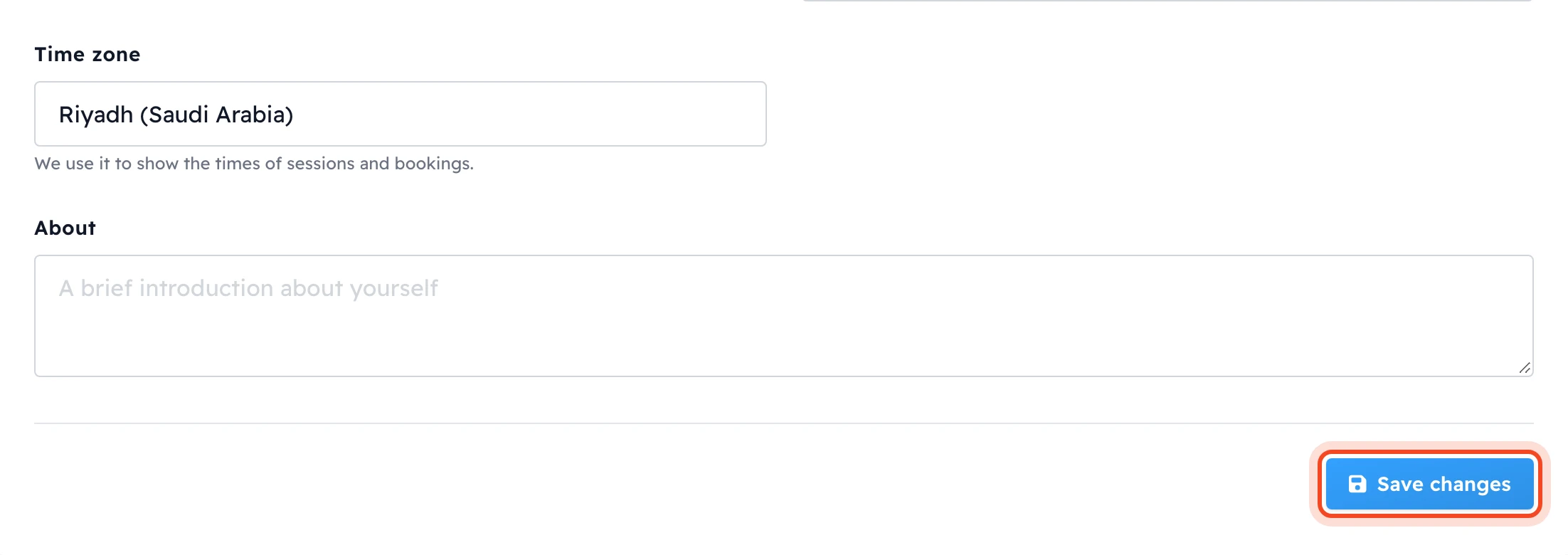
Click Save changes at the bottom of the tab.
Note
If your account already has an ID number and you are enrolled as a student in a course, you cannot change it yourself. Contact the platform administration if you need to update it.