Add your phone number to your account
Add your phone number to your account on the platform, so you can sign in with WhatsApp.
How to add your phone number
-
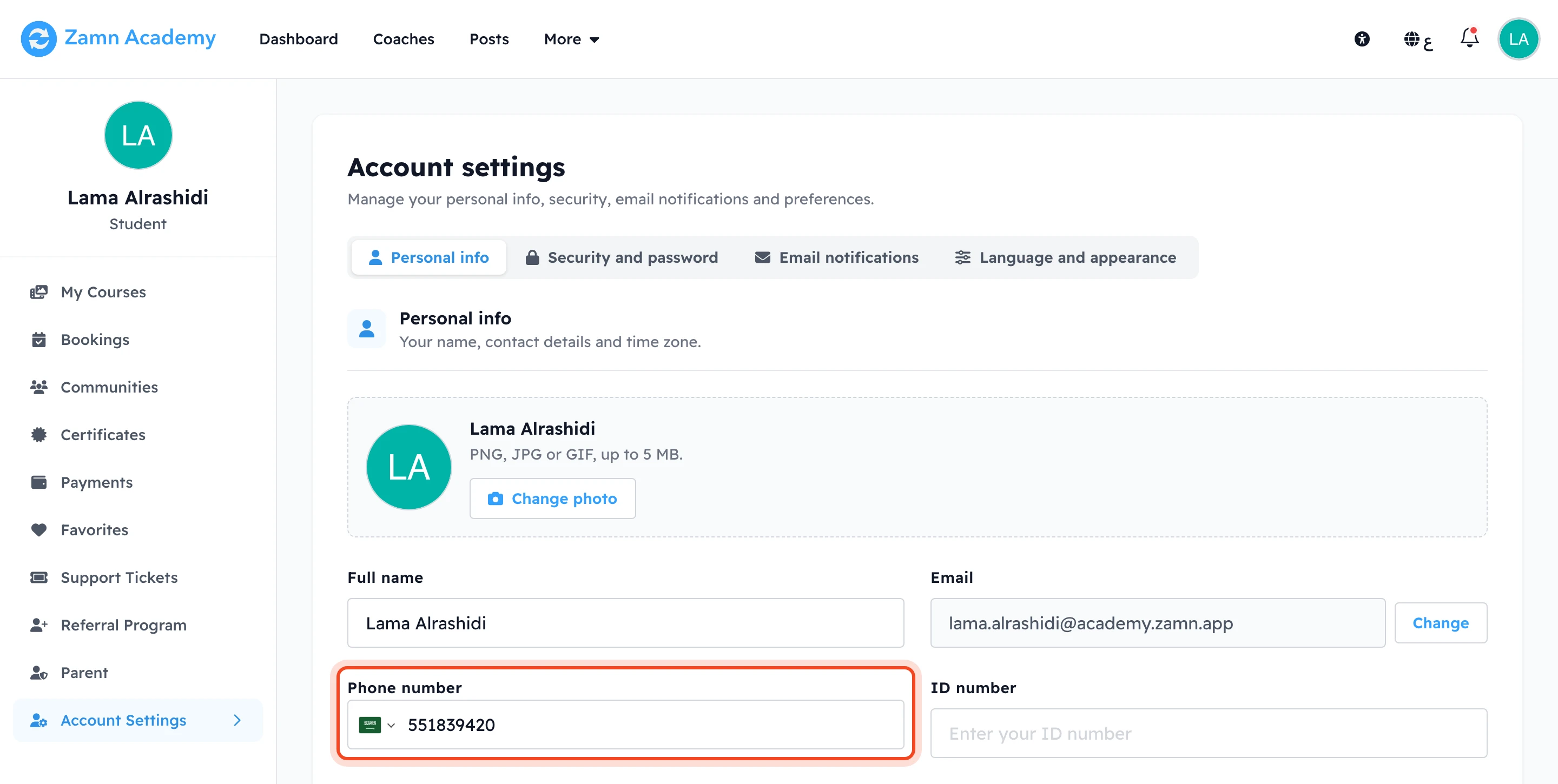
Click your profile icon in the top bar, then click Edit Profile. The Account settings page opens on the Personal info tab.

-
In the Phone number field, pick your country from the flag list (Saudi Arabia is already chosen), then type your number. Use the number that has WhatsApp.
-
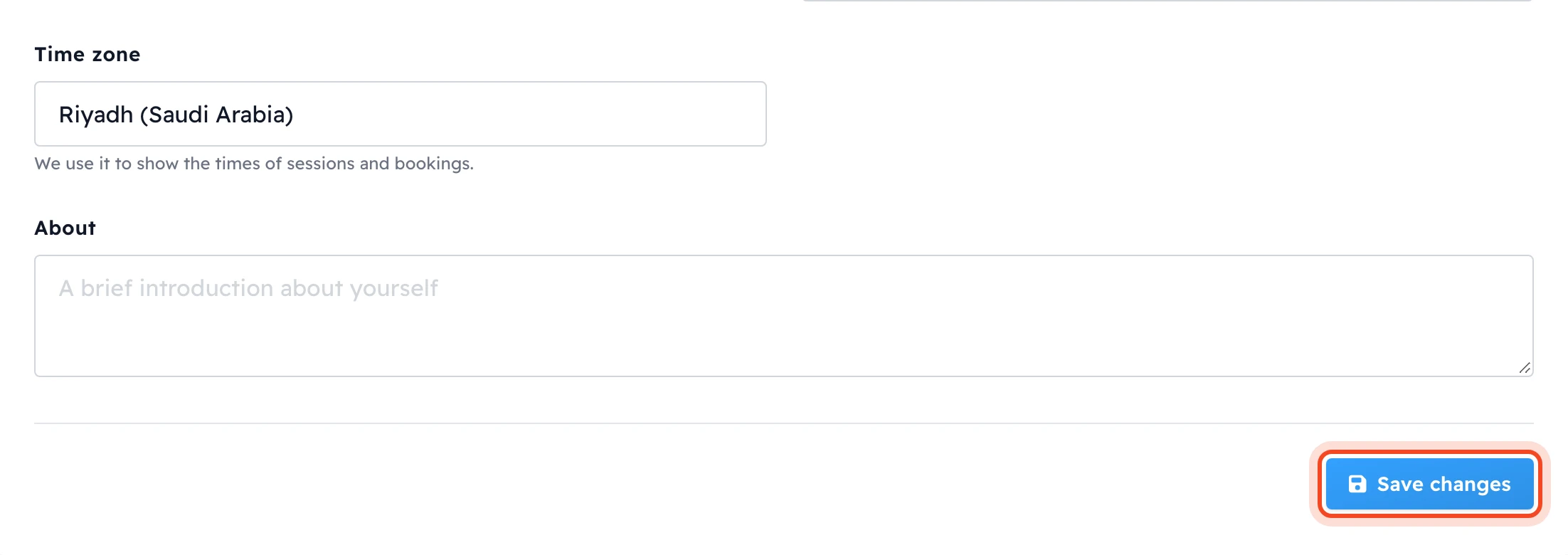
Click Save changes at the bottom of the tab.
After you save, you can sign in to your account with WhatsApp.
Note
If another account on the platform already uses this number, you see an error message and the number is not saved. In this case, sign in with this number or use a different number.