How to buy a book
You can buy the books that the platform offers and download them after you pay.
How to buy a book
-
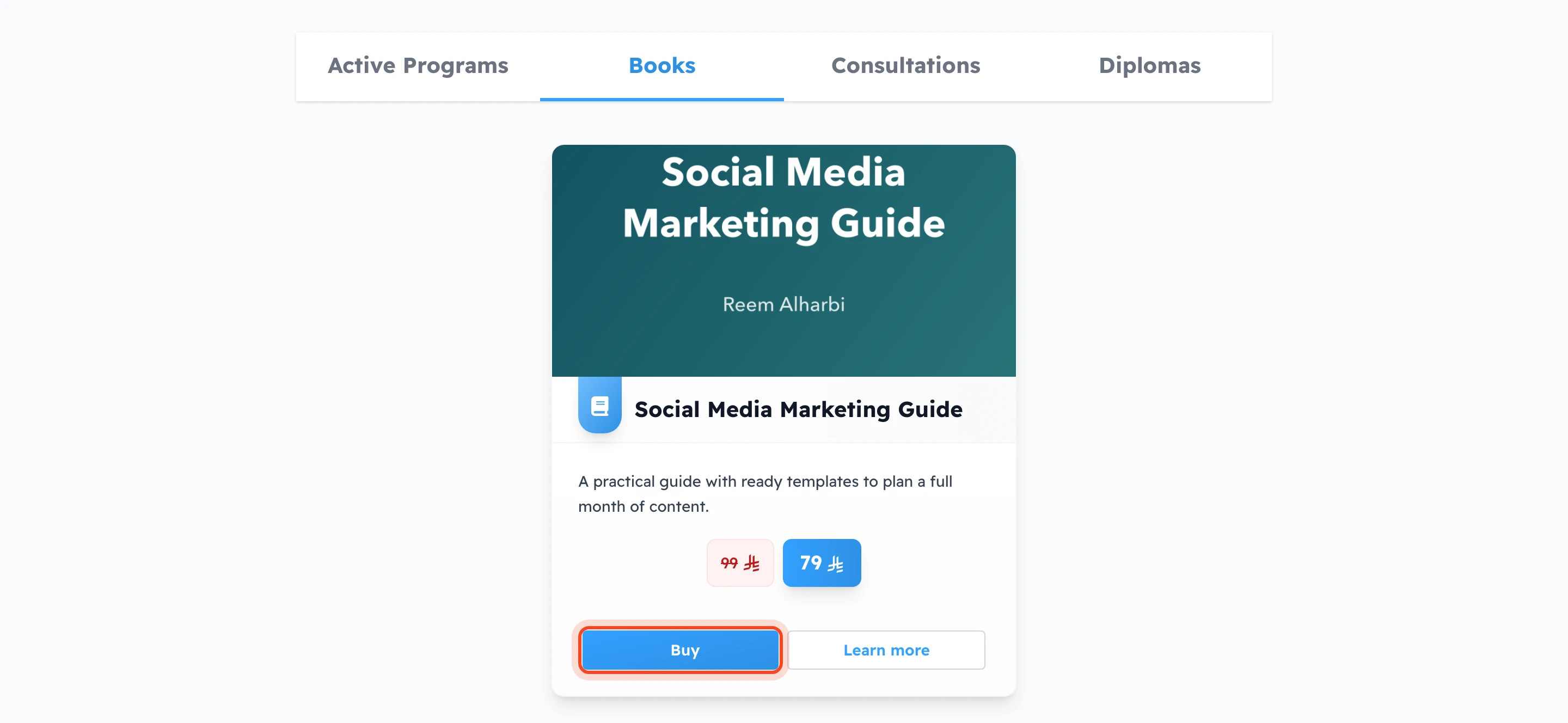
On the platform home page, go to the Books section and click Buy for the book you want. You can also click Buy on the book's own page.
-
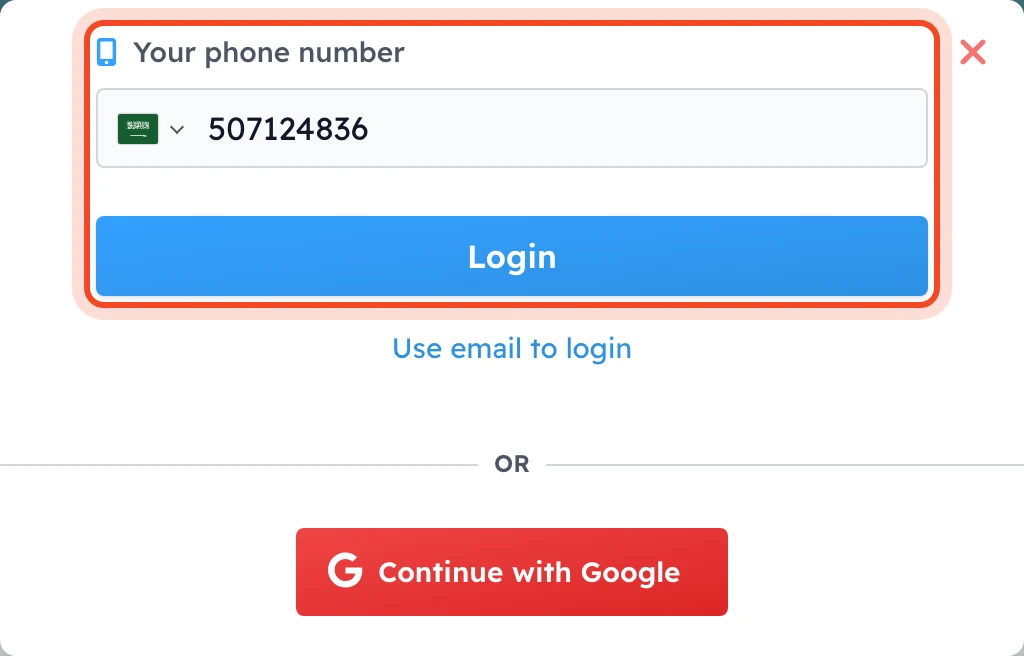
Type your phone number in the Your phone number field, or click Use email to login and type your email in the Your email field. Then click Login.
-
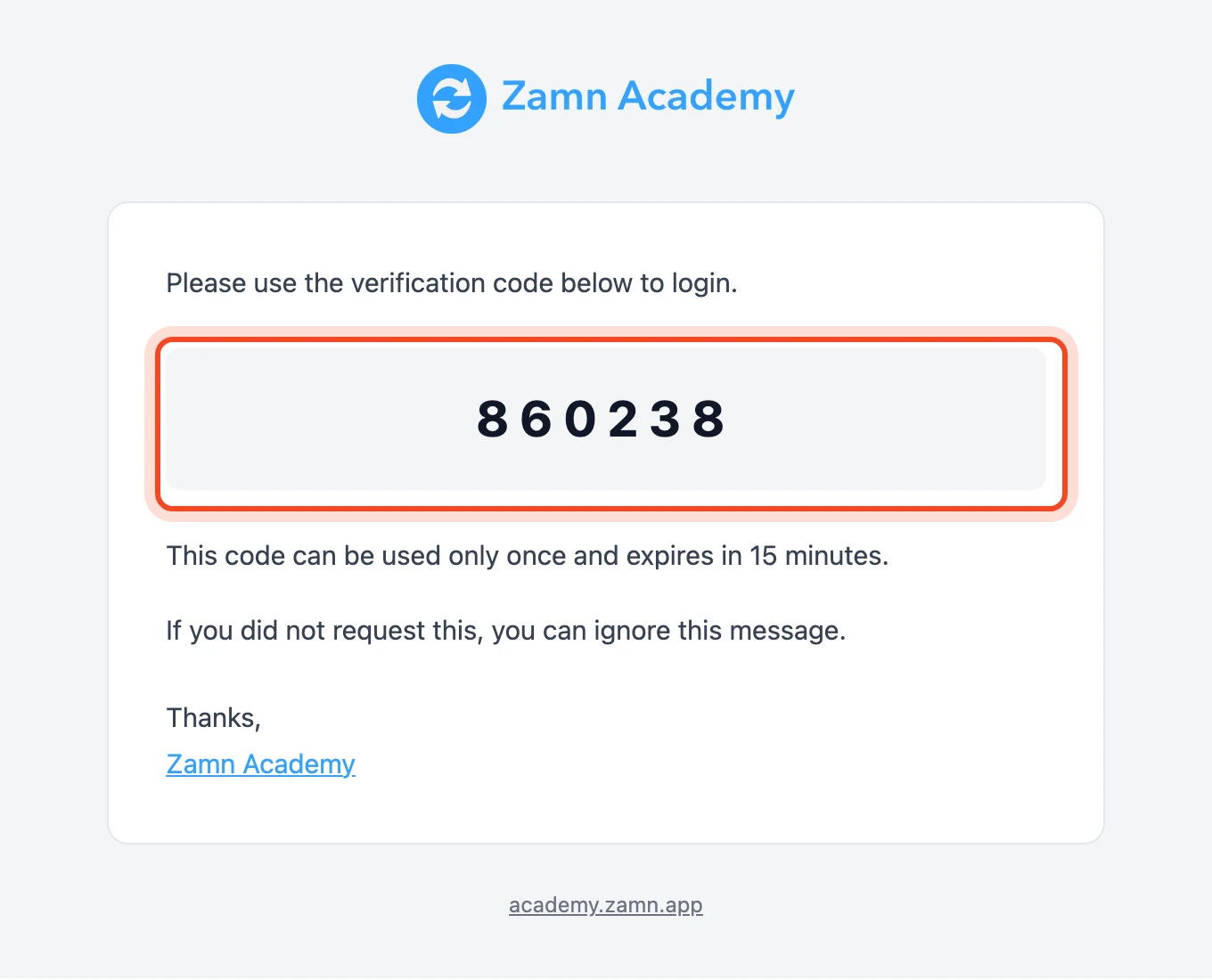
Open the message with the verification code and copy the code. If you used email, check all folders of your mailbox (Inbox and Spam). If you used your phone number, the code comes by text message or on WhatsApp.
-
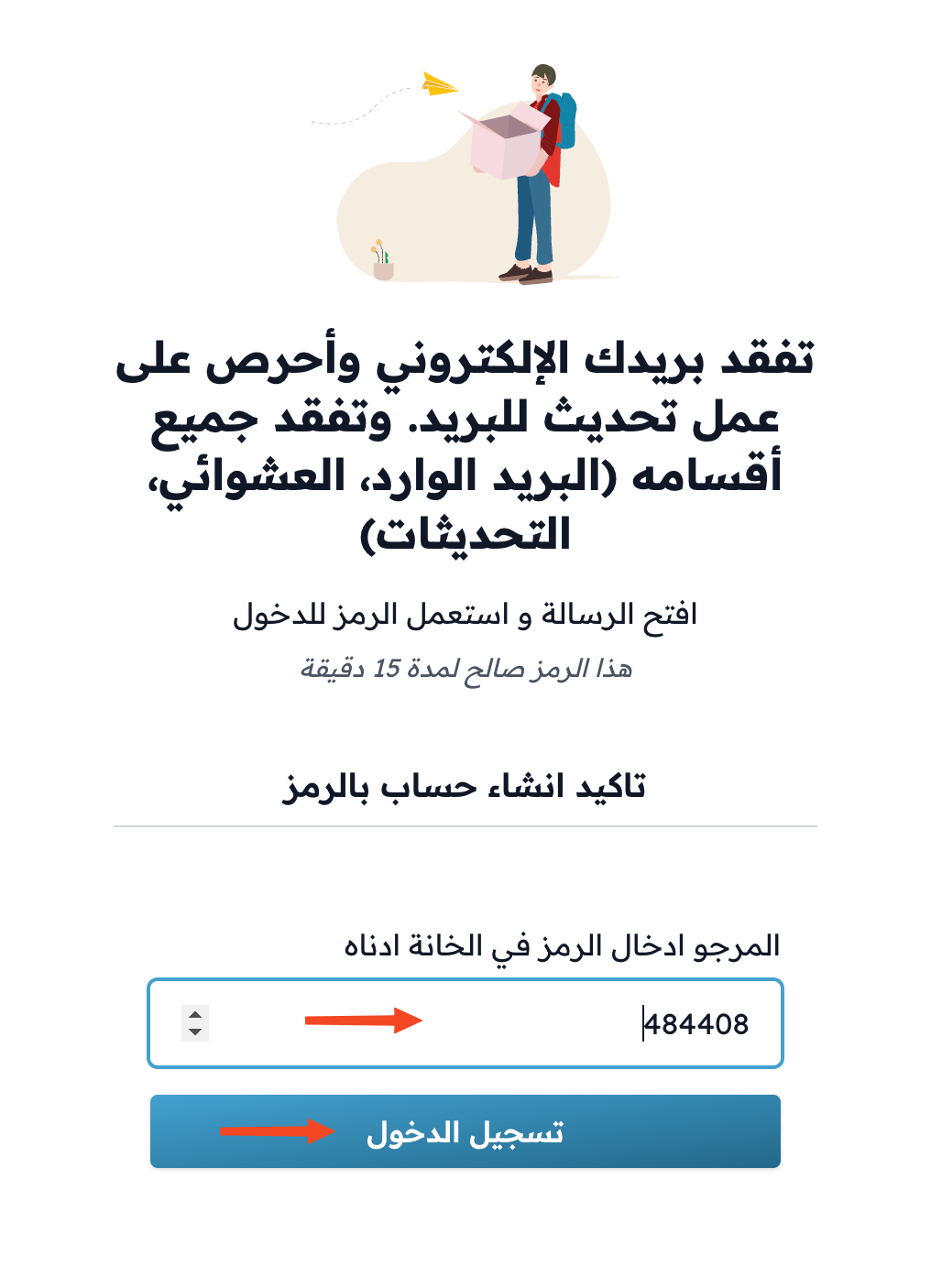
Type the code in the code field. The code is checked as soon as all 6 digits are entered, without clicking any button.
-
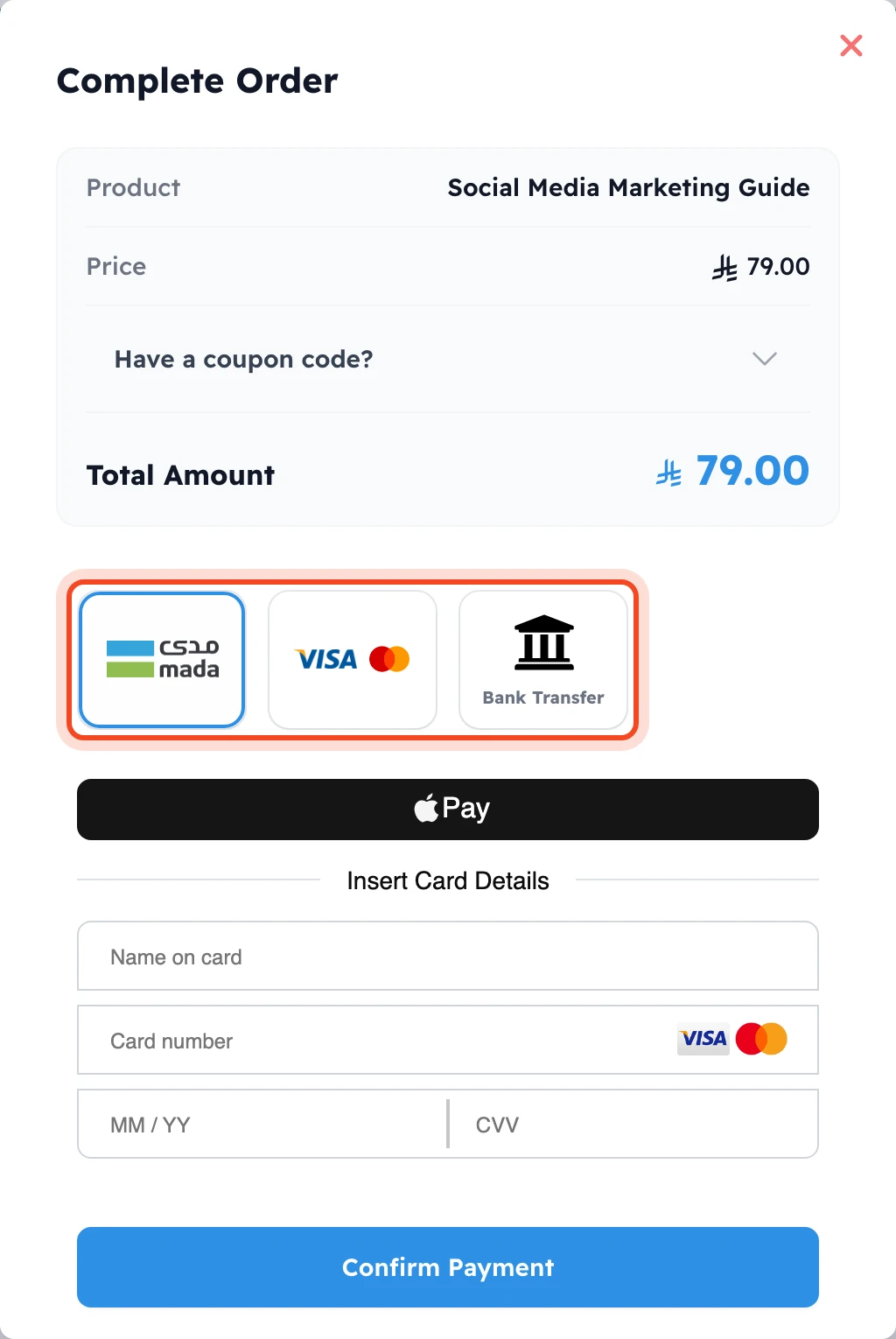
The Complete Order window opens. Choose a payment method. If you see the I have read and agree to the option with a link to the terms, tick it.
-
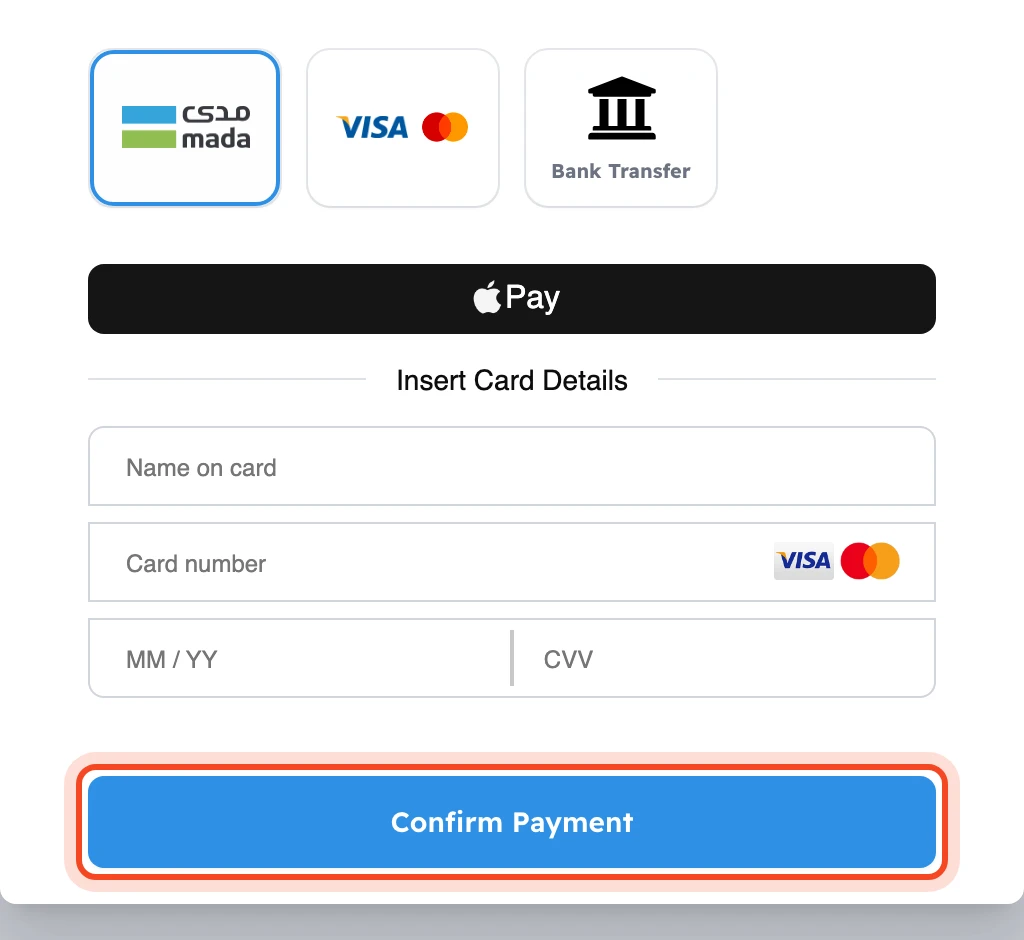
Enter your card details, then click Confirm Payment. On some platforms, you click Pay with instead, then enter your card details on the next page.
-
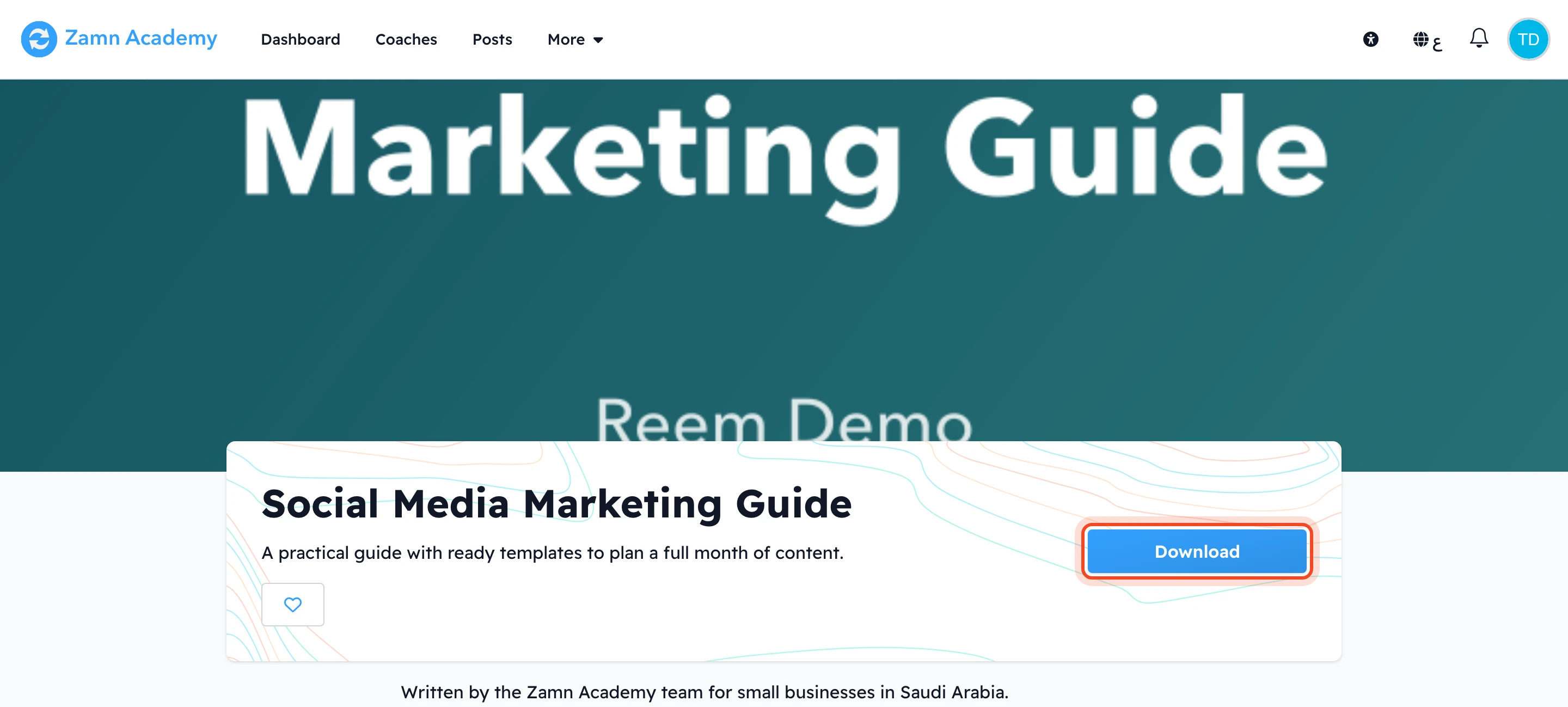
After the payment is confirmed, click Download on the book page to download the book.
If you are already signed in to the platform, the Complete Order window opens right after you click Buy. Go to step 5.
On some platforms you can buy the book as a guest without signing in. You enter your Full Name and Email only, and your account is created automatically after payment.