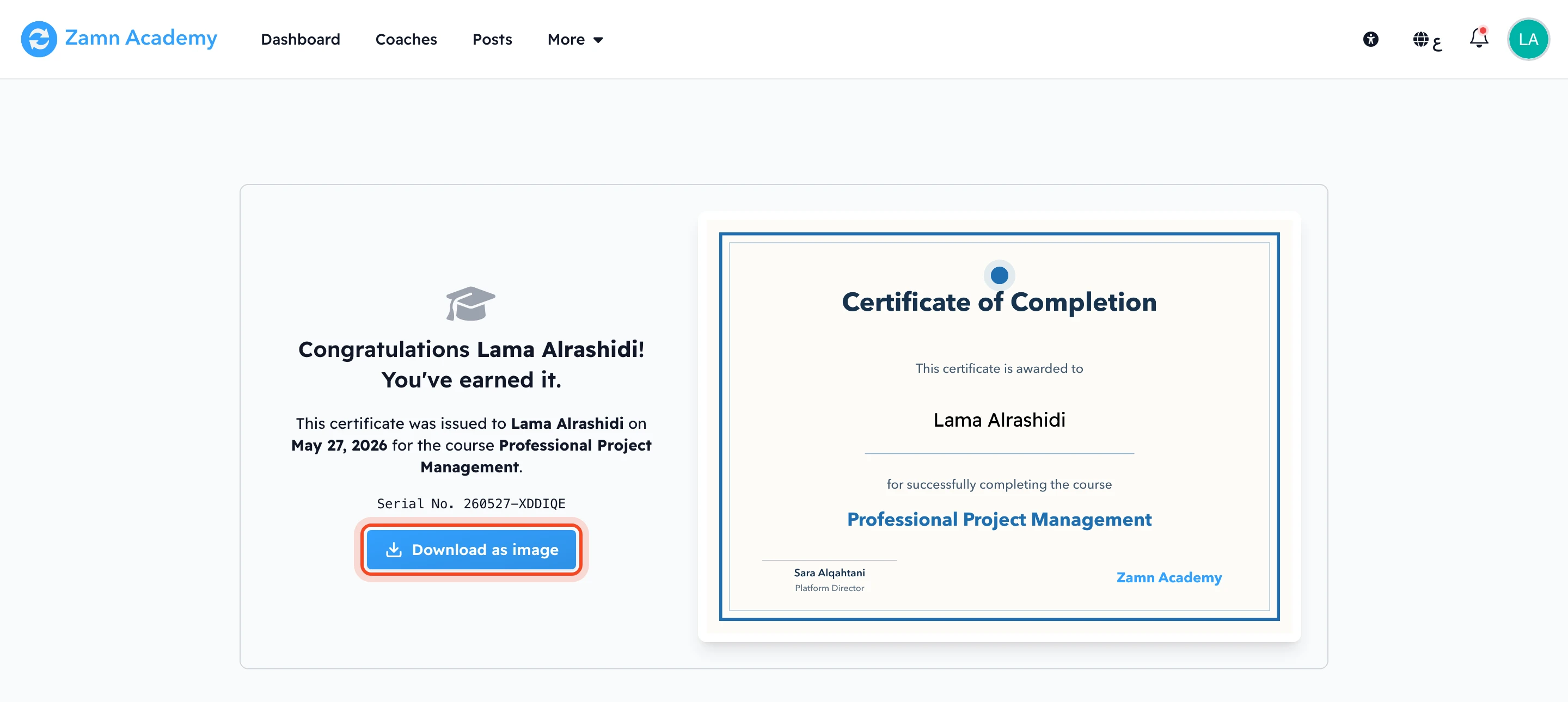
Get your certificate
After your certificate is issued, you can open it from the course page, from the certificate email in your inbox, or from the Certificates page of your account.
Note
The certificate is issued only after you finish the course and complete all of its milestone targets.
How to get your certificate
-
Open the certificate in one of three ways:
-
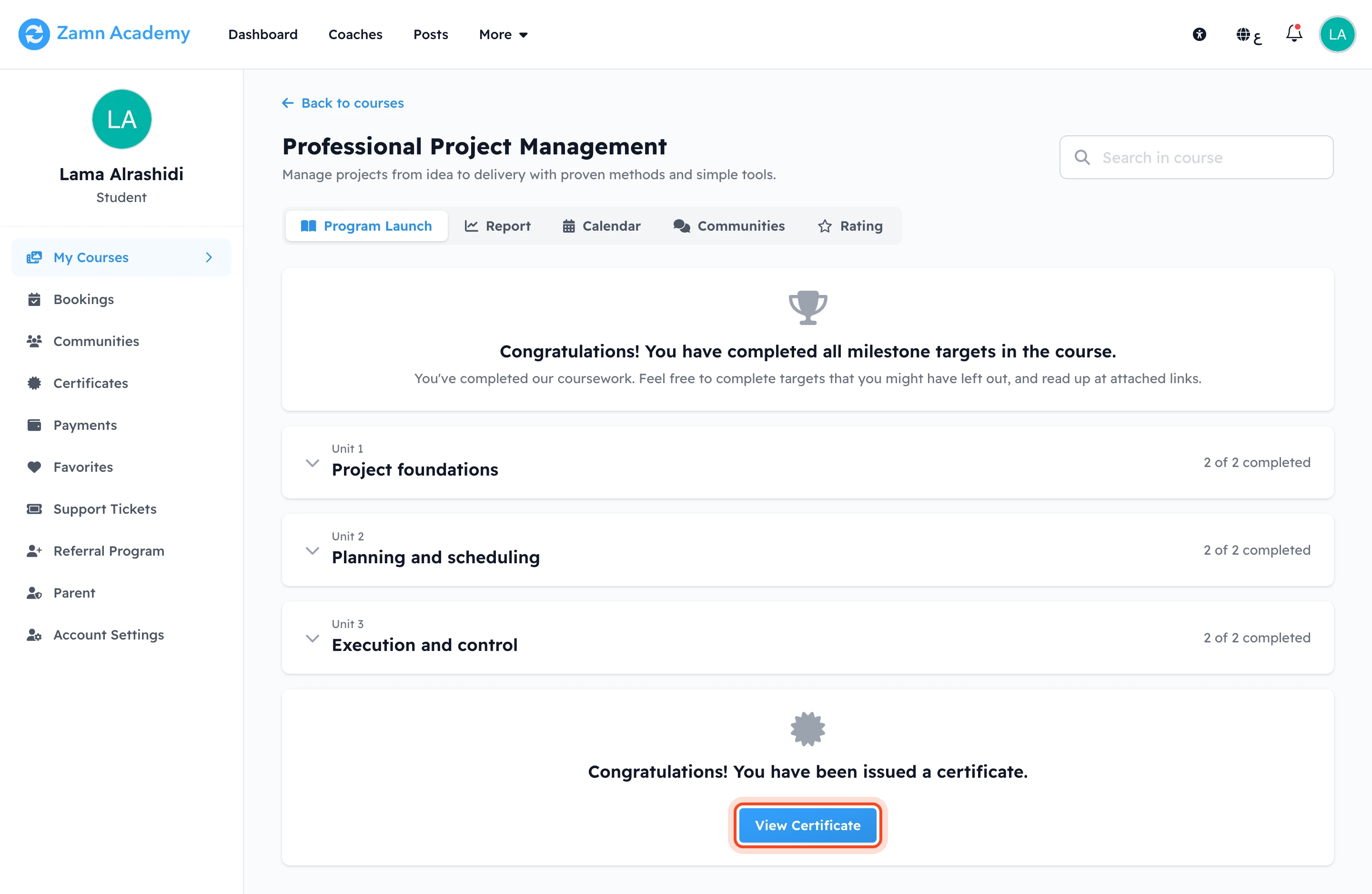
On the course page, click View Certificate on the certificate card at the bottom of the Program Launch tab, under the units.
-
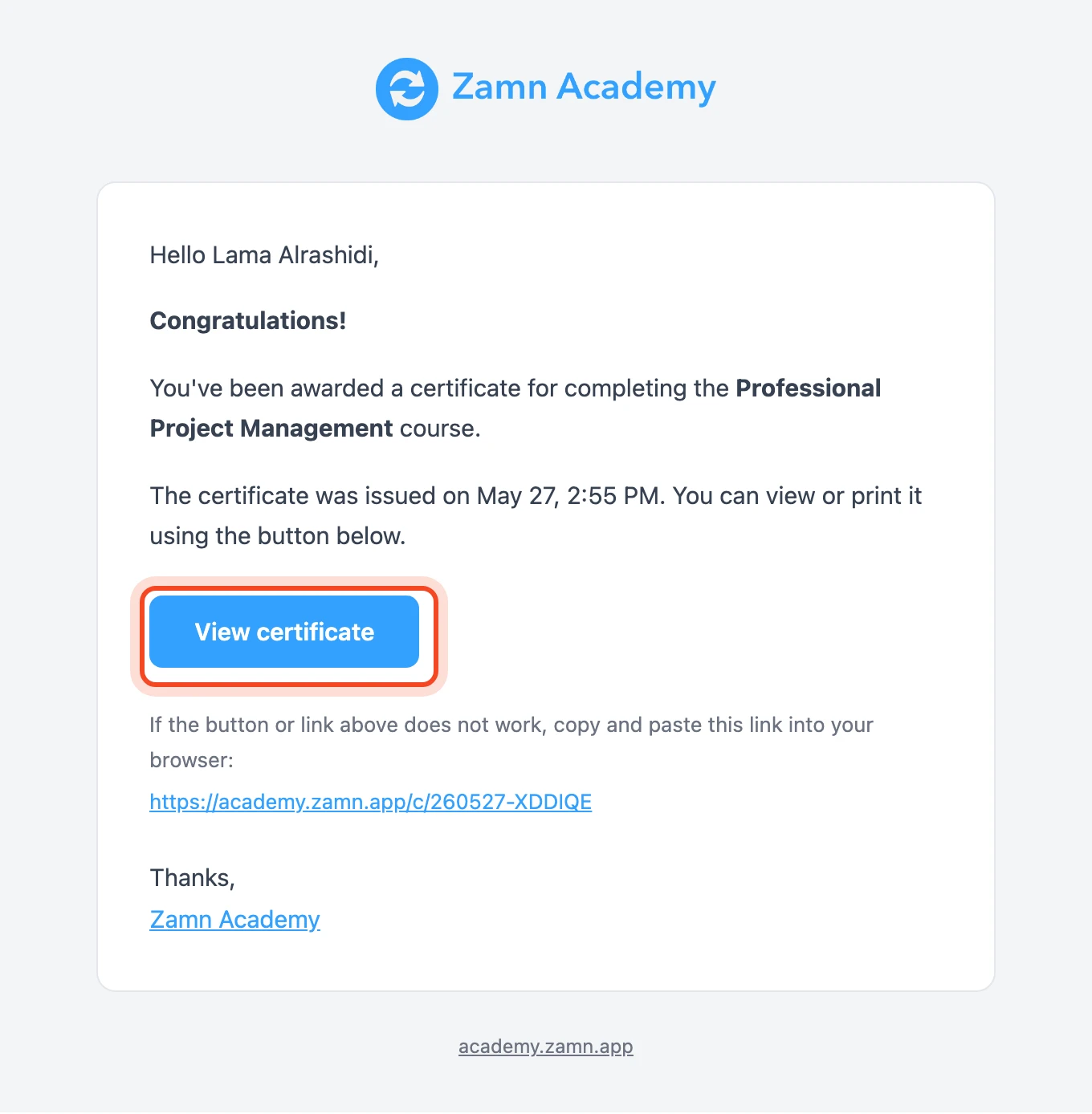
Or click the View certificate button in the certificate email you get in your inbox.
-
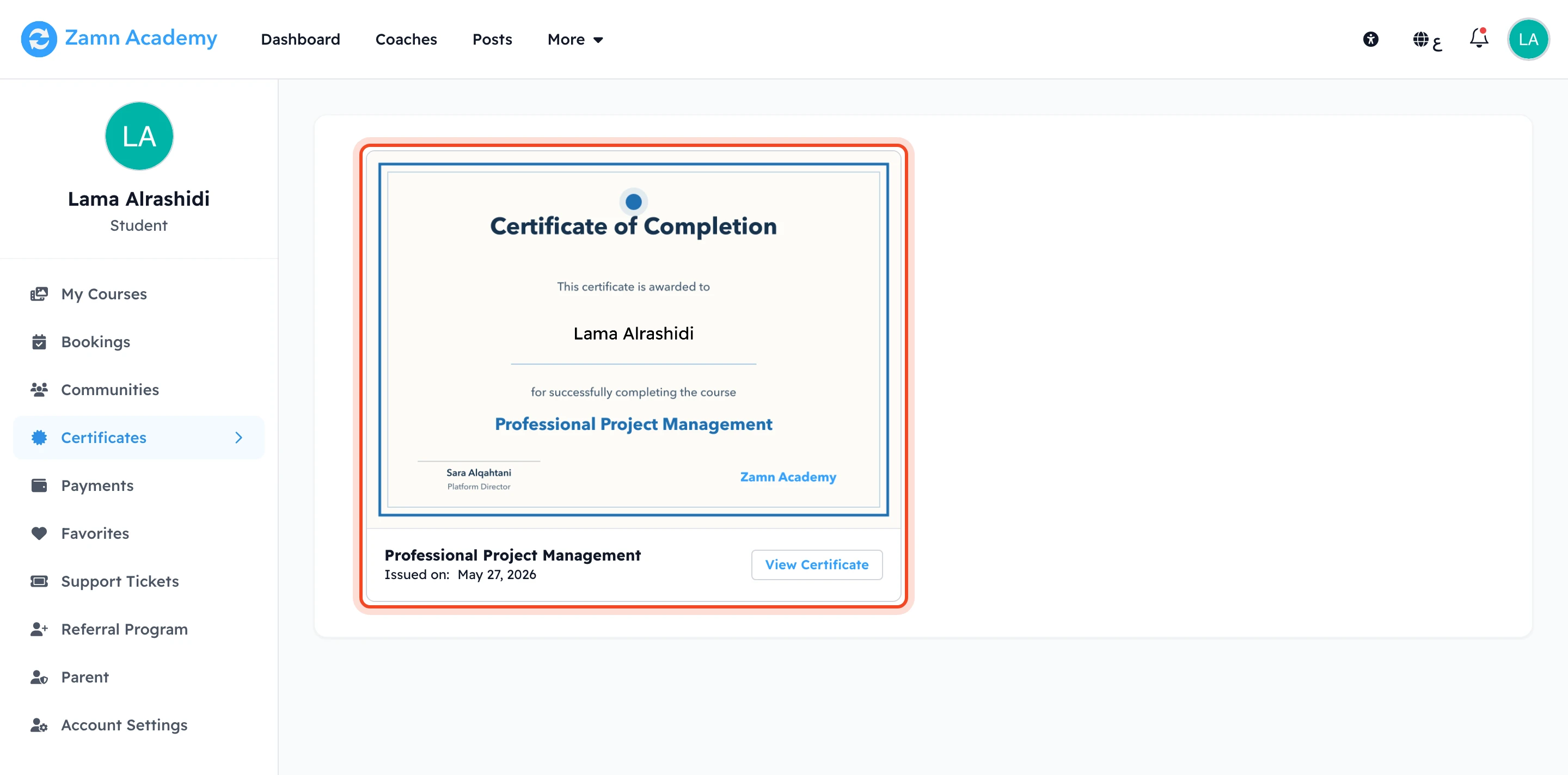
Or click Dashboard in the top menu, then Certificates in the side menu, and click the certificate card. The certificate opens in a new tab.
-
-
To download an image of the certificate, click Download as image.