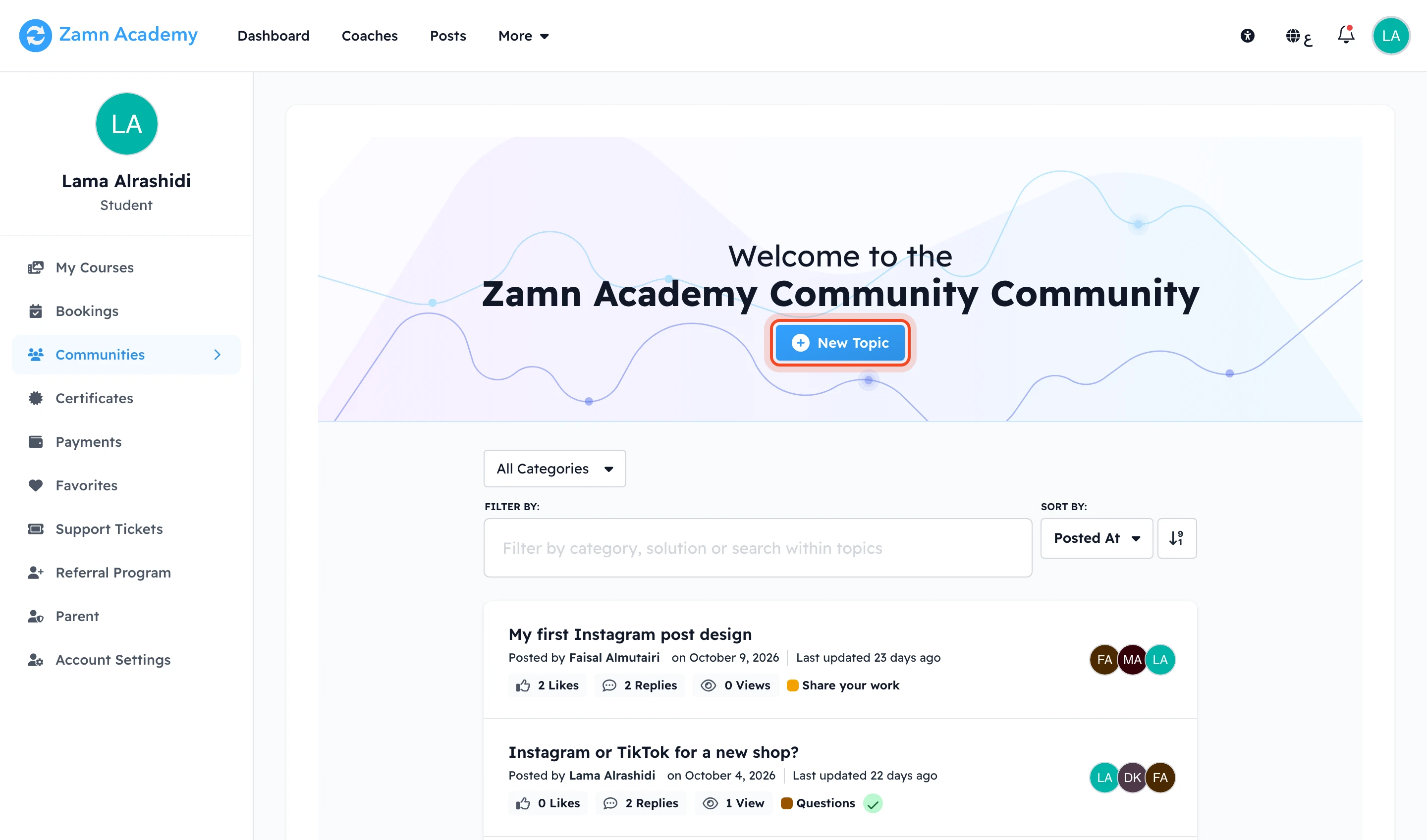
Community / discussion forum
Community / forum
A community is a place to talk and discuss things with the other students in your group. Members can add new topics and reply to topics in their communities.
How to reach the discussion community
You can reach the community in two ways:
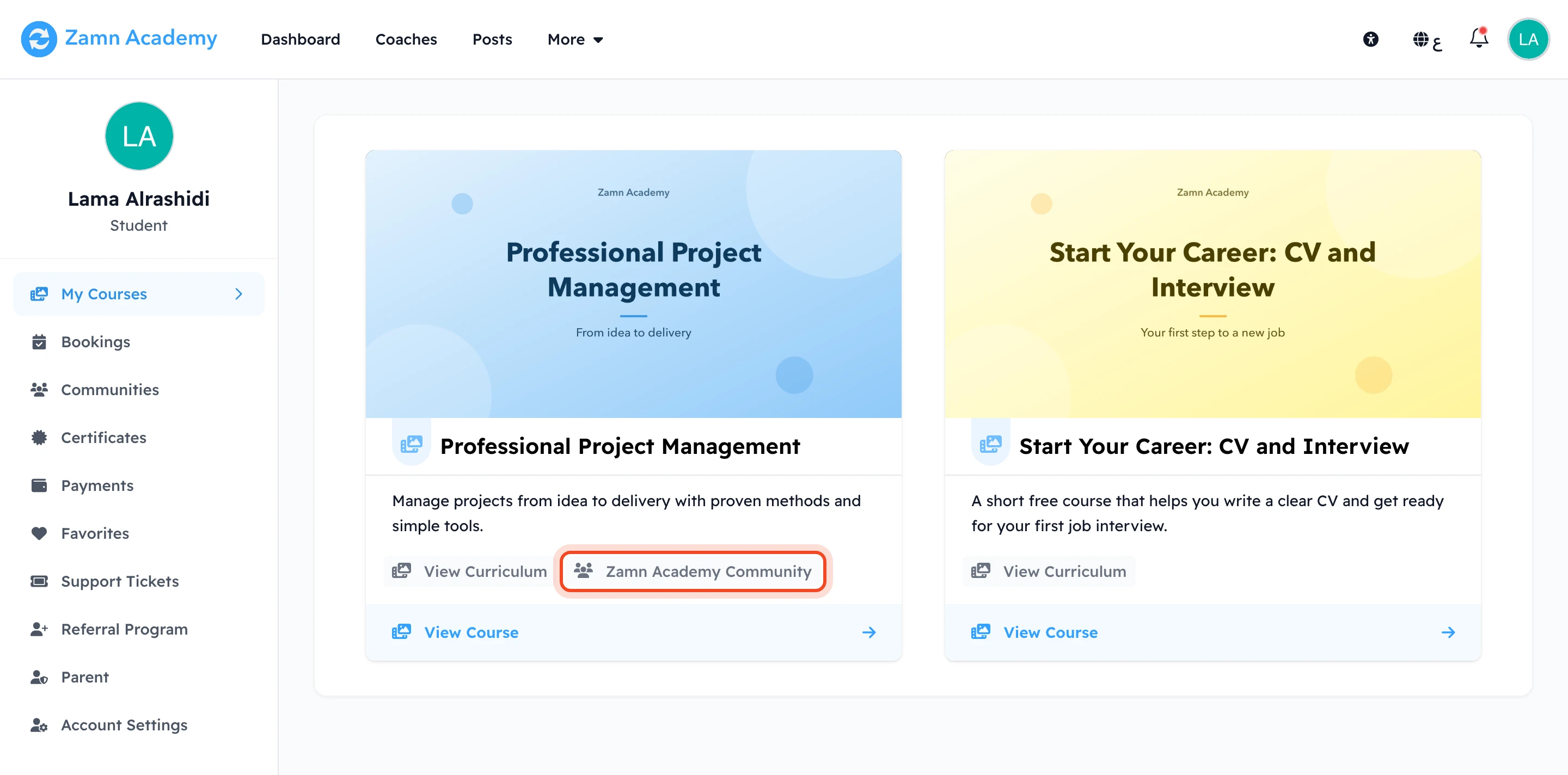
- From the course: click the community name on the course card on the My Courses page, or click the Communities tab at the top of the course page.
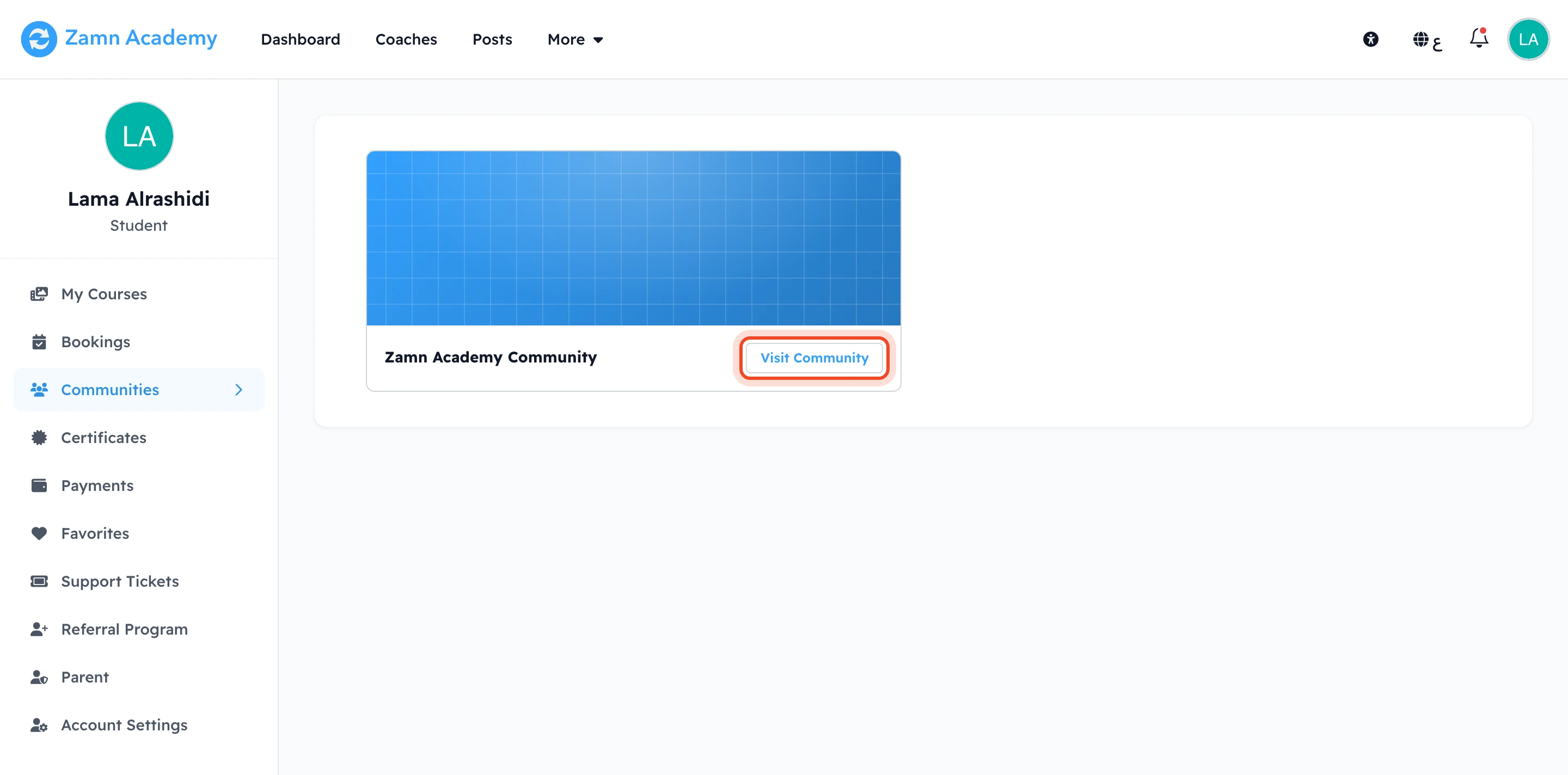
- From the Communities page in the side menu of your Dashboard, which shows all discussion communities. Click Visit Community on the card of the community you want.
Can a student create a community?
A student cannot create a community. A student can only take part in it: add a new topic with the New Topic button, or reply to topics that are already there.