Export a sales invoice (for students)
You can download an invoice for any product you bought on the platform, from the Payments page in your Dashboard.
Note
To export invoices, the platform admin must add the VAT registration number.
How to export a sales invoice
-
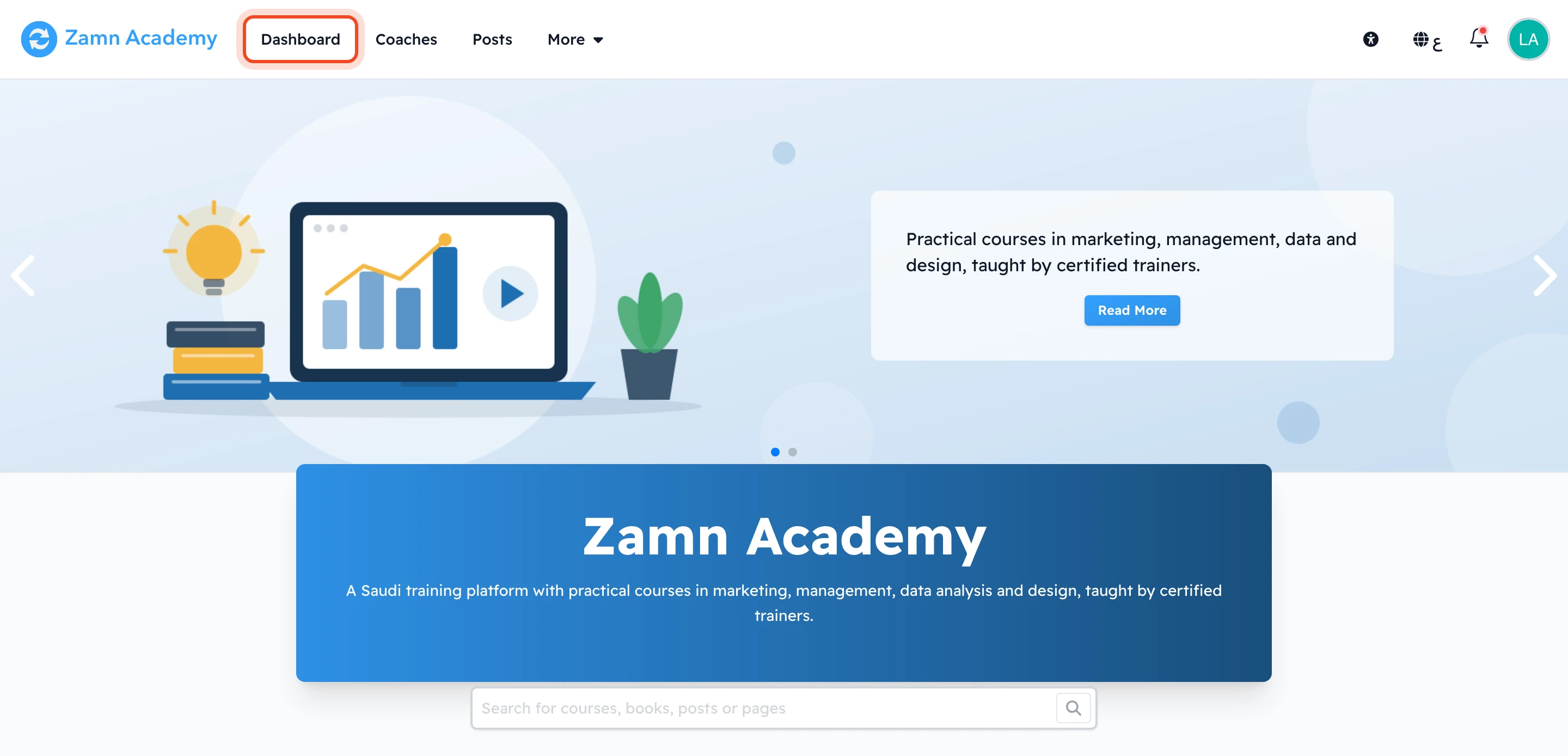
Go to the Dashboard page.
-
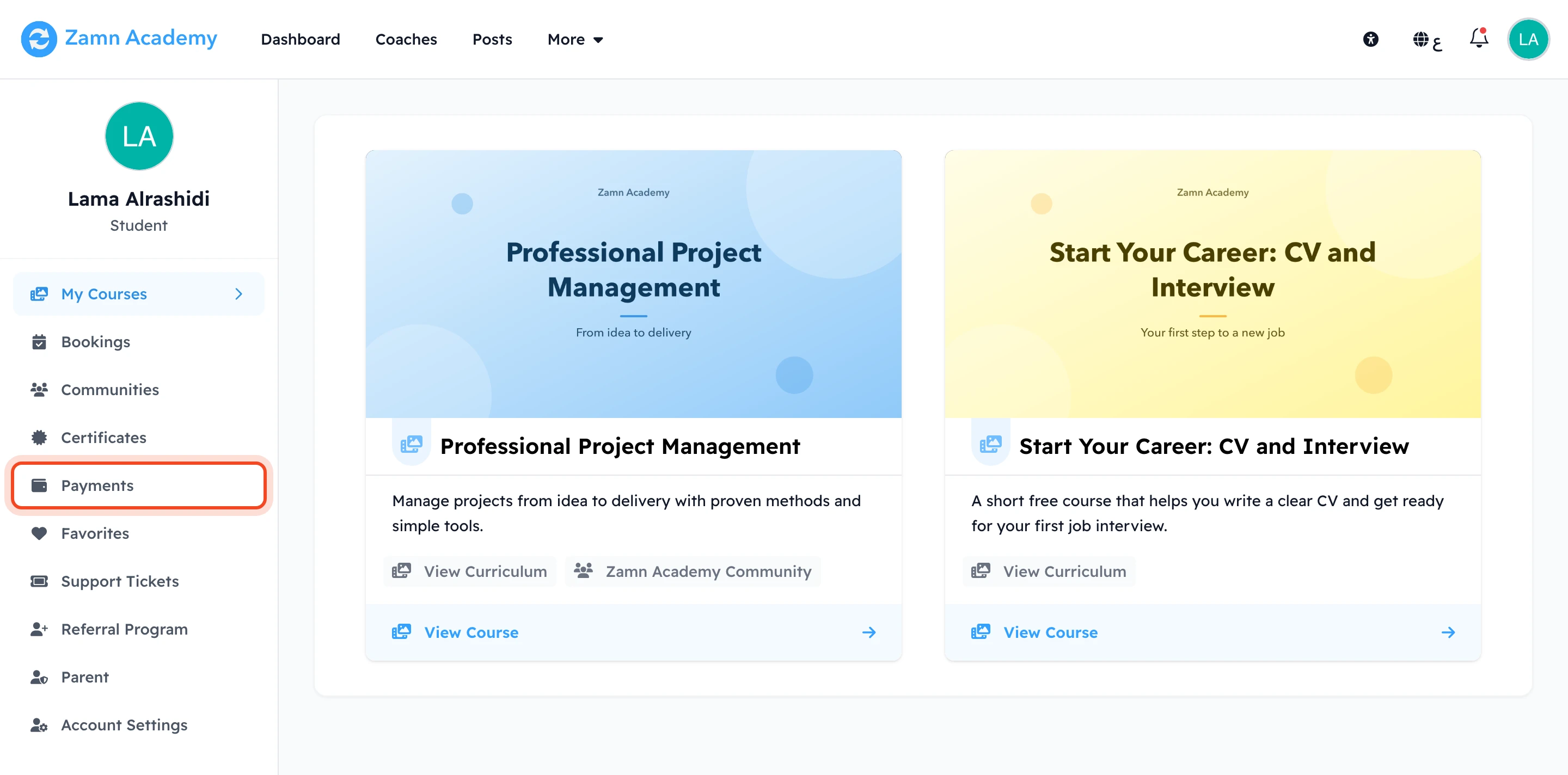
Choose Payments from the side menu.
-
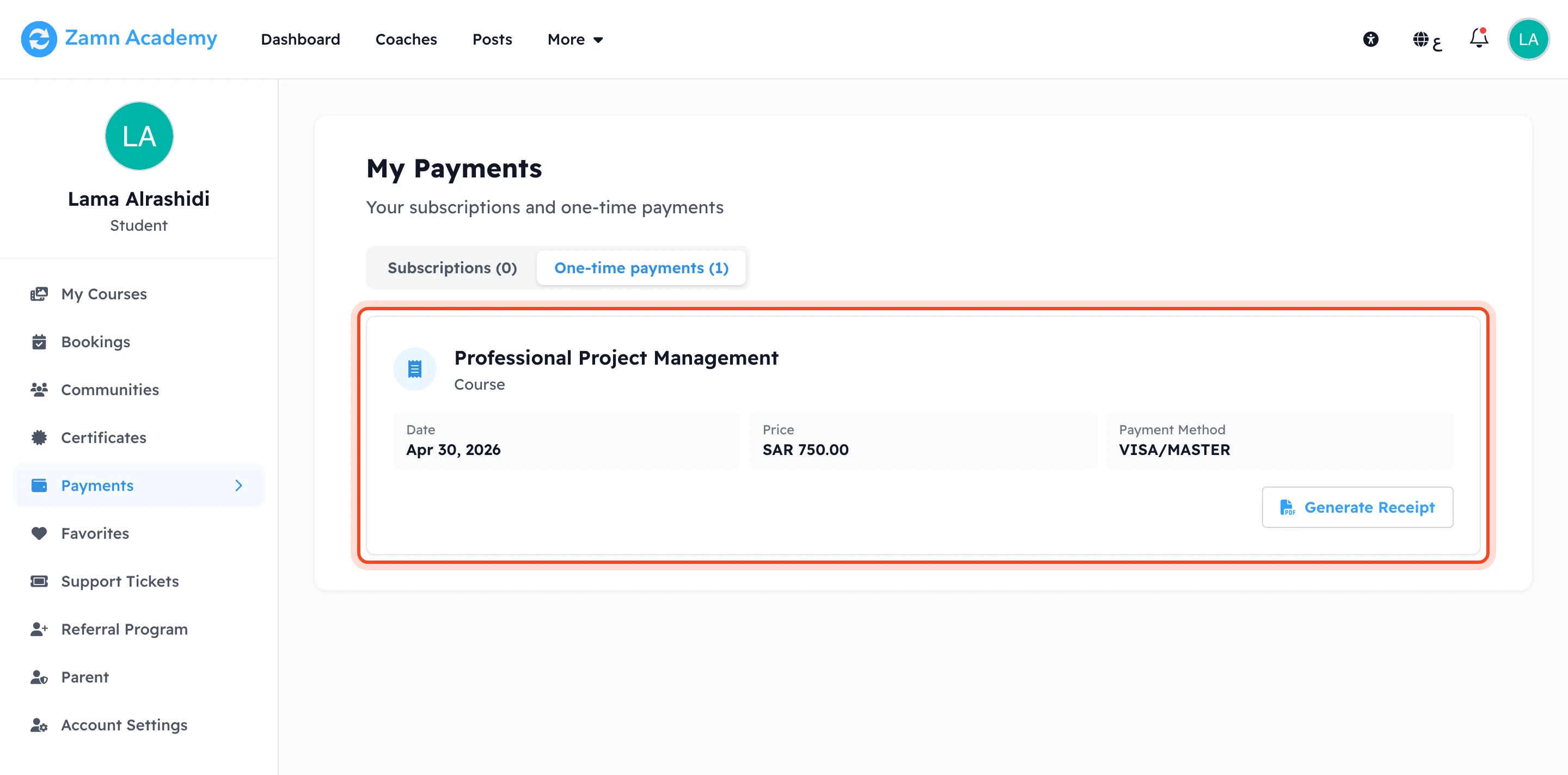
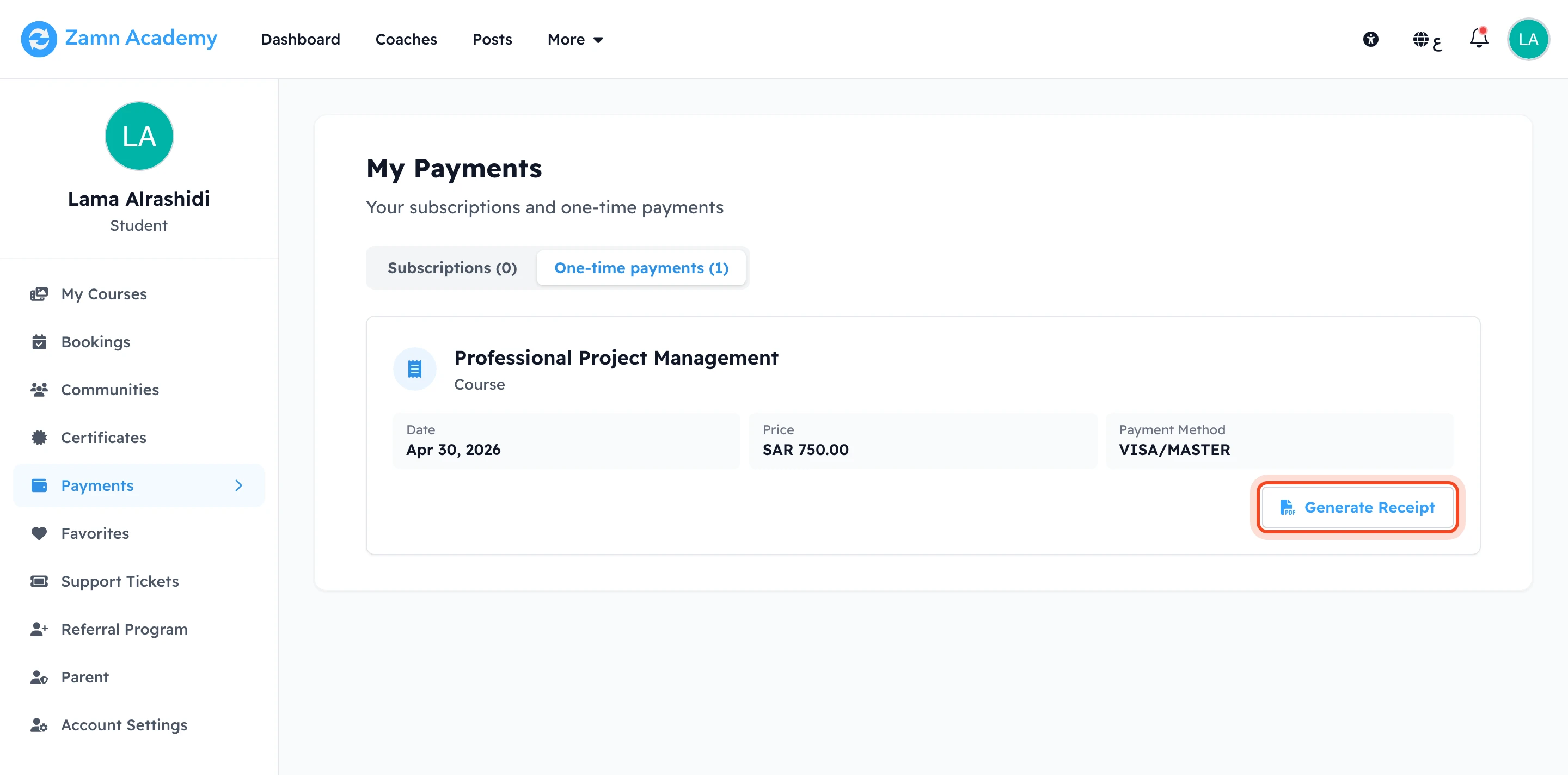
Find the product you want an invoice for in the My Payments list. A product you paid for one time is in the One-time payments tab.
-
Click Generate Receipt at the bottom of the product card to get the invoice ready to download.
-
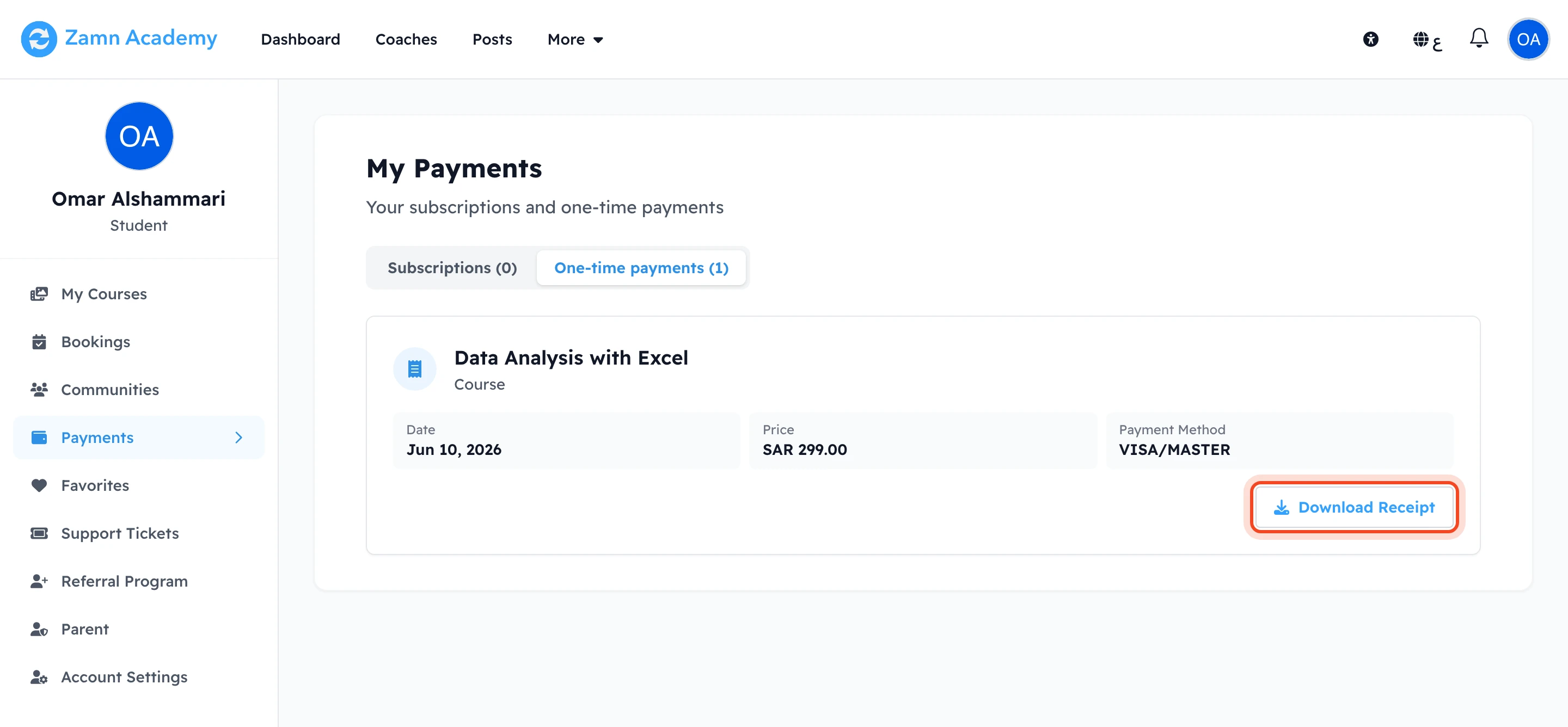
When it is ready, click Download Receipt to save the invoice on your device.