Sign up on the platform (enroll in a free program)
When you get a link to a platform with training programs, or a direct link to a program, enroll in the program to get an account on the platform and start following the program.
Steps to enroll in the program
-
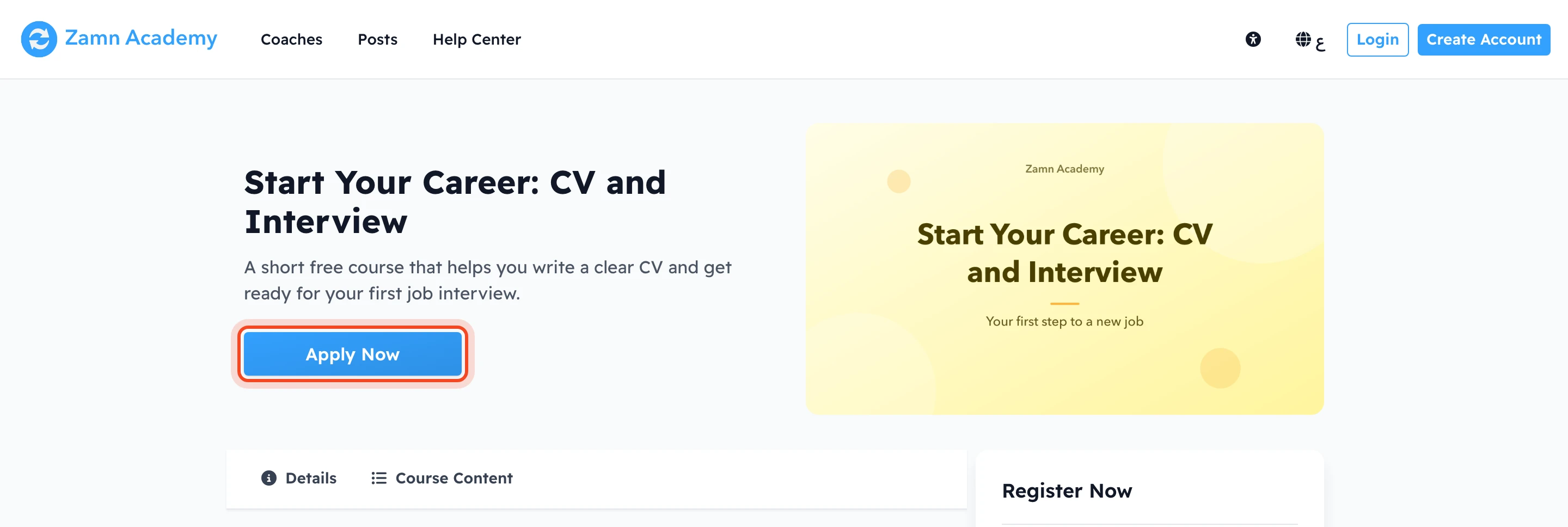
On the program page, click Apply Now.
-
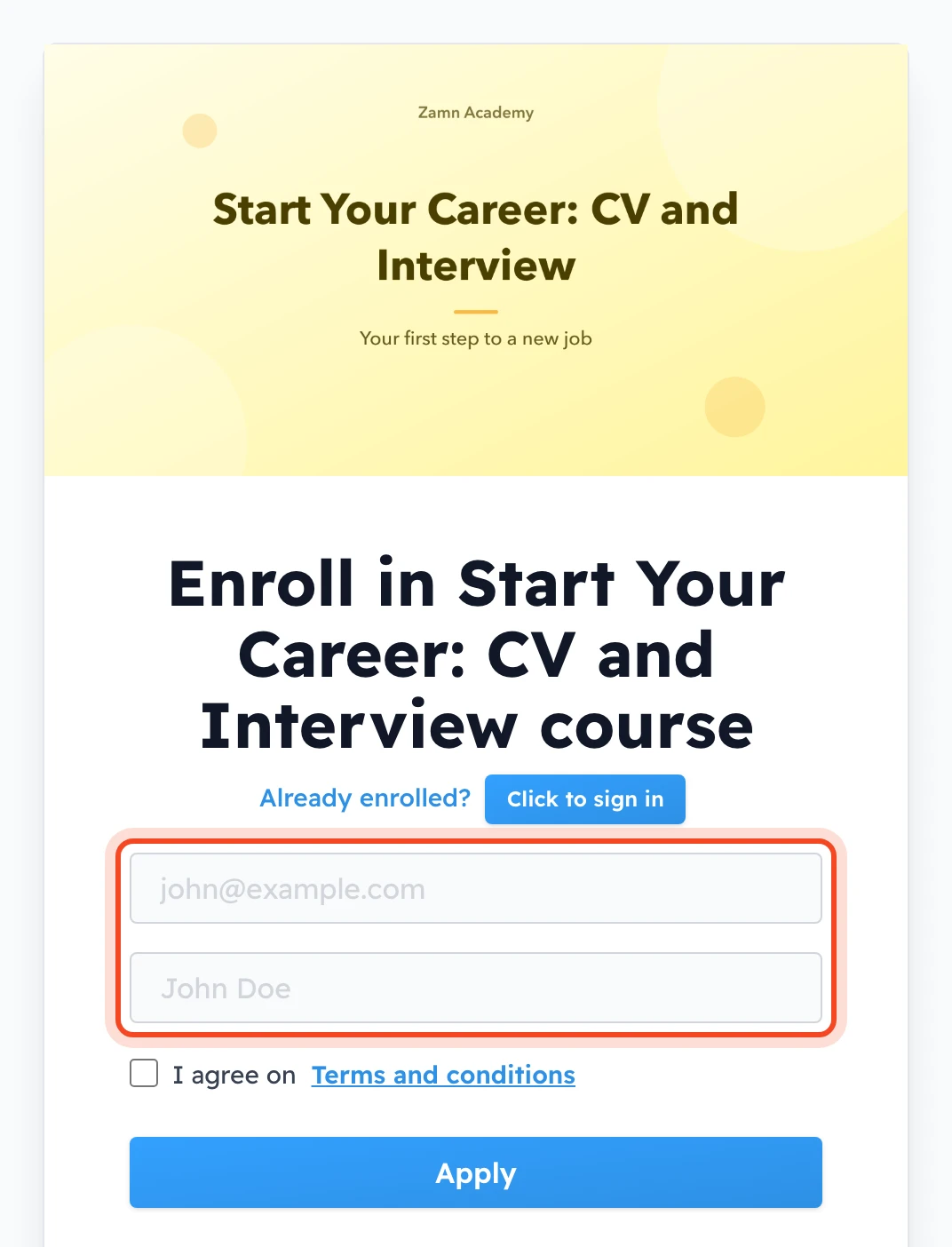
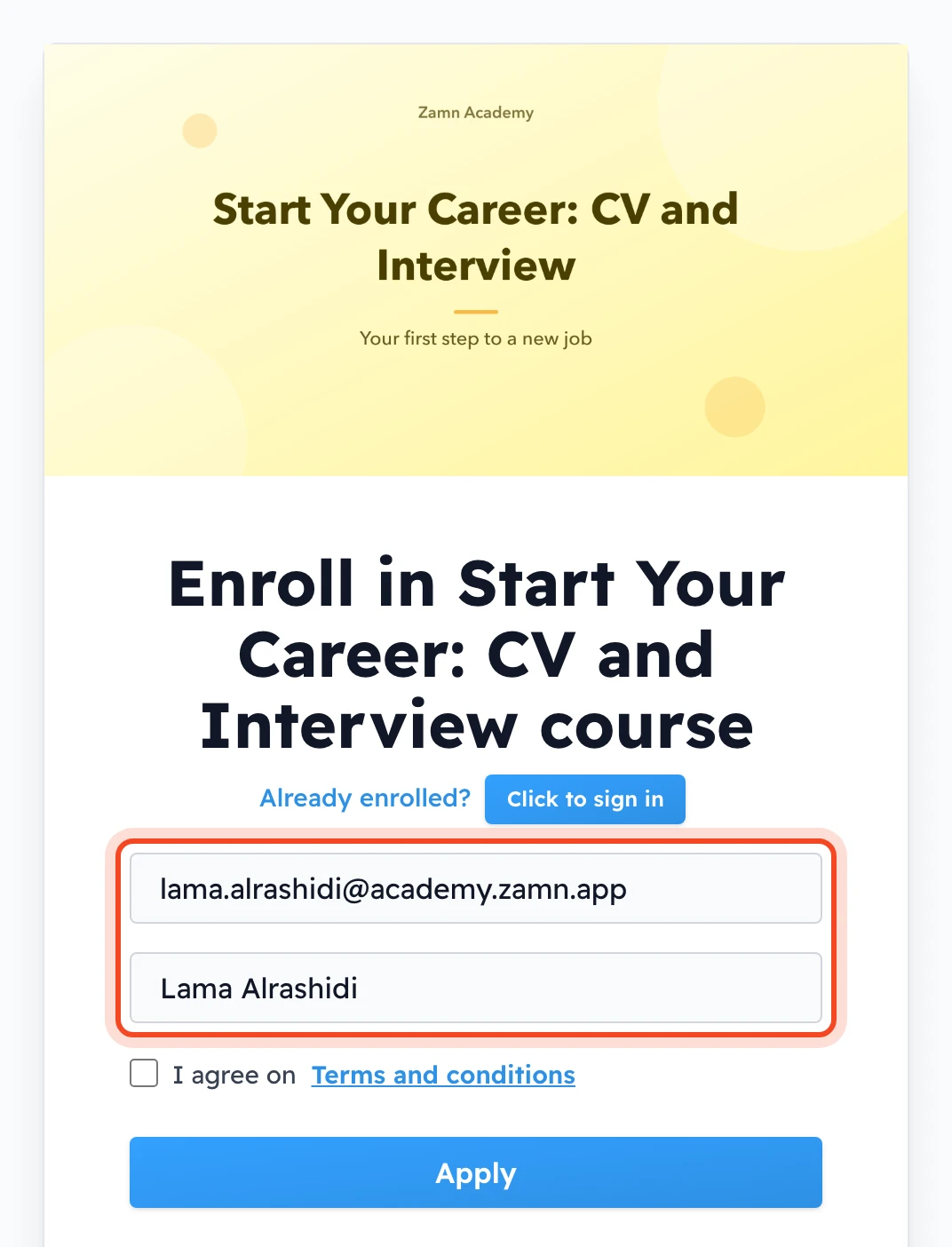
Enter your email and your full name.
-
If you see an I agree on box for the terms and conditions, tick it.
-
Click Apply to get a verification code in your email.

-
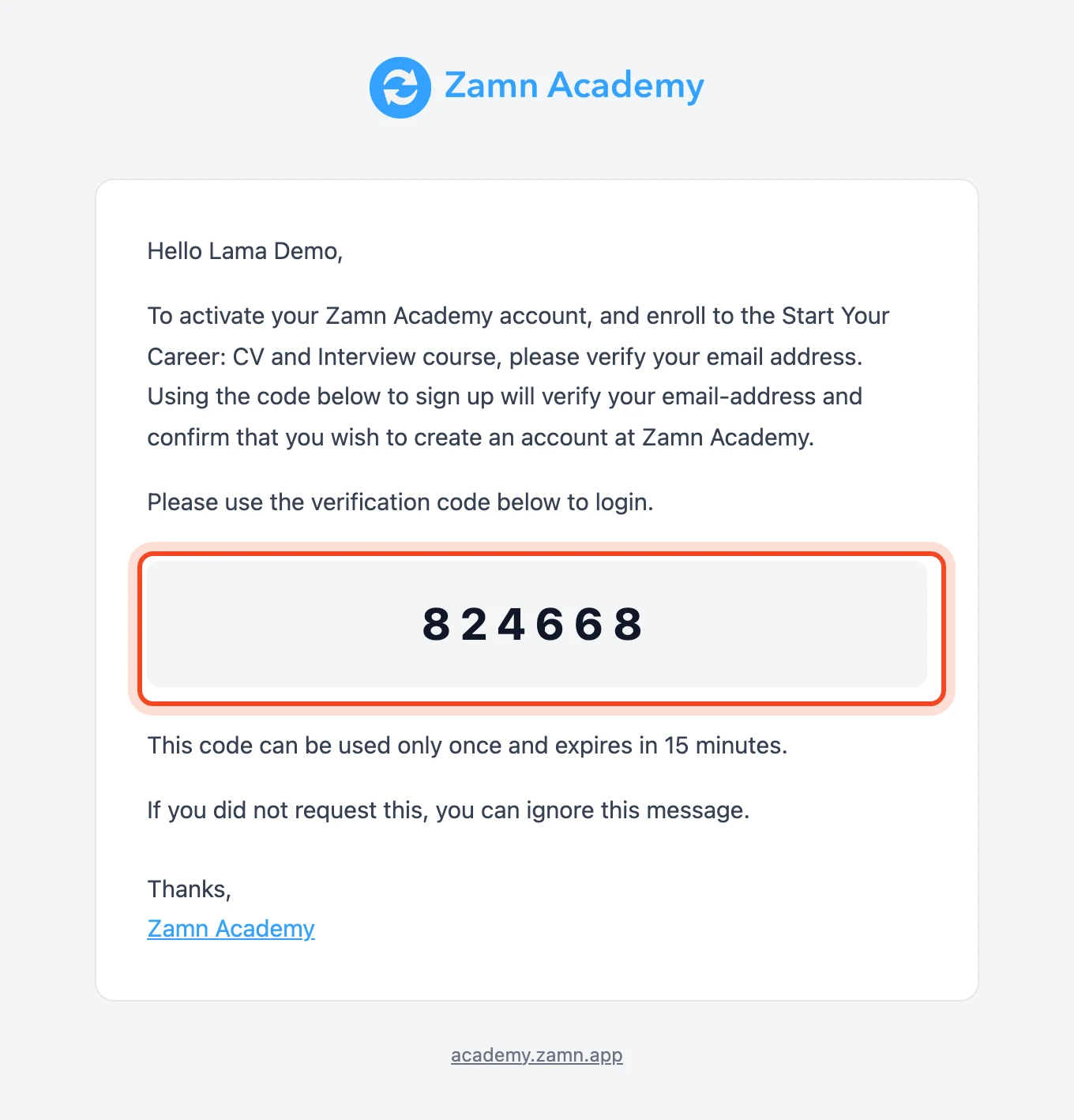
Open your email and copy the verification code from the platform's message. If you cannot find the message, check every folder of your email (Inbox, Spam, Updates).
-
Enter the verification code, then click Login. The code works for 15 minutes.
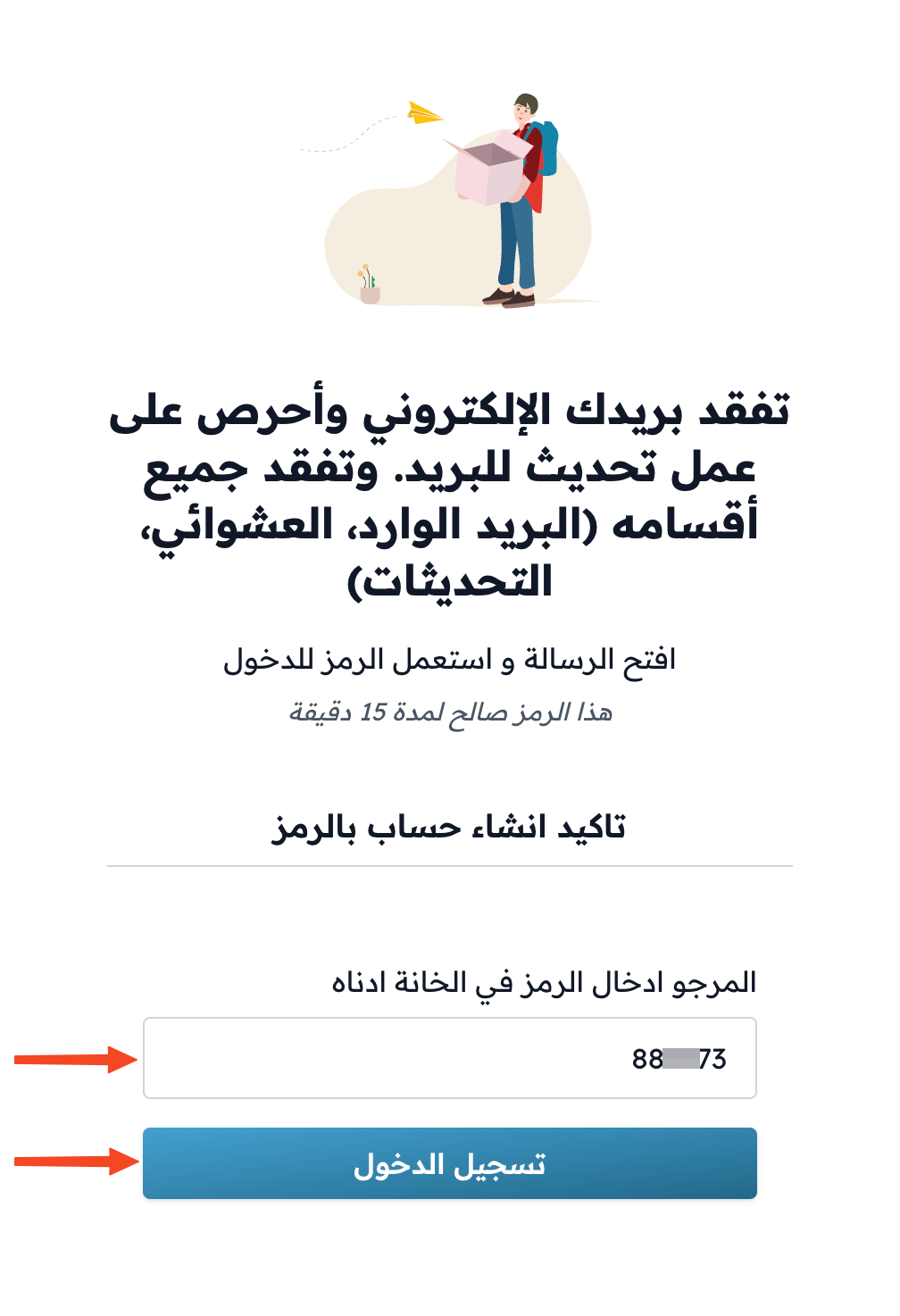
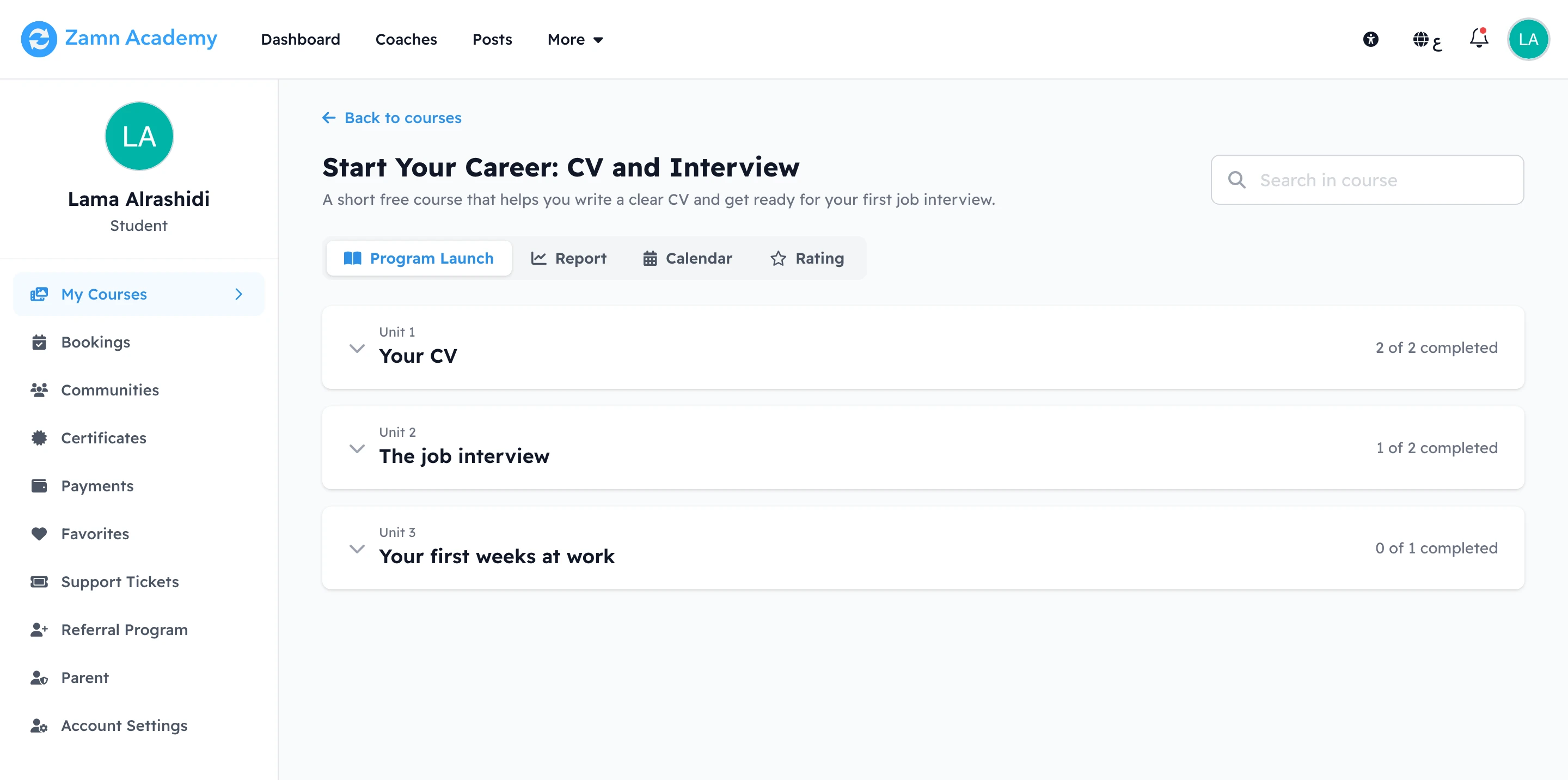
Your account is then created, you are enrolled in the program, and you go to the program content page.
If you already have an account on the platform, click Click to sign in at the top of the sign-up form to sign in first.