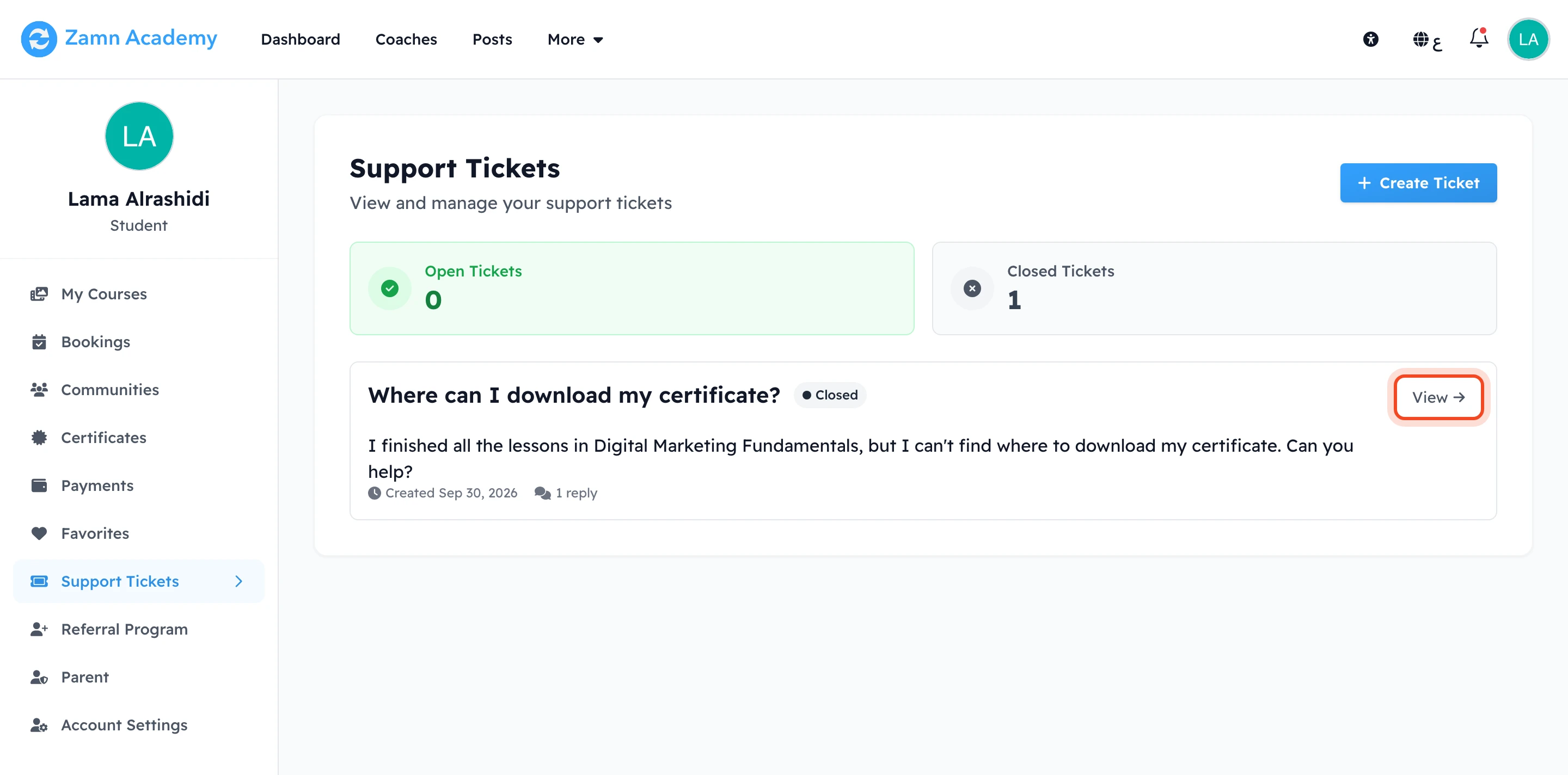
Create a support ticket
Support tickets are part of the platform help center. They help you get answers to your questions and send complaints and suggestions to the support team.
How to create a support ticket
-
Click Dashboard at the top of the page.
-
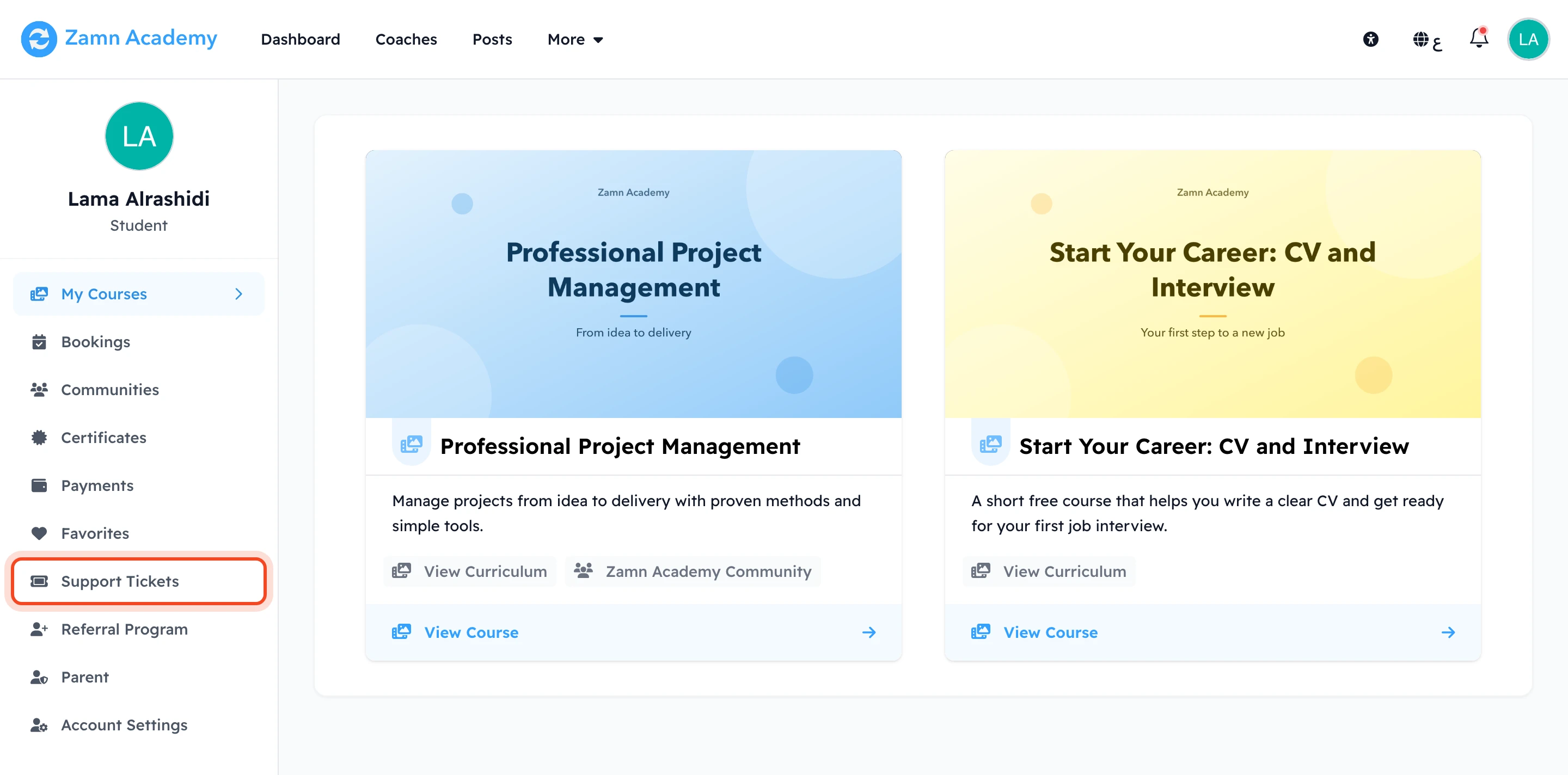
Choose Support Tickets from the side menu.
-
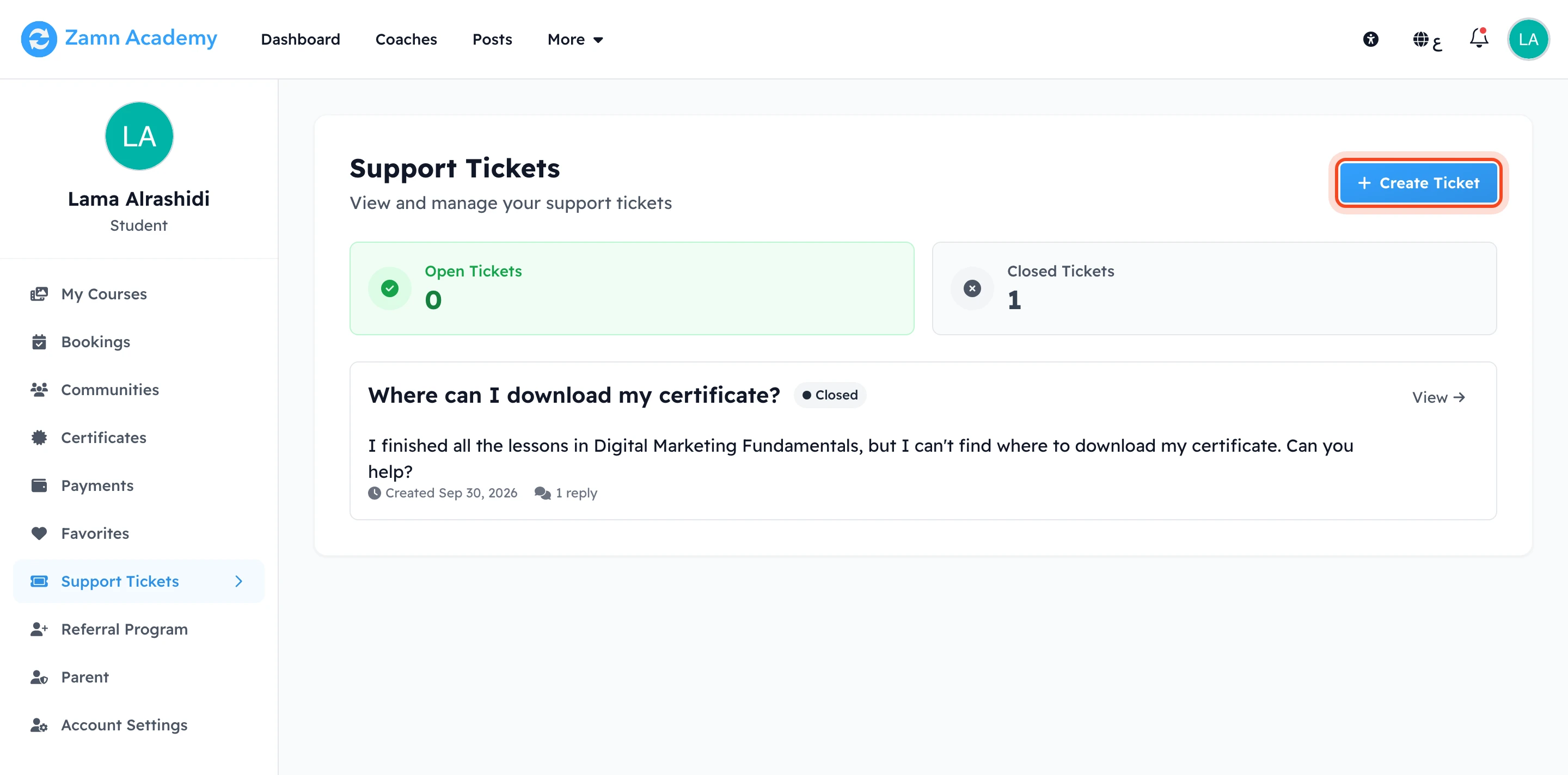
Click Create Ticket. A window opens on the same page.
-
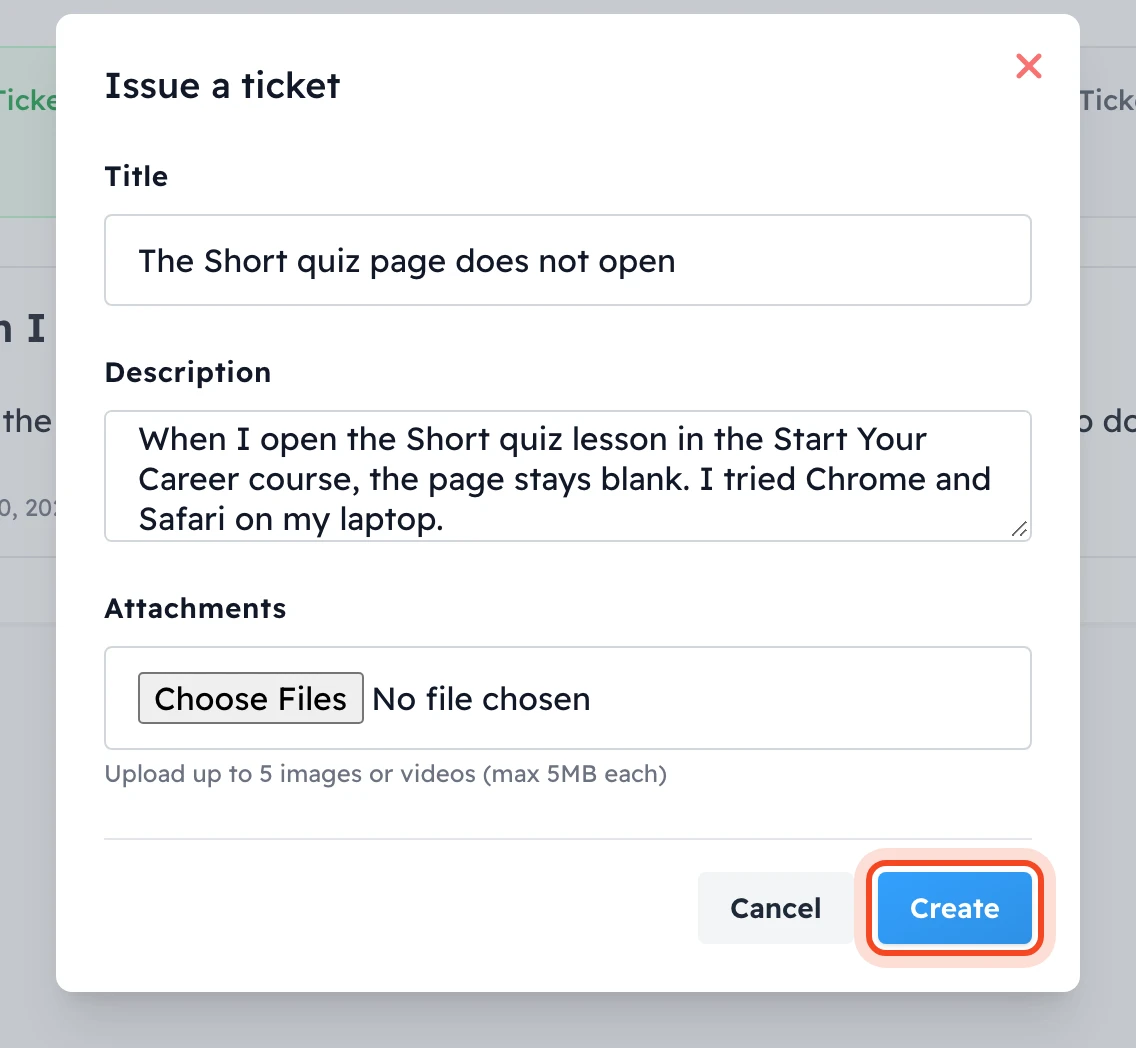
Type the ticket title in the Title field.
-
Type the details of your request in the Description field.
-
If you want, attach images or videos in the Attachments field (up to 5 files, 5 MB each at most).
-
Click Create to open the ticket.
A message shows that your ticket is open, and the new ticket shows in your list of tickets.
Create a ticket from the WhatsApp icon
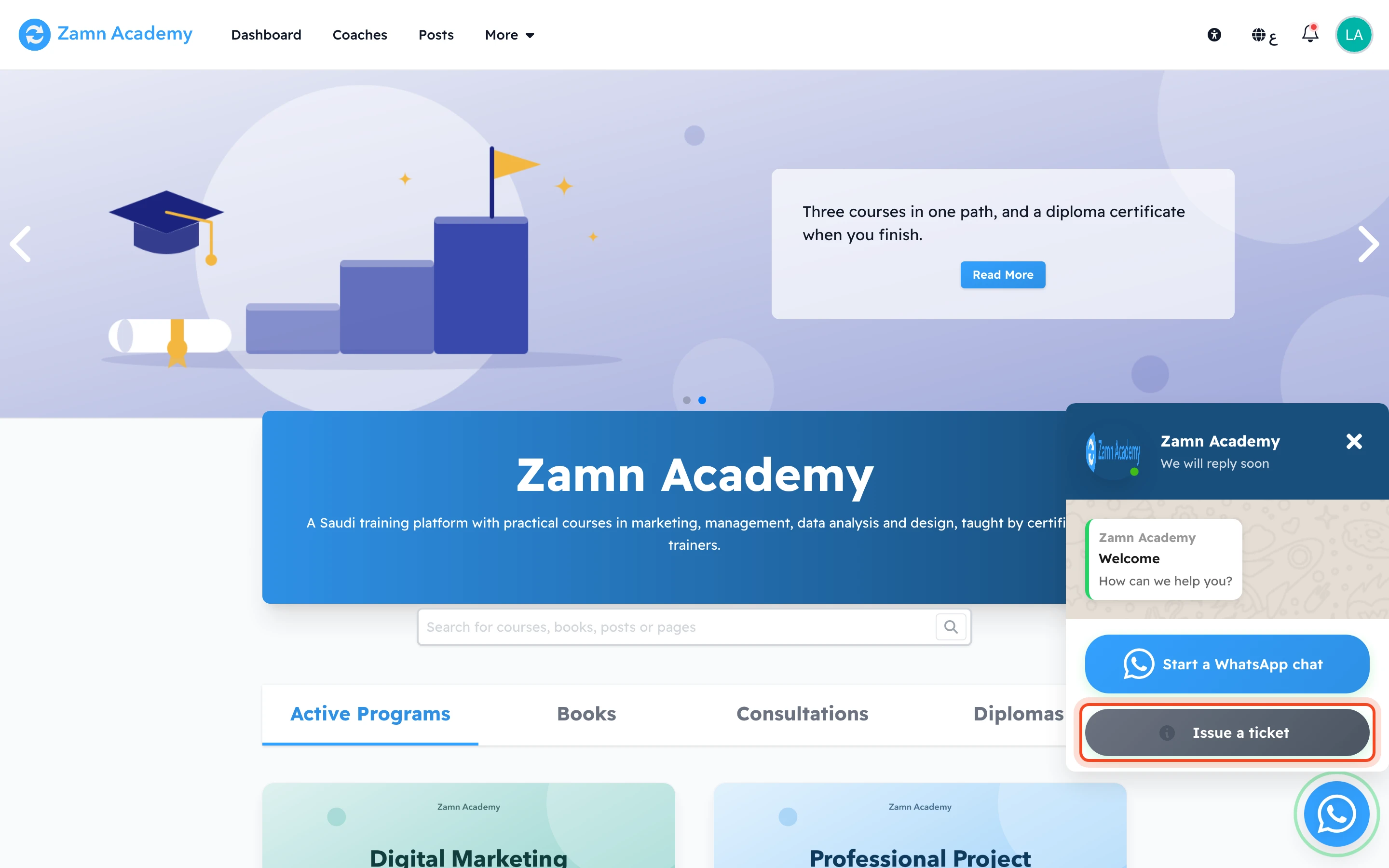
If your platform shows the WhatsApp icon, you can also click it, then choose Issue a ticket. The same window opens on the page you are on. If you are not signed in, you sign in first, then the Support Tickets page opens.
Follow your ticket and reply
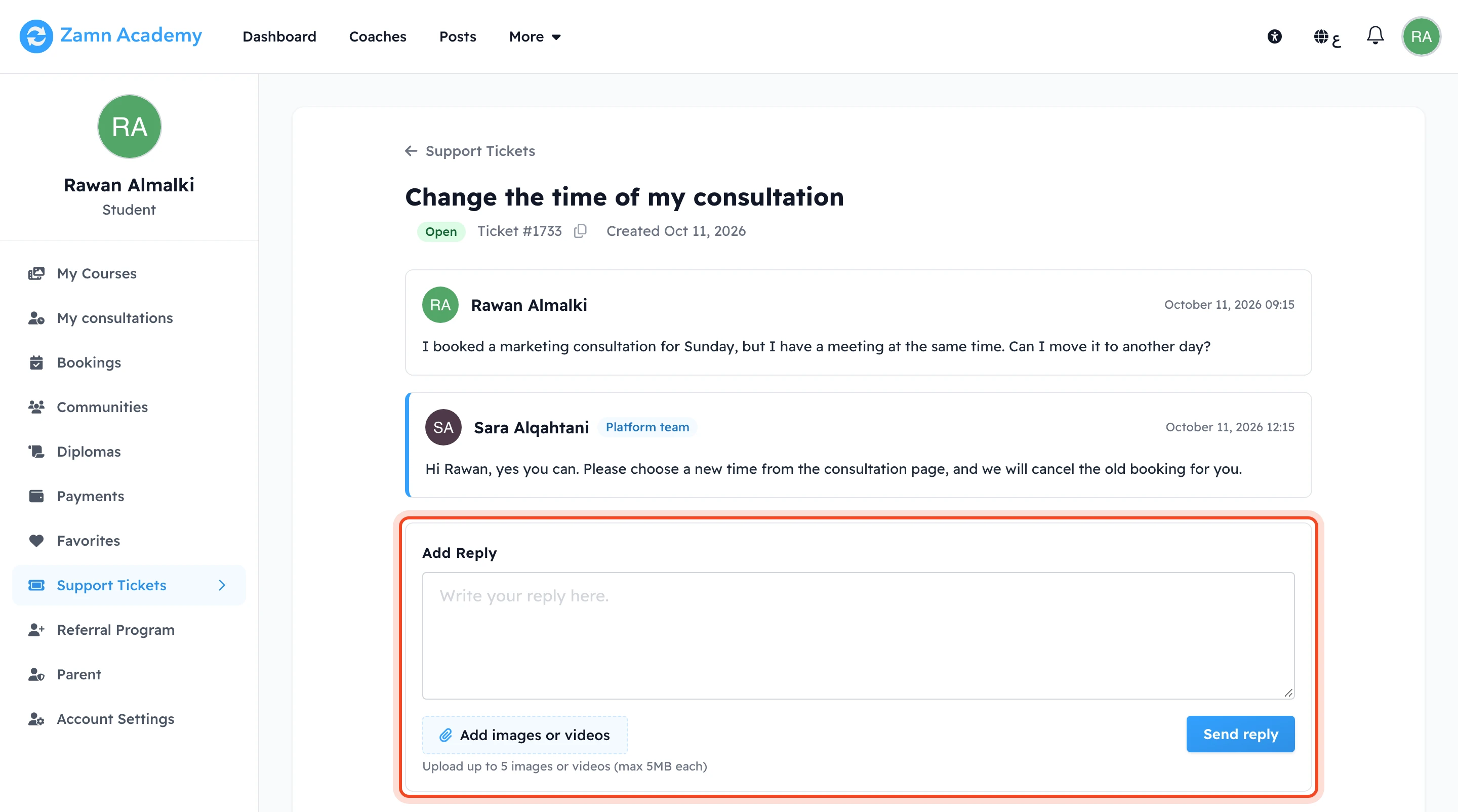
After the ticket is open, you can add your replies and get replies from the support team. When the platform team replies to your ticket, you get a notification on the platform and an email with the subject New reply on your ticket: and the ticket title.
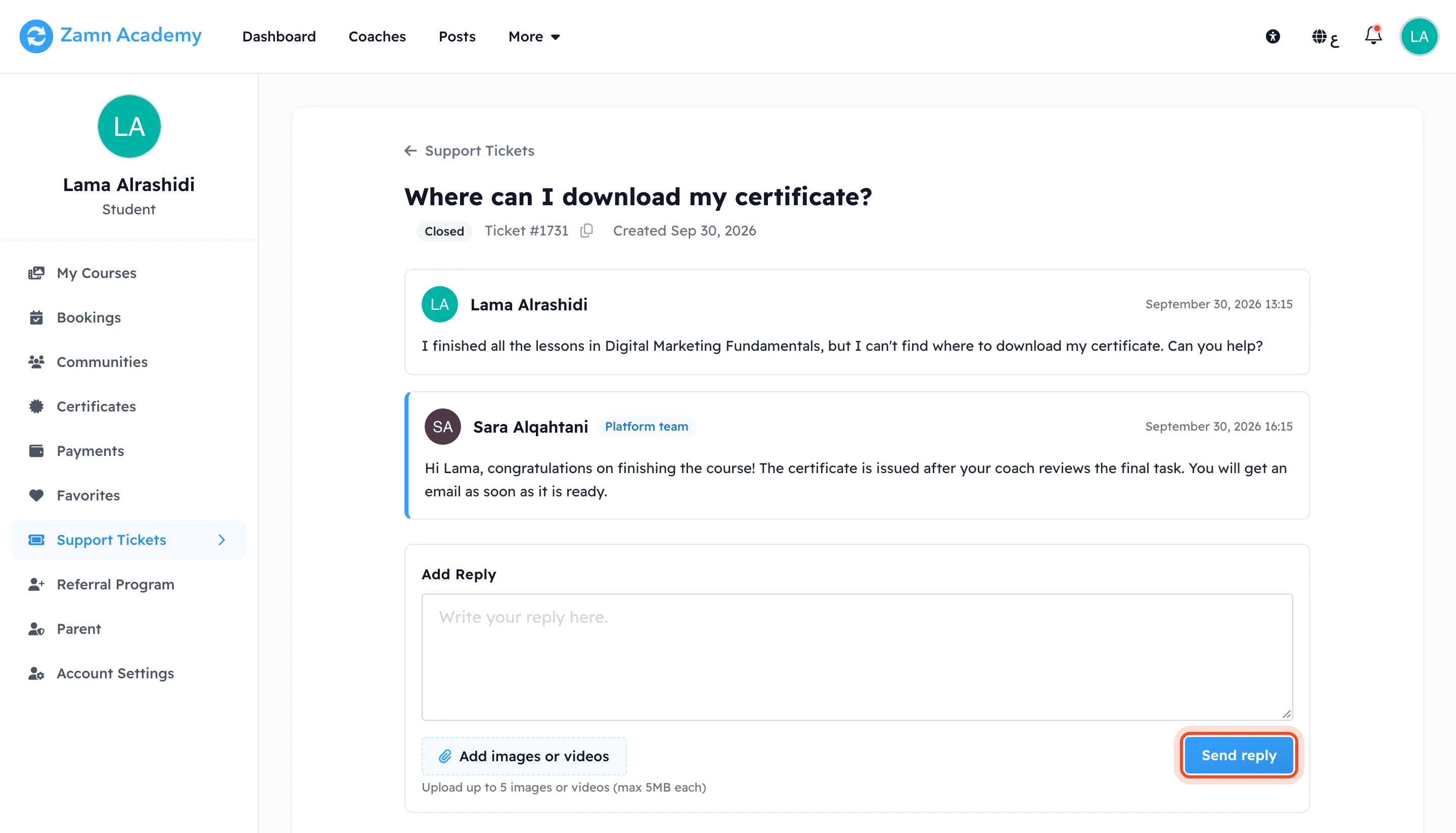
If the platform admins close the ticket, you can open it again by adding a new reply.
How to see all your tickets
-
Click Dashboard at the top of the page.
-
Choose Support Tickets from the side menu. You see all your open and closed tickets.
-
Click the ticket title or View to open it.