Sign in to the platform with an SMS code
You can sign in to your account on the platform with your mobile number. You get a verification code by SMS and use it to sign in, without a password.
- SMS codes can only be sent to Saudi mobile numbers. If your number is from another country, sign in another way, such as with WhatsApp or with an email code.
- Your mobile number must be added to your account. You can add it when you sign up on the platform or by adding the number to your account details.
- You see this option only if your platform offers it.
Steps to sign in with an SMS code
-
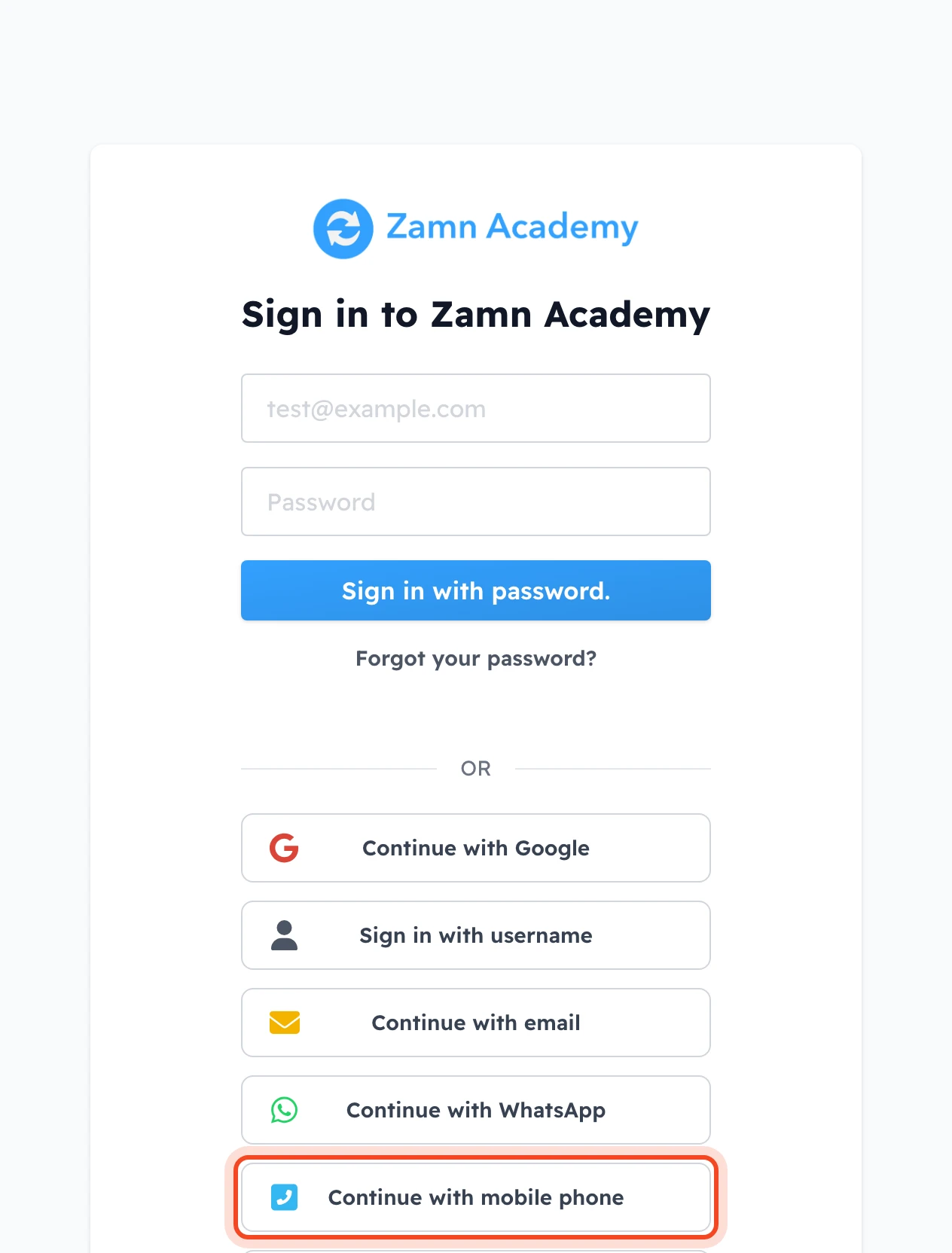
On the sign-in page, click Continue with mobile phone under OR.
-
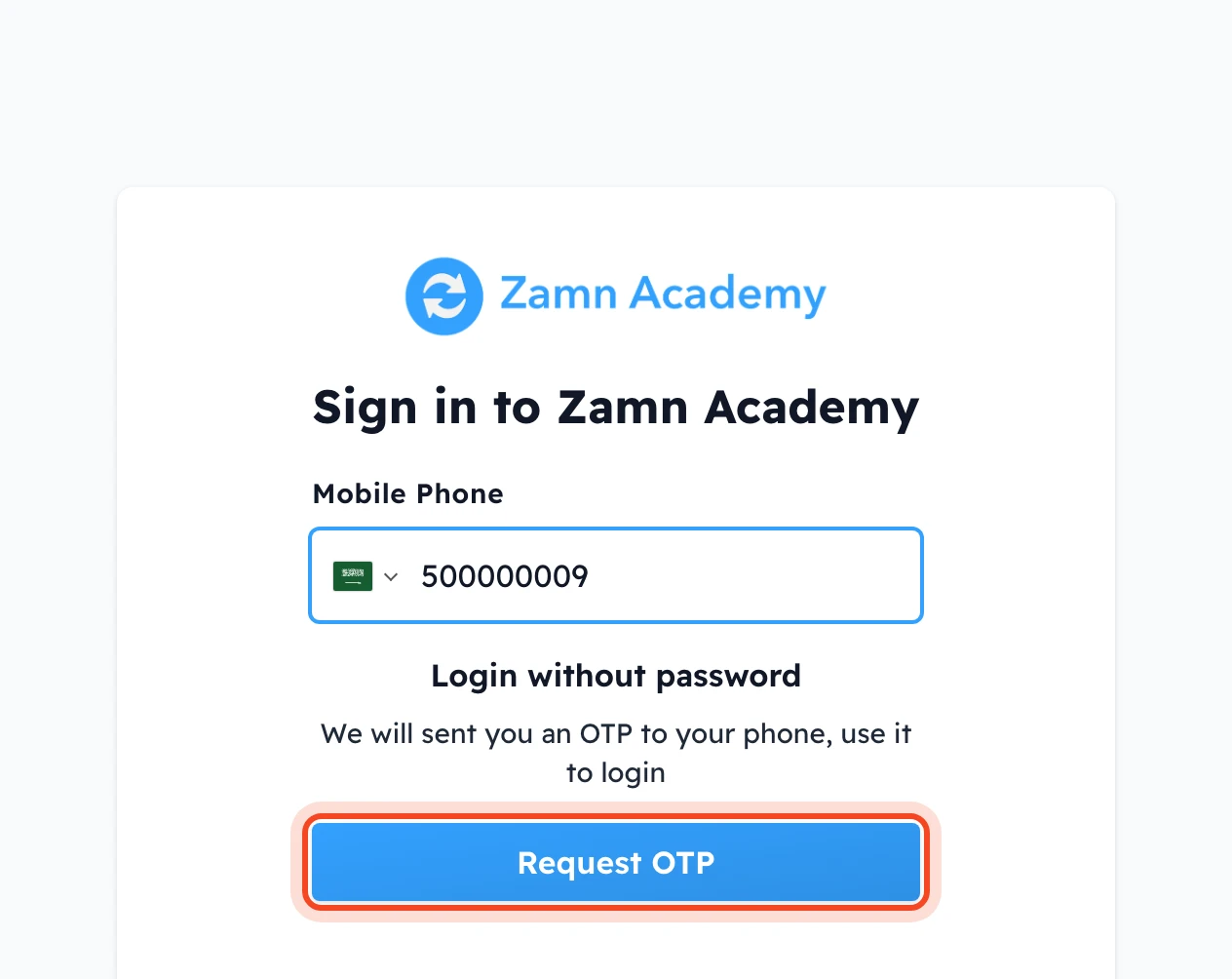
In the Mobile Phone field, keep the Saudi flag and type your mobile number.
-
Click Request OTP.
-
You get an SMS with your code, for example: "Your OTP is: 123456 to login to" and the platform name.
-
Type the code in the code field. The code is checked as soon as all 6 digits are entered, and you are signed in without clicking any button.
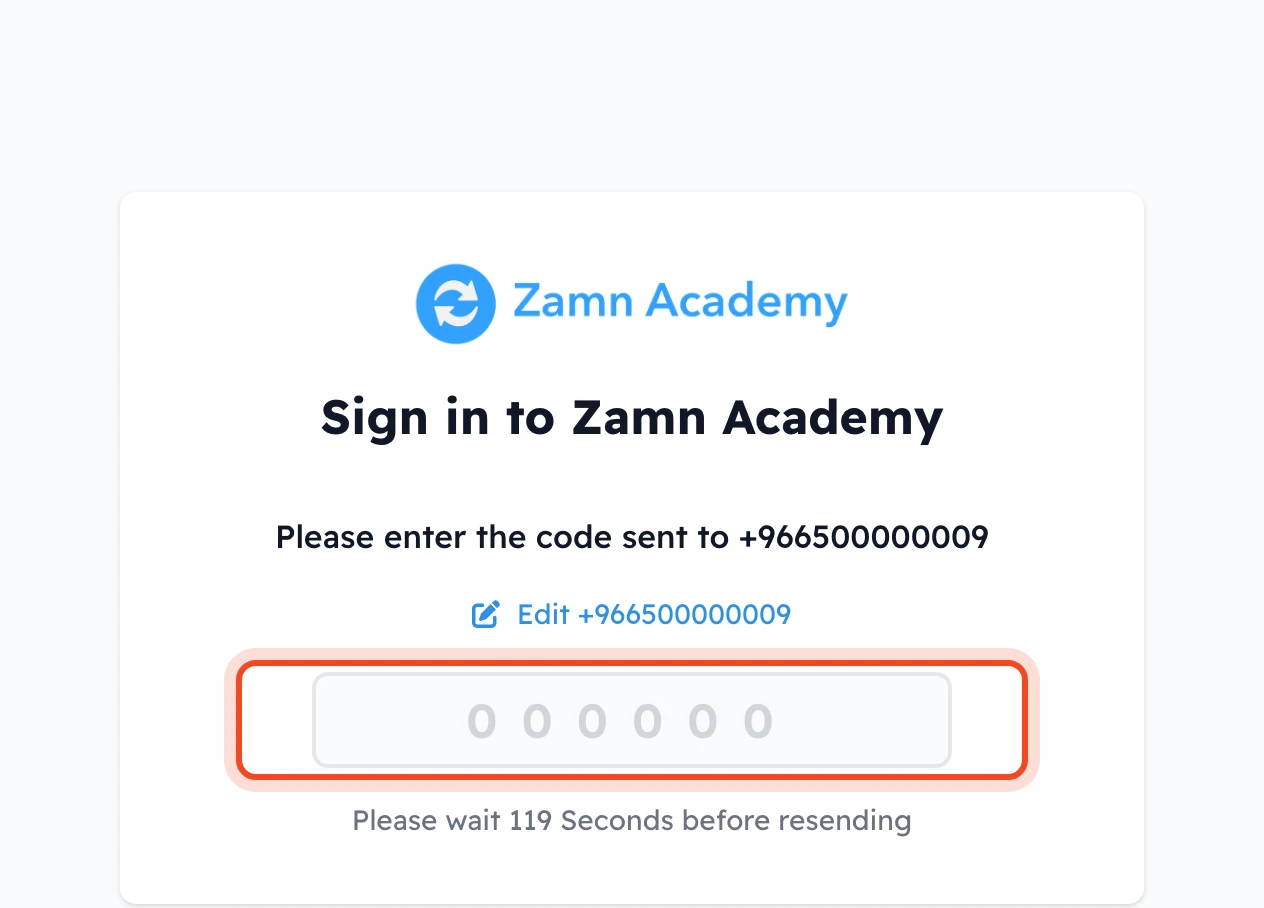
You can use the code only once. If you did not get the SMS, wait until the countdown under the code field ends, then send the code again. To fix a wrong number, click Edit and the number above the code field.
If your number is not Saudi
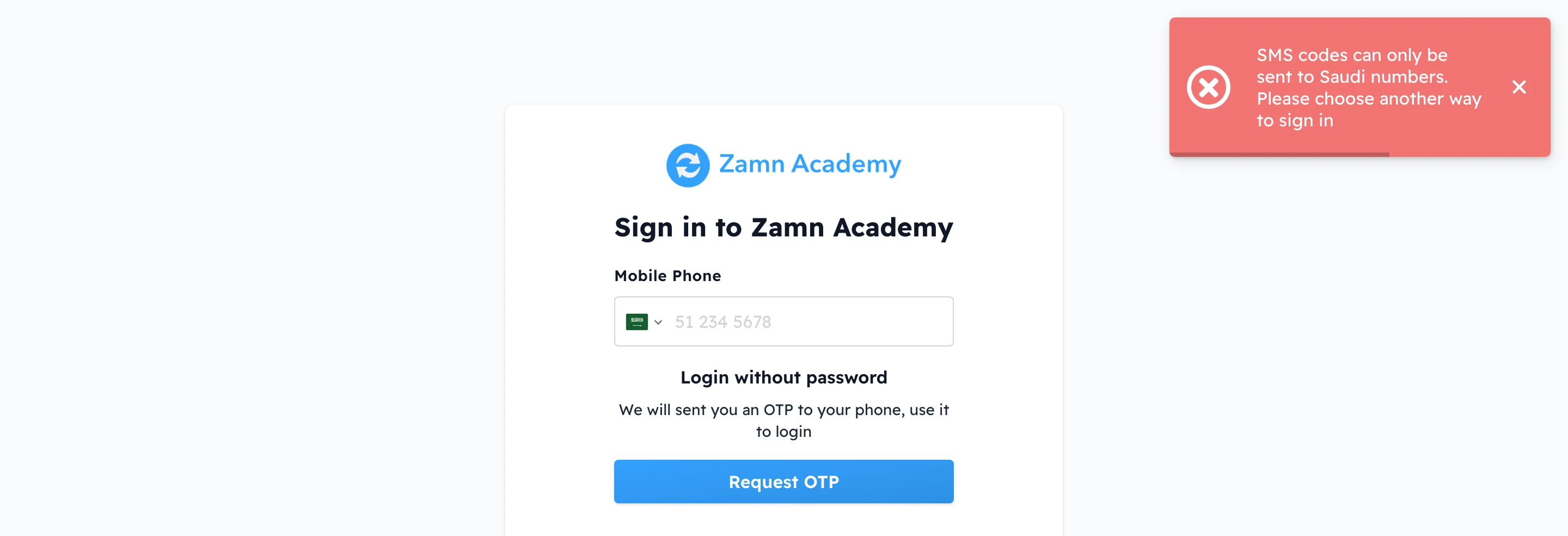
If your number is from another country, the message SMS codes can only be sent to Saudi numbers. Please choose another way to sign in appears, and no code is sent.
If the message Phone number not found, please try again appears, the number you typed is not saved in any account on the platform.