Change your profile photo (for students)
As a student, you can change the profile photo that shows on your account on the platform.
Steps to change your profile photo
-
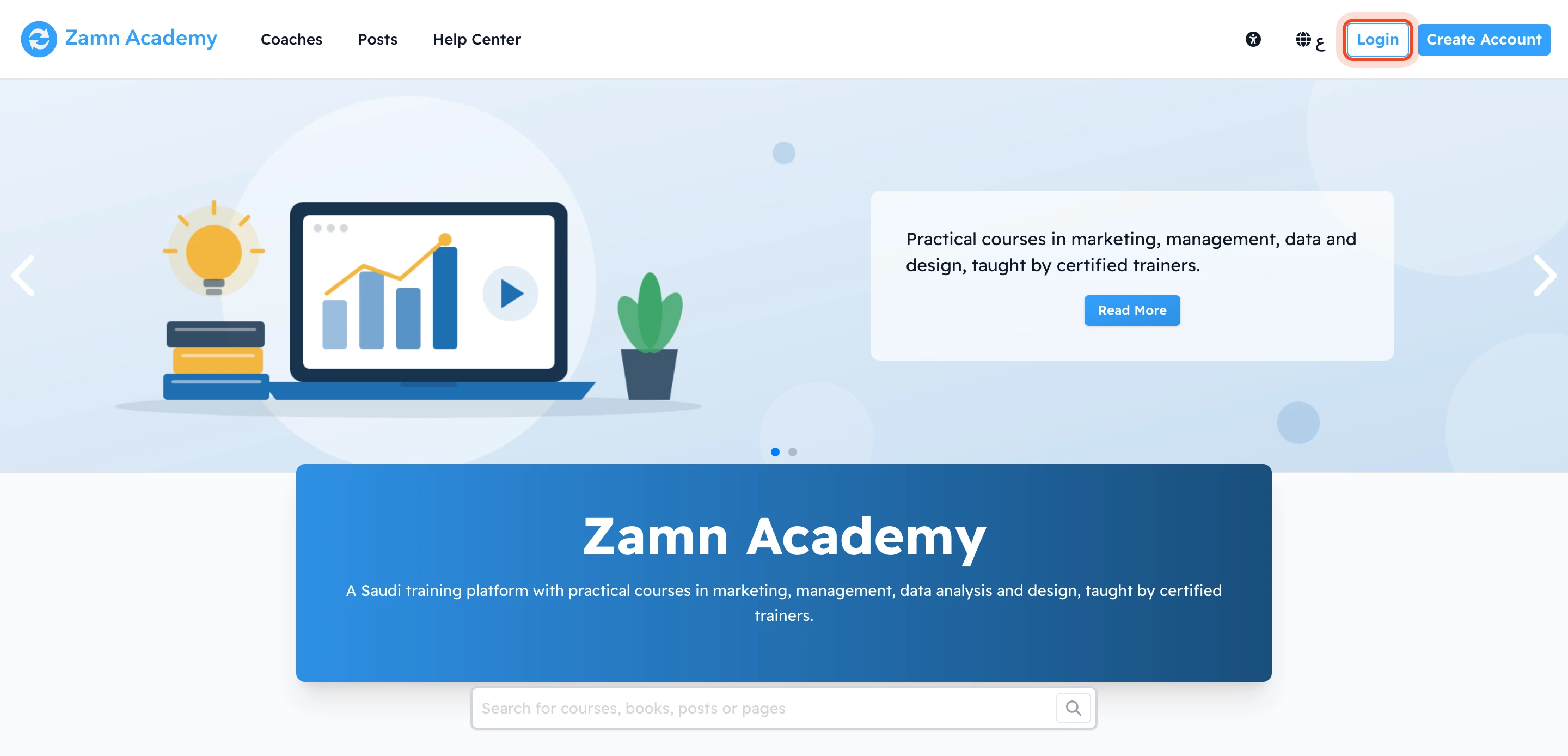
Click Login and sign in to the platform.
-
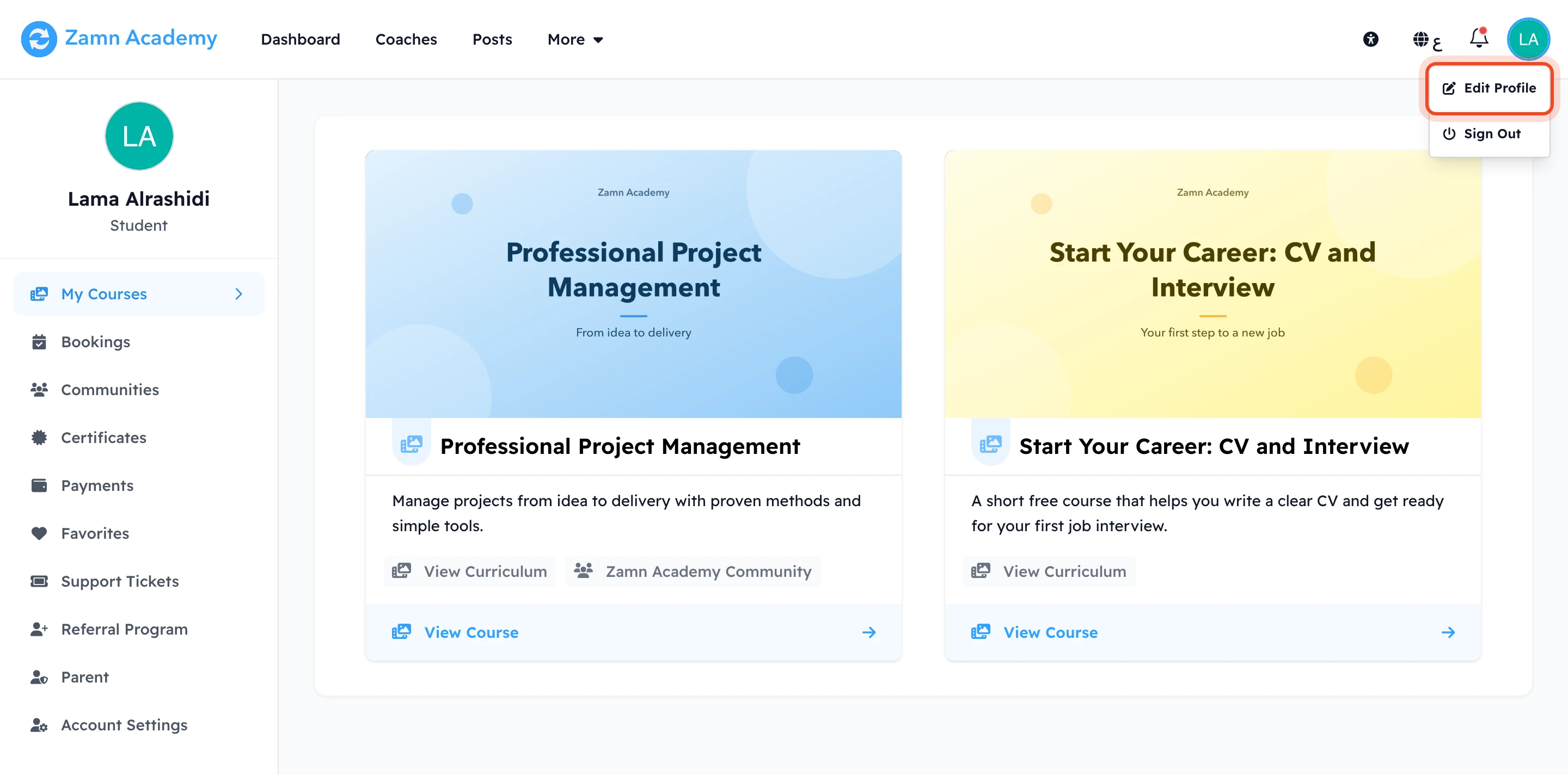
Click your profile icon, then choose Edit Profile.
-
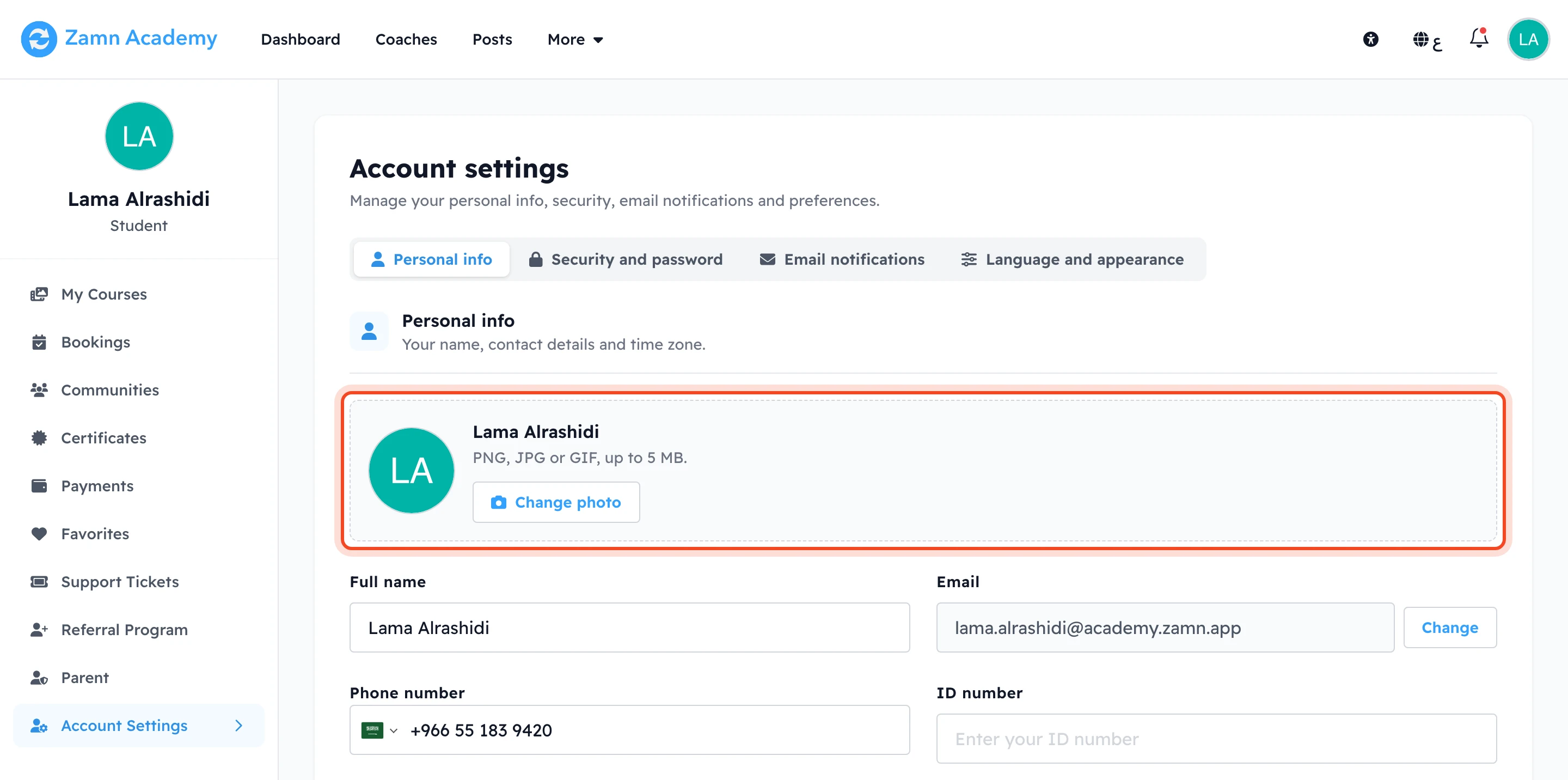
The Account settings page opens on the Personal info tab. Your photo card is at the top of the tab.
-
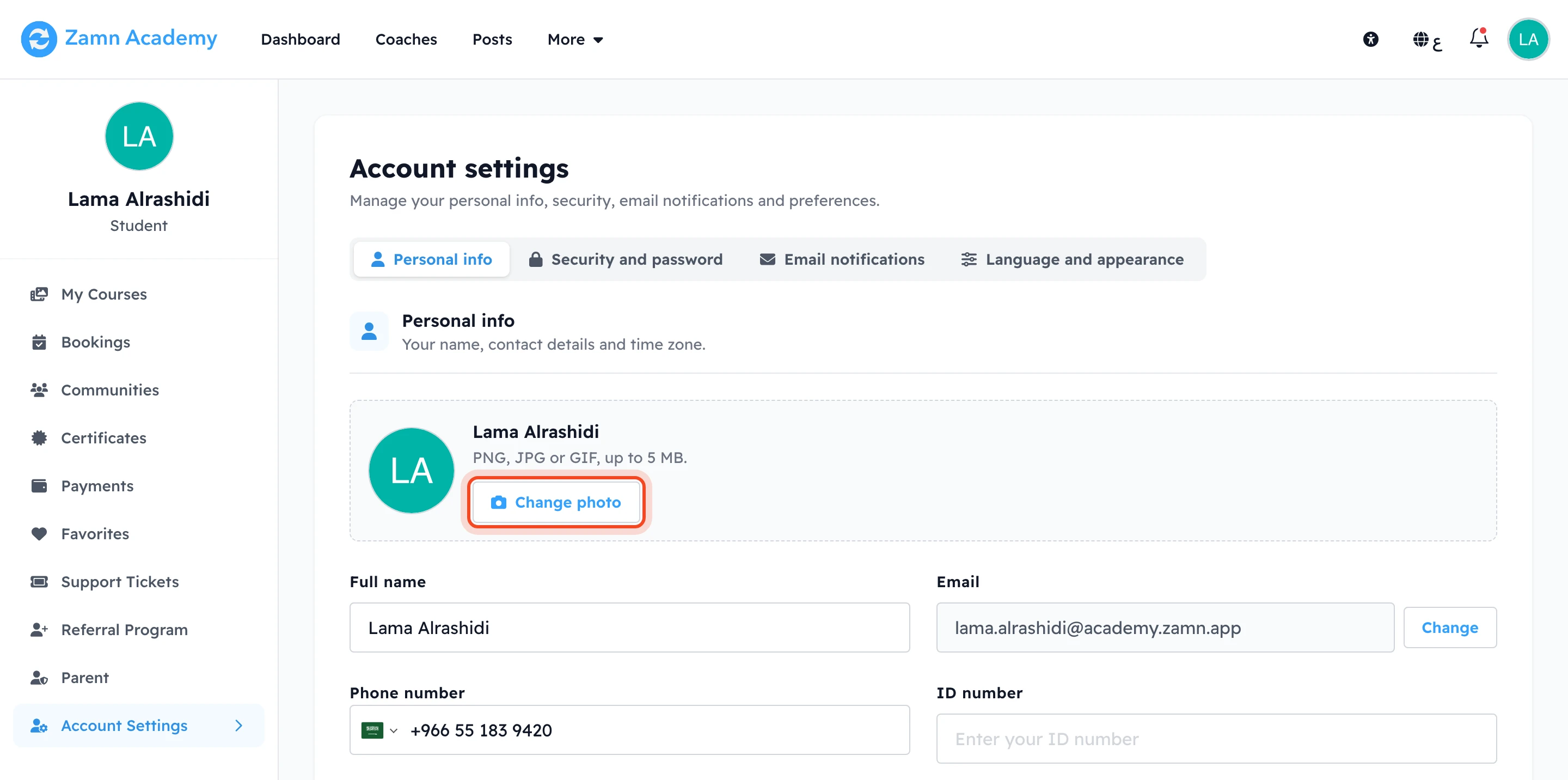
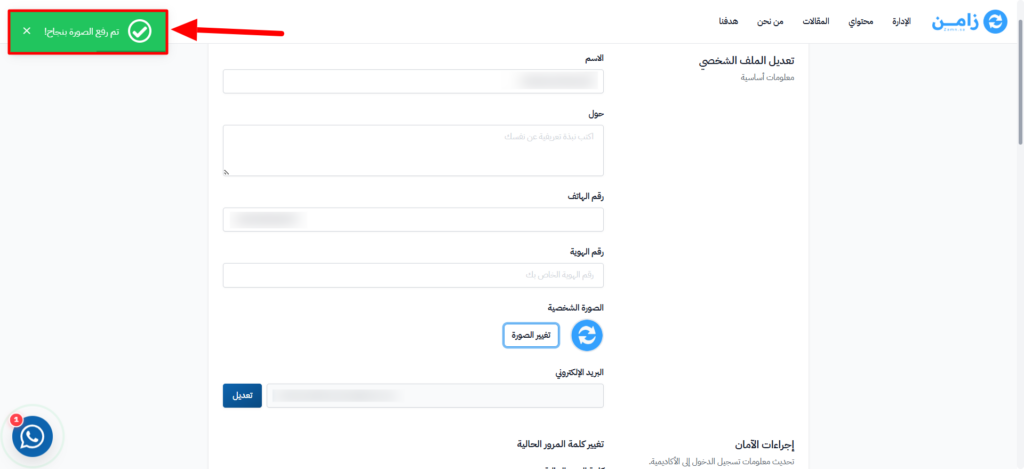
Click Change photo, then choose the new photo from your device. The photo uploads right away; you do not need to click Save changes.
-
Wait a moment until you see the message Your photo has been updated.
tip
Choose a JPG, PNG or GIF image that is smaller than 5 MB.