Cancel your membership or delete your trainer account
This article shows how to delete your account from the platform if you are a trainer.
The Delete account part shows at the bottom of the Security and password tab on the Account settings page only for accounts that have no admin rights and no payment records. If you do not see this part, your account is an admin on the platform, or you bought a product on the platform, or you have a Zamn plan subscription.
Steps to delete your account (if you see the Delete account section in your profile)
-
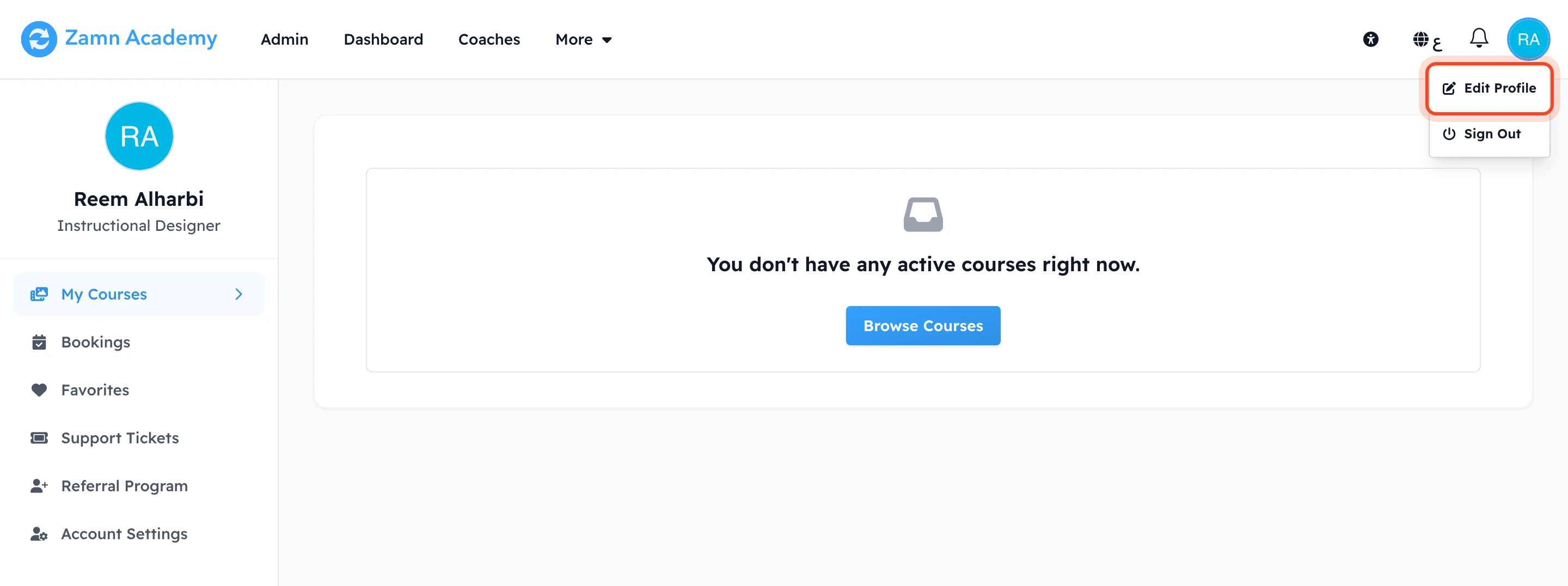
Click your profile icon.
-
Click Edit Profile. The Account settings page opens.
-
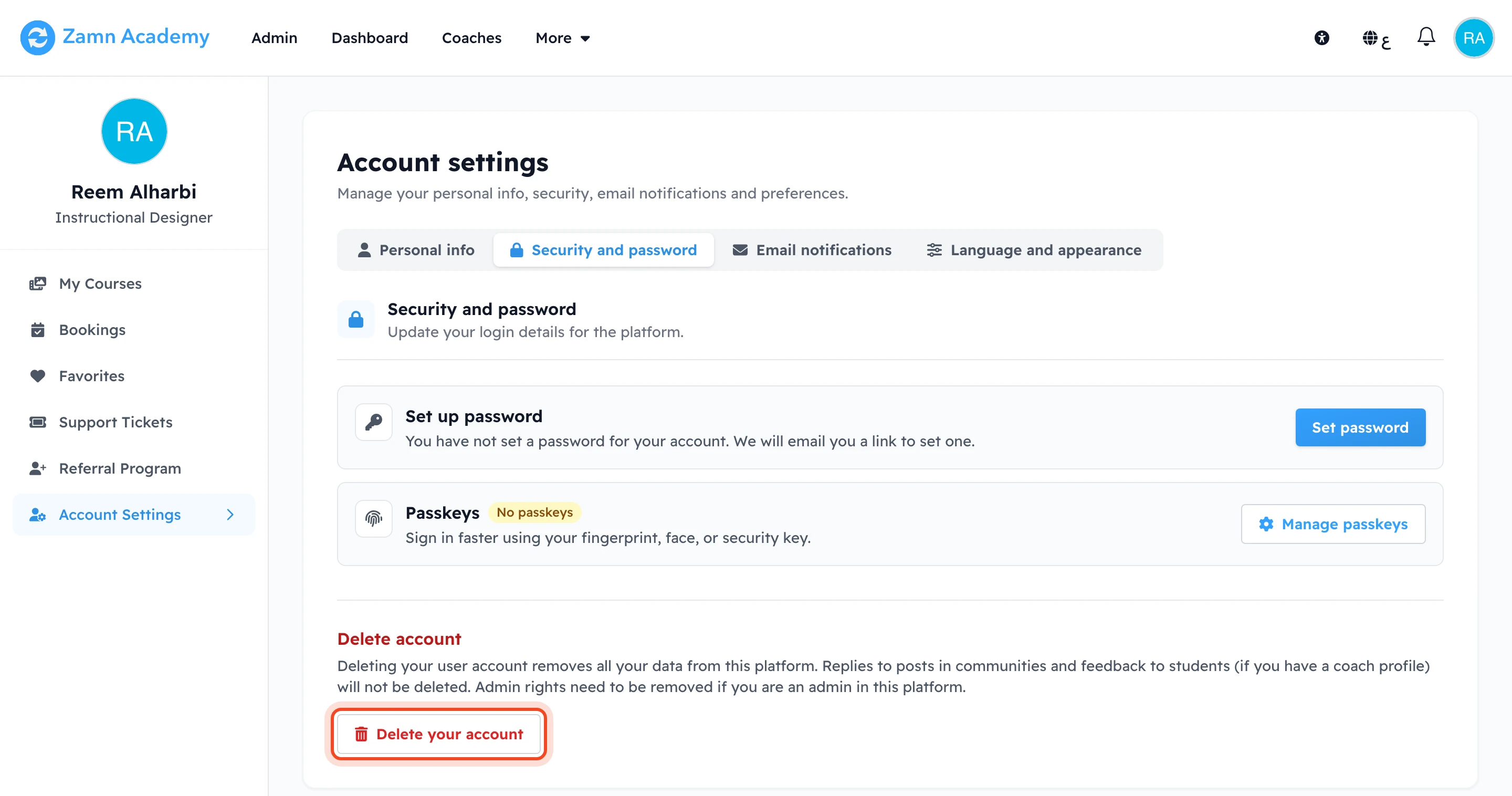
Open the Security and password tab. Go to the Delete account part at the bottom of the tab, and click Delete your account.
-
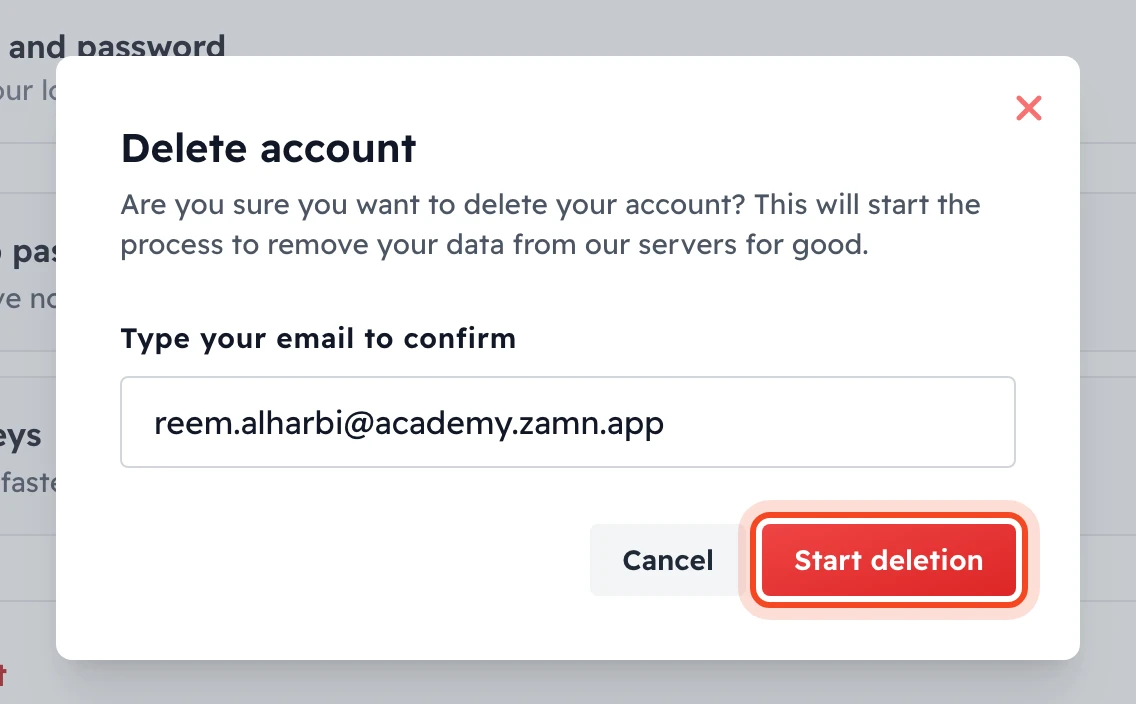
Type your email in the Type your email to confirm field, then click Start deletion. You get an email to confirm the account deletion.
-
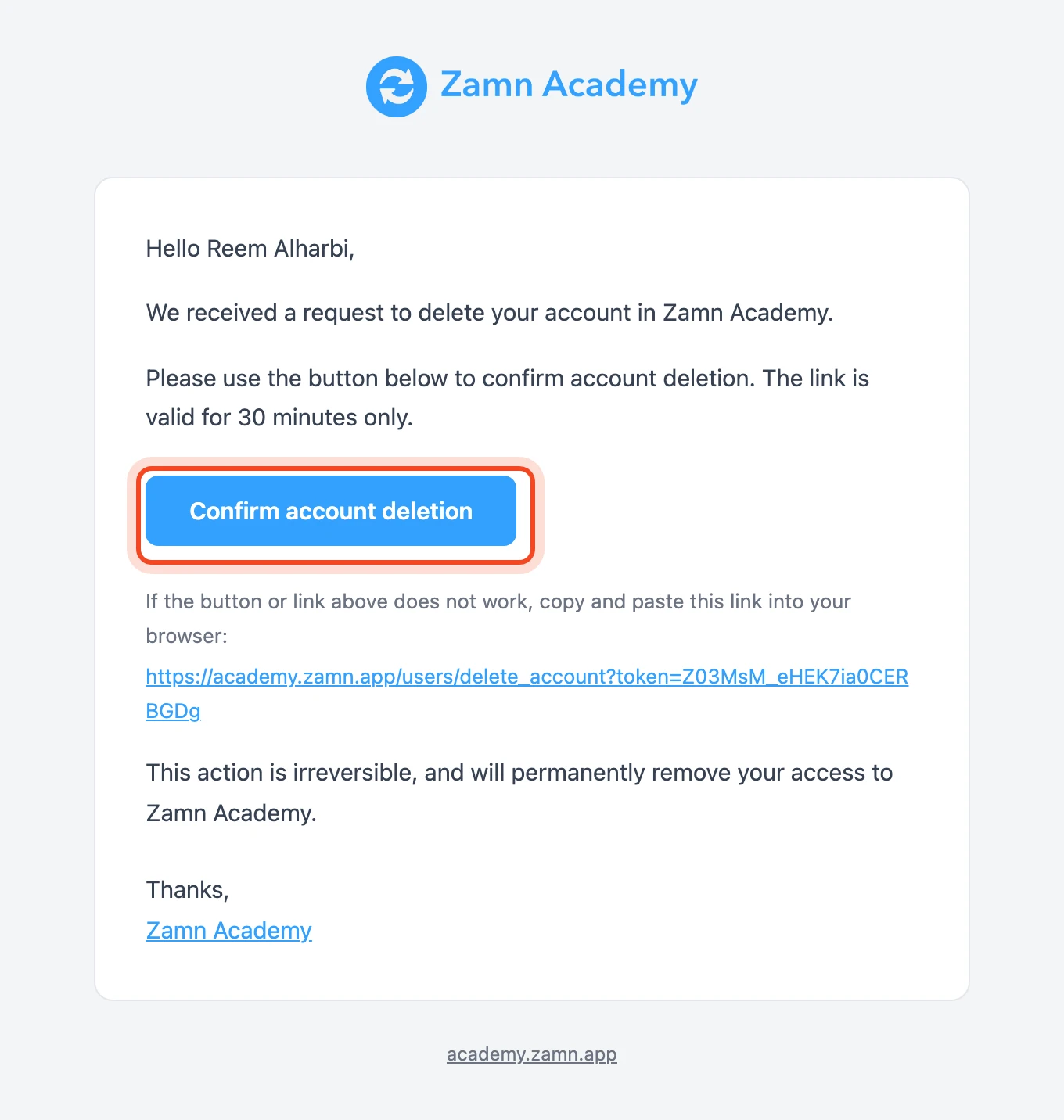
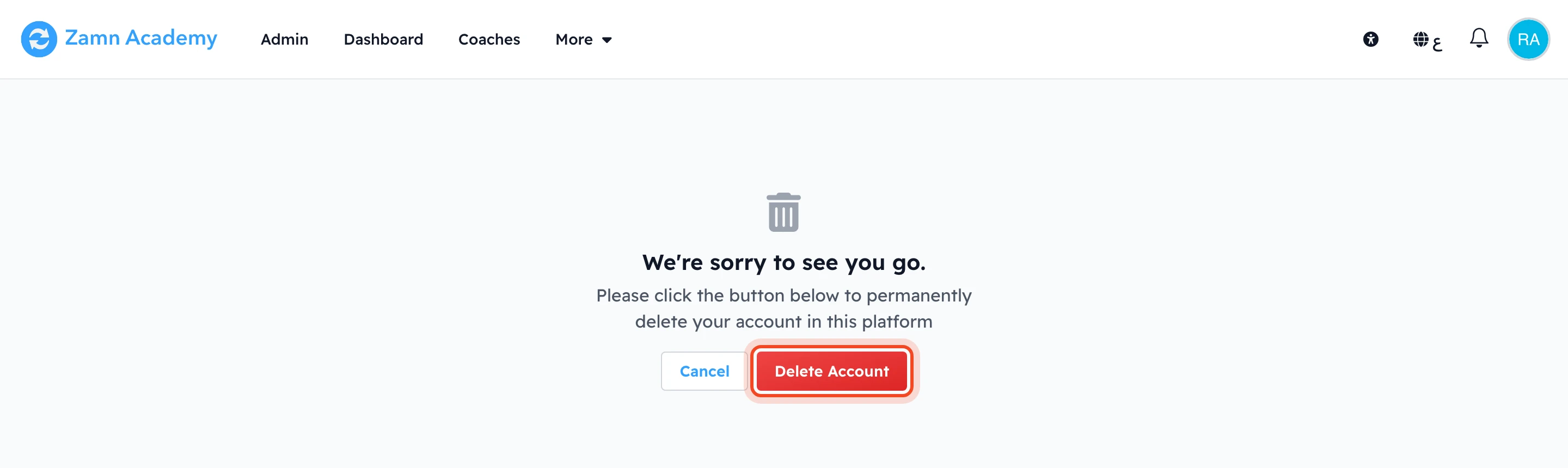
Open your email and click the Confirm account deletion button in the message to go to the deletion confirmation page. The link works for 30 minutes only.
-
Click Delete Account.
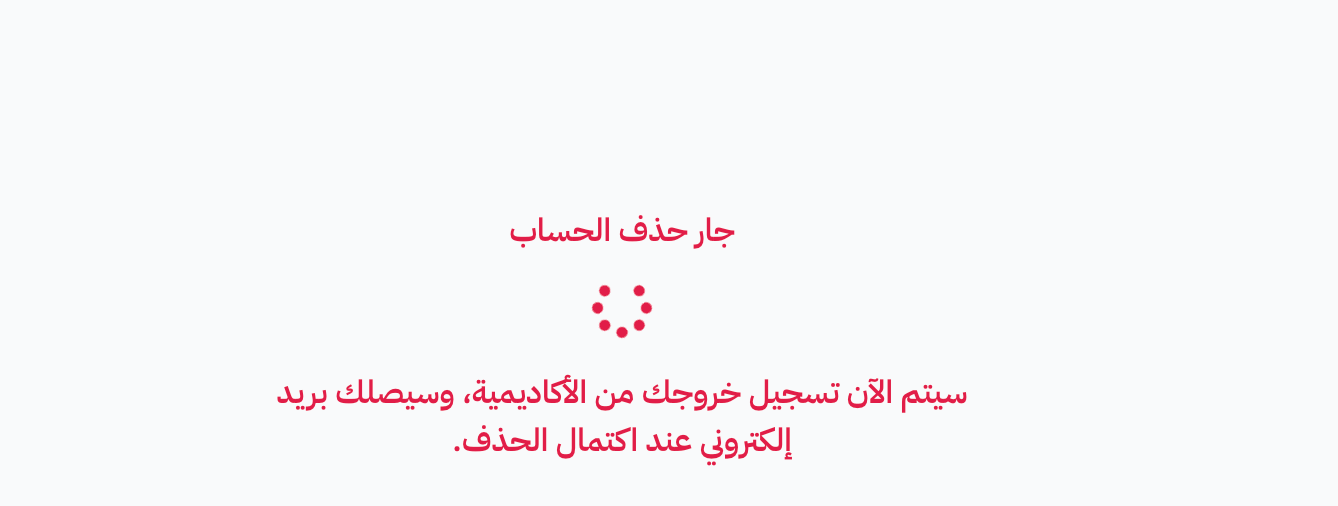
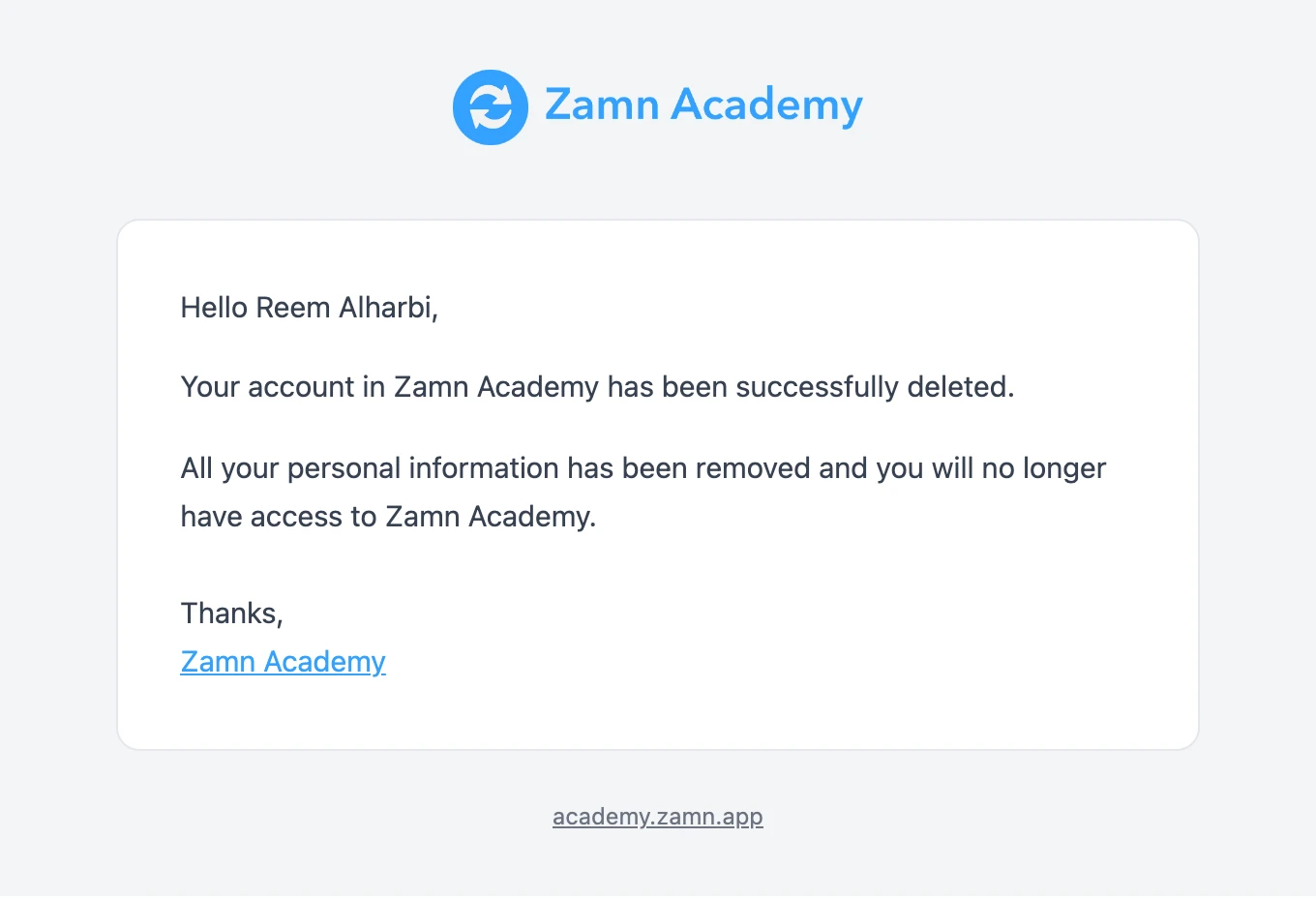
You are signed out. After a few minutes, you get an email that confirms the account was deleted.
Steps to delete your account (if you do not see the Delete account section in your profile)
If you do not see the Delete account part on the Account settings page because you are an admin on the platform or your account has payment records, you can ask to delete your account with these steps:
- Contact the Zamn support team on WhatsApp, as shown in Contact Zamn technical support, or send a message from the email you registered with to the technical support email.
- In your message, say that you want to close and permanently delete your account.
- Our team checks the account (for example, that admin rights were moved to another user if needed, or that open commitments were settled). Then they delete the account and confirm it to you by email.