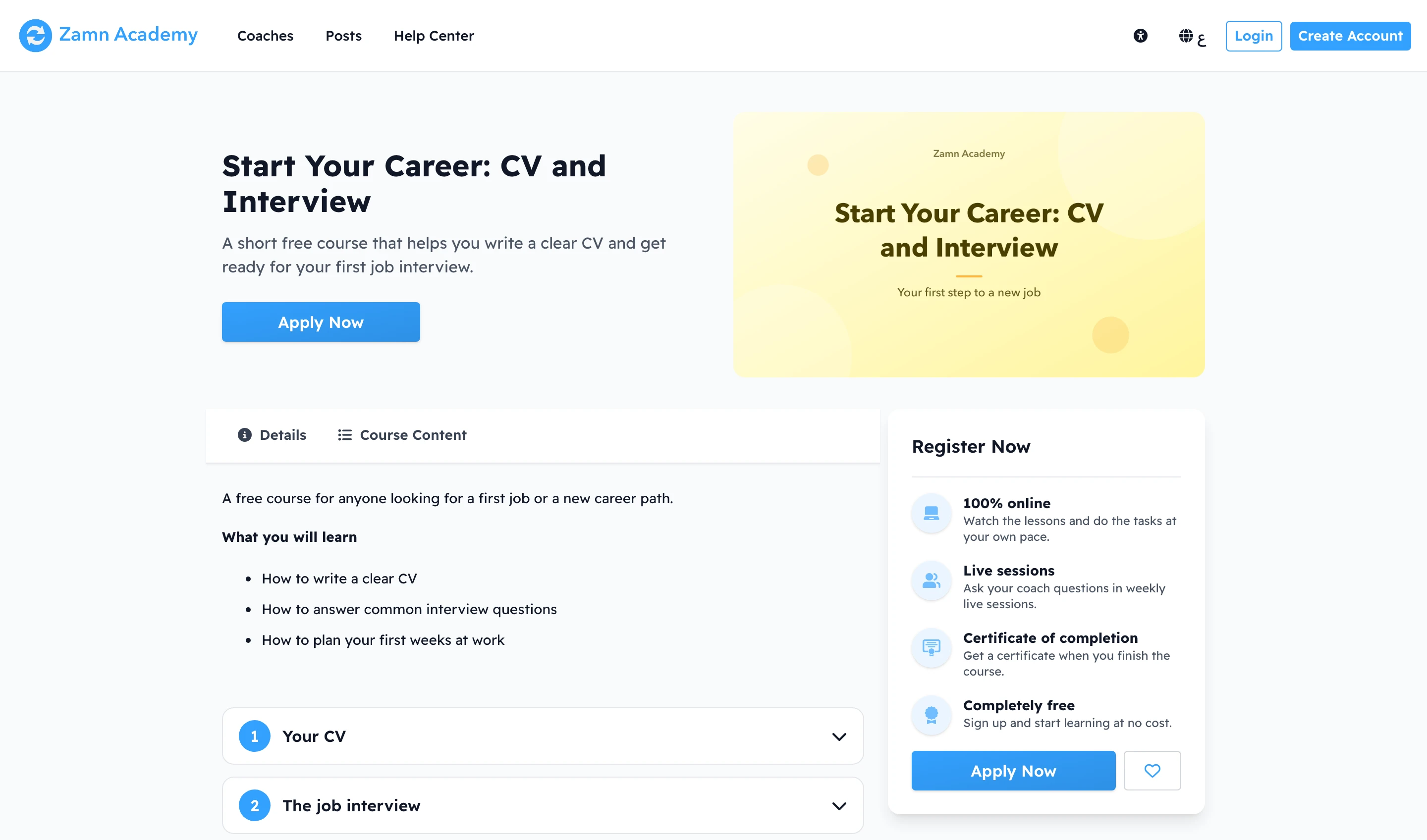
How a trainer shares the course link
You can copy the link of the course page and share it, so others can learn about the course and enroll in it. This guide is for trainers.
How to share the course link
-
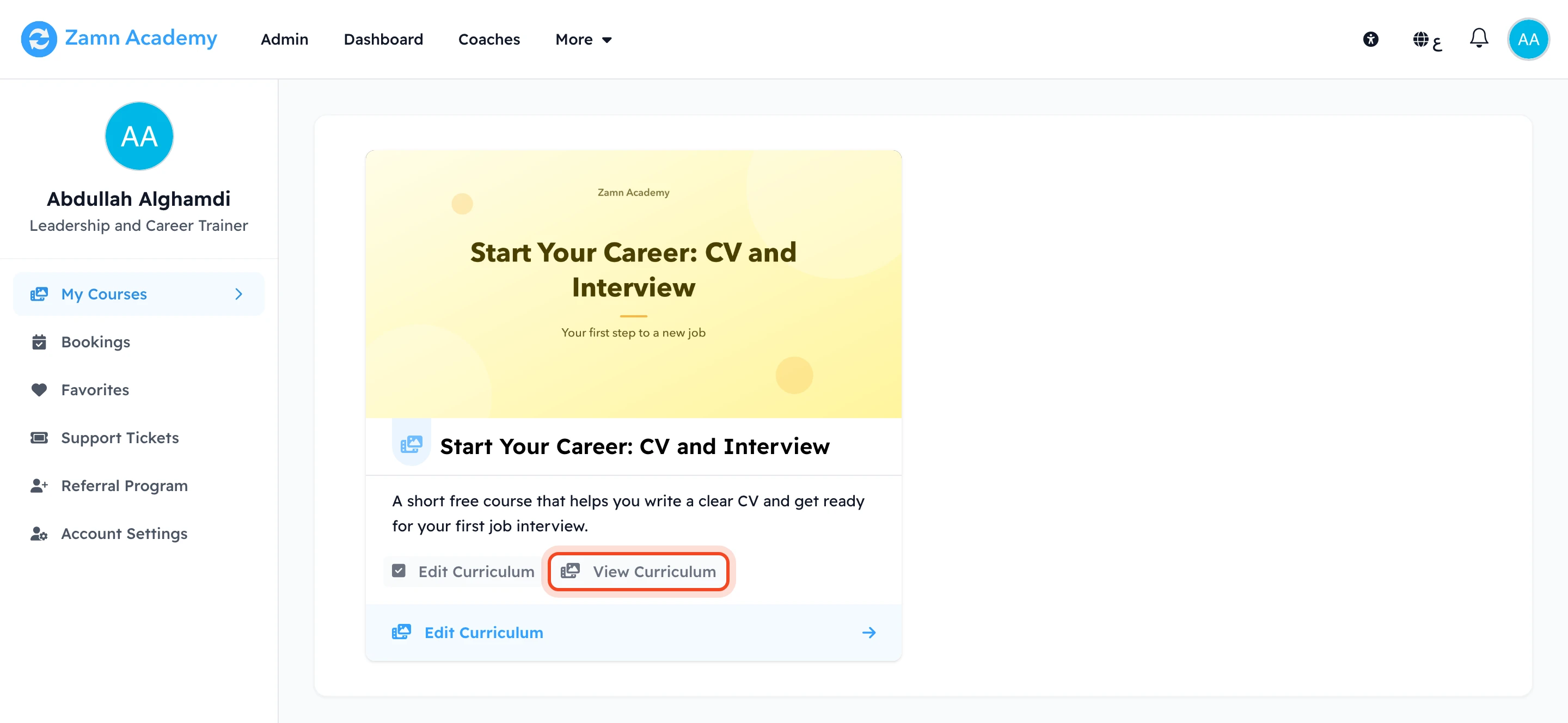
Click Dashboard at the top of the page. Then, under My Courses, click View Curriculum for the course whose link you want to share.
-
In the address bar of your browser, delete the word
curriculumfrom the end of the link, then press Enter.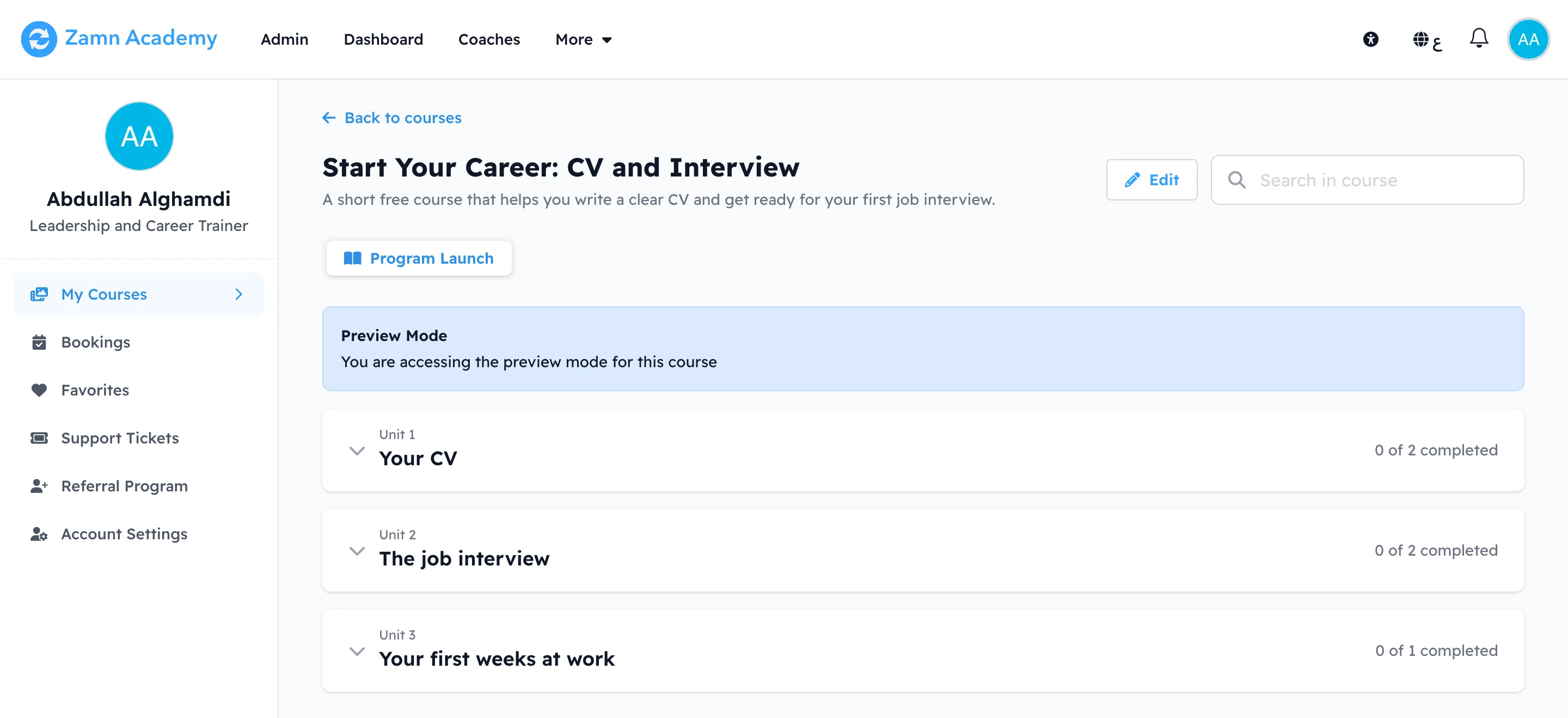 Note
If you are also enrolled as a student in this course, pressing Enter takes you back to the same page. In this case, copy the link right after you delete the word
curriculum, before you press Enter. -
Copy the course link from the browser address bar, and share it.