Change the language of your account
The Zamn platform supports Arabic and English. You can choose the language of the platform screens from the Account settings page.
How to change the language
If the Language list has only Arabic, your platform does not offer a language change. On these platforms the tab is named Appearance instead of Language and appearance.
-
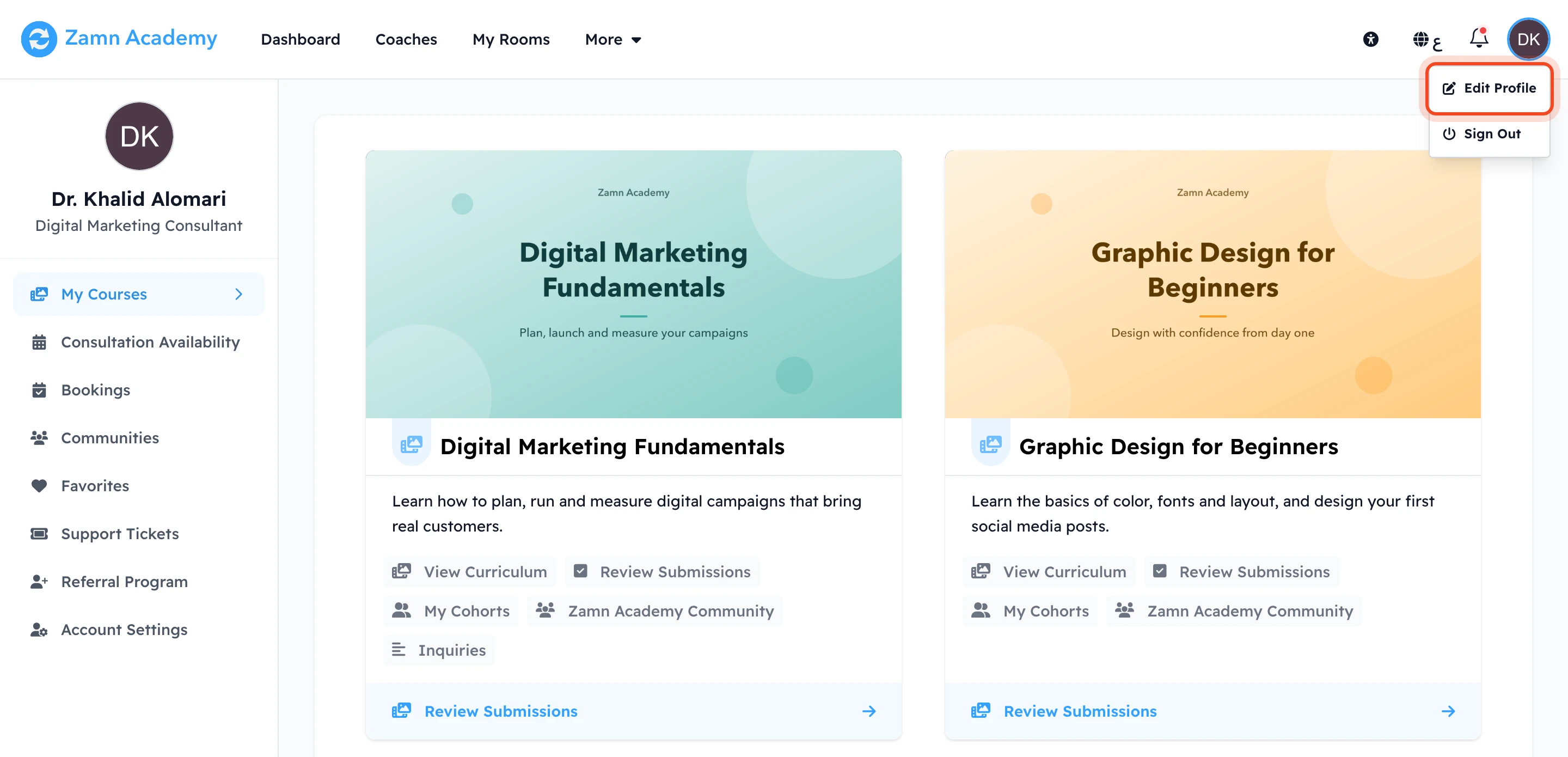
Click your profile icon.
-
Choose Edit Profile.
-
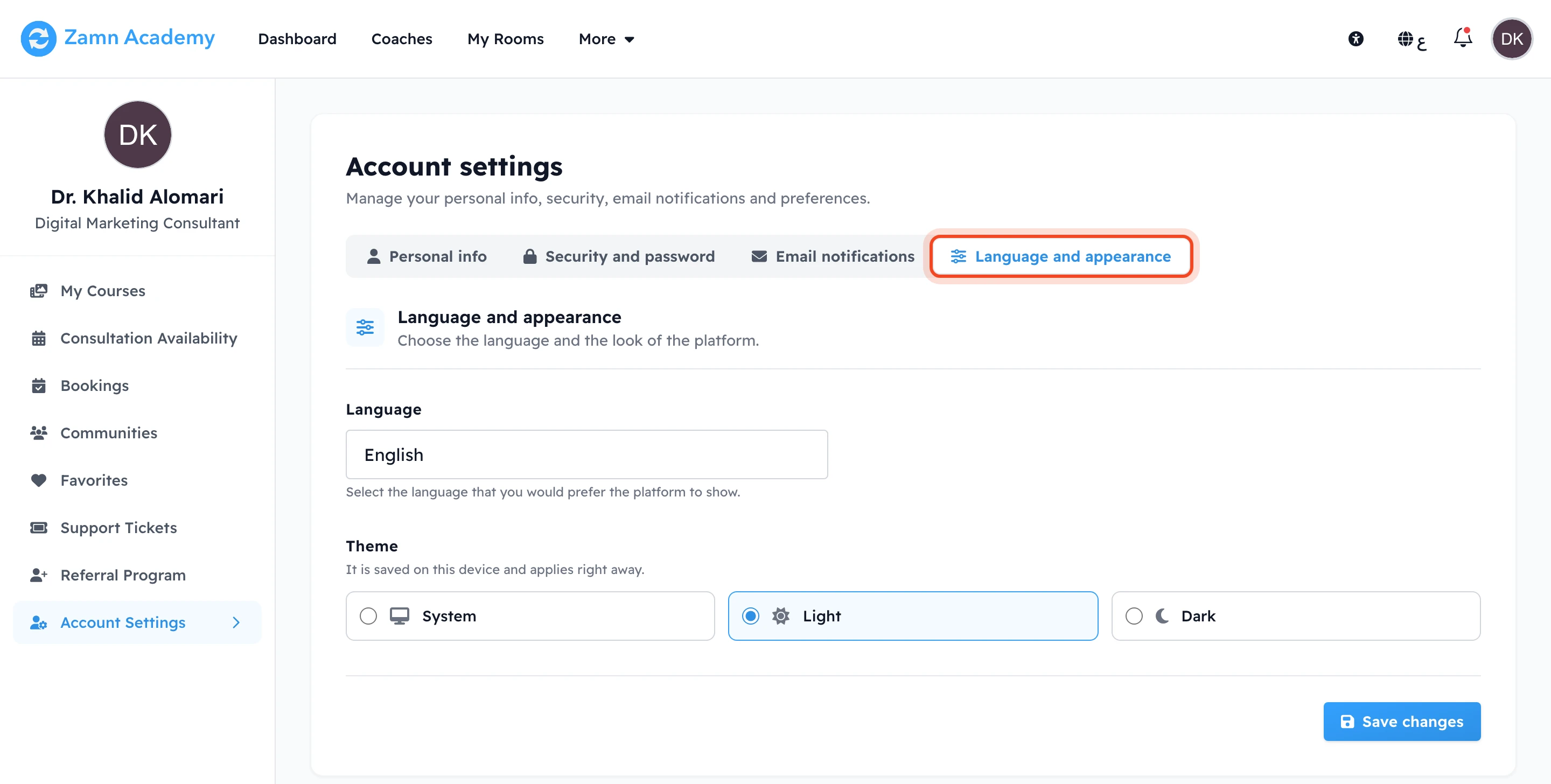
Open the Language and appearance tab.
-
Choose the language you want from the Language list.
-
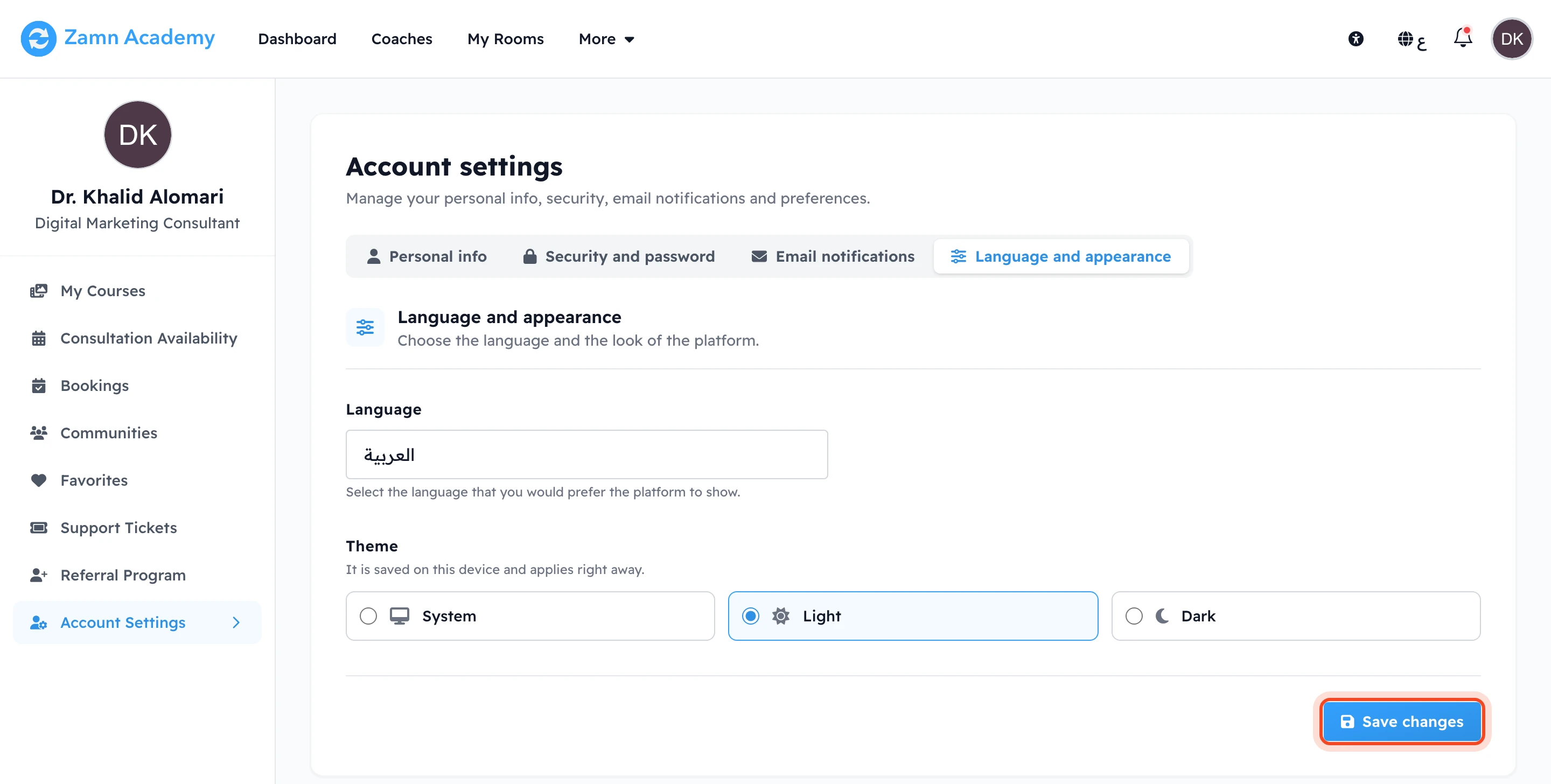
Click Save changes.
To change the language again after you switch to English, click your profile icon and choose Edit Profile.
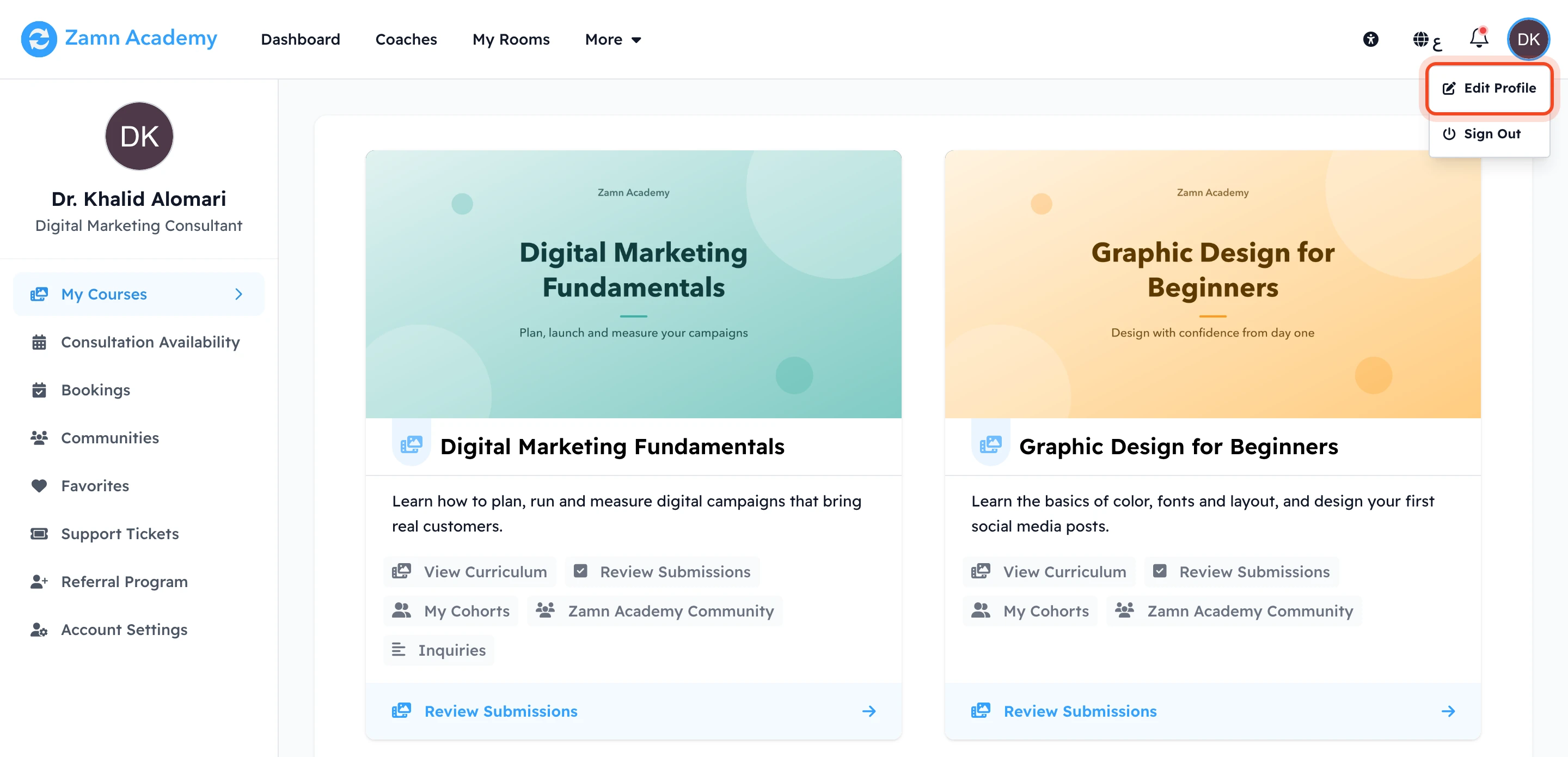
You can change the language from any page on the platform. Click your profile icon, then choose Edit Profile.
If you see a globe icon at the top of the page, click it to switch between Arabic and English right away.