How to increase your cloud storage
This article shows how a platform owner can increase the platform's cloud storage. You can do it in two ways:
- When you subscribe to one of the virtual classroom plans.
- By subscribing to one of the storage plans.
Reach the Plans page
Only the platform owner can subscribe or renew a subscription.
-
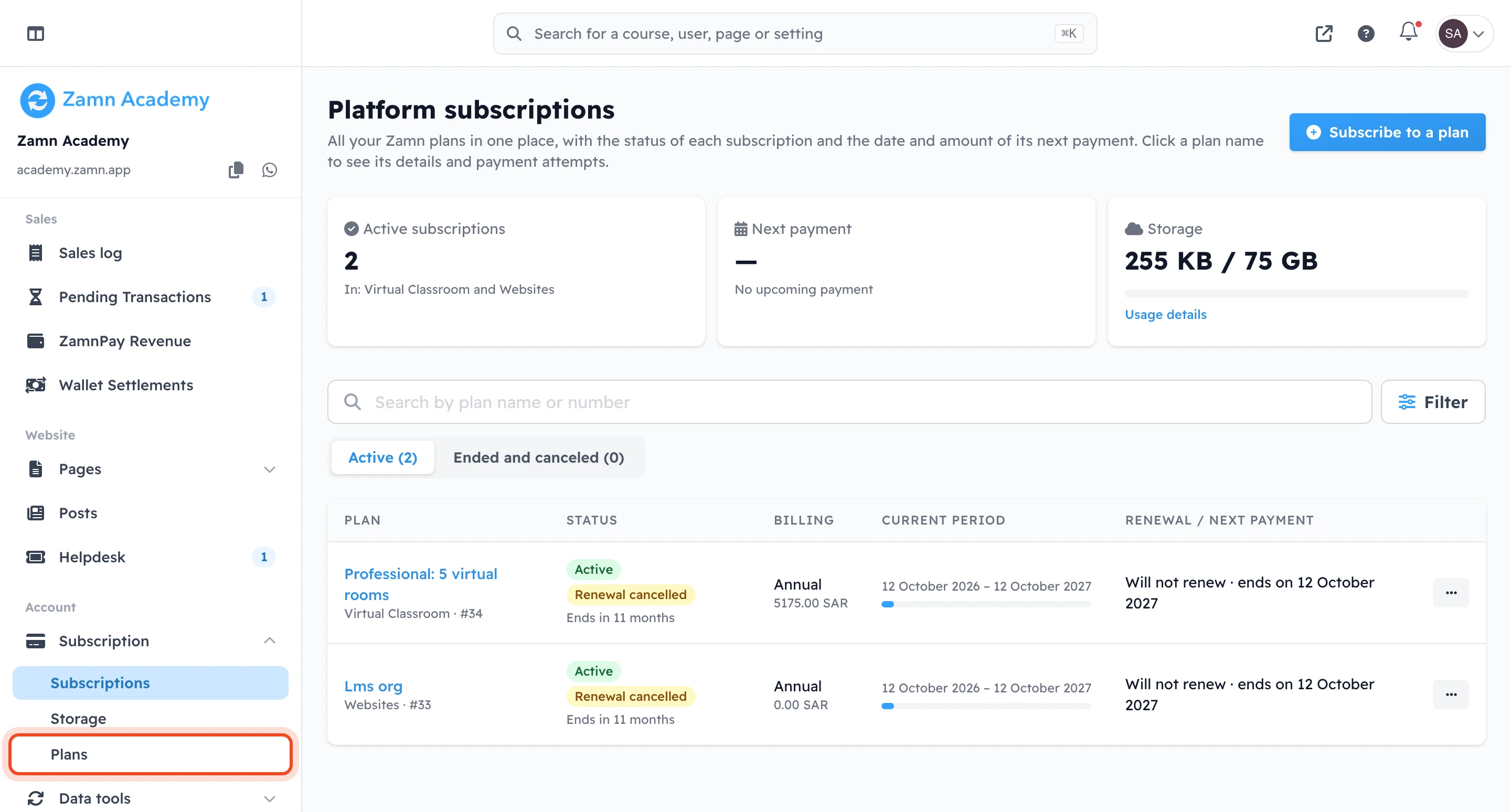
From your platform dashboard, choose Subscription.
-
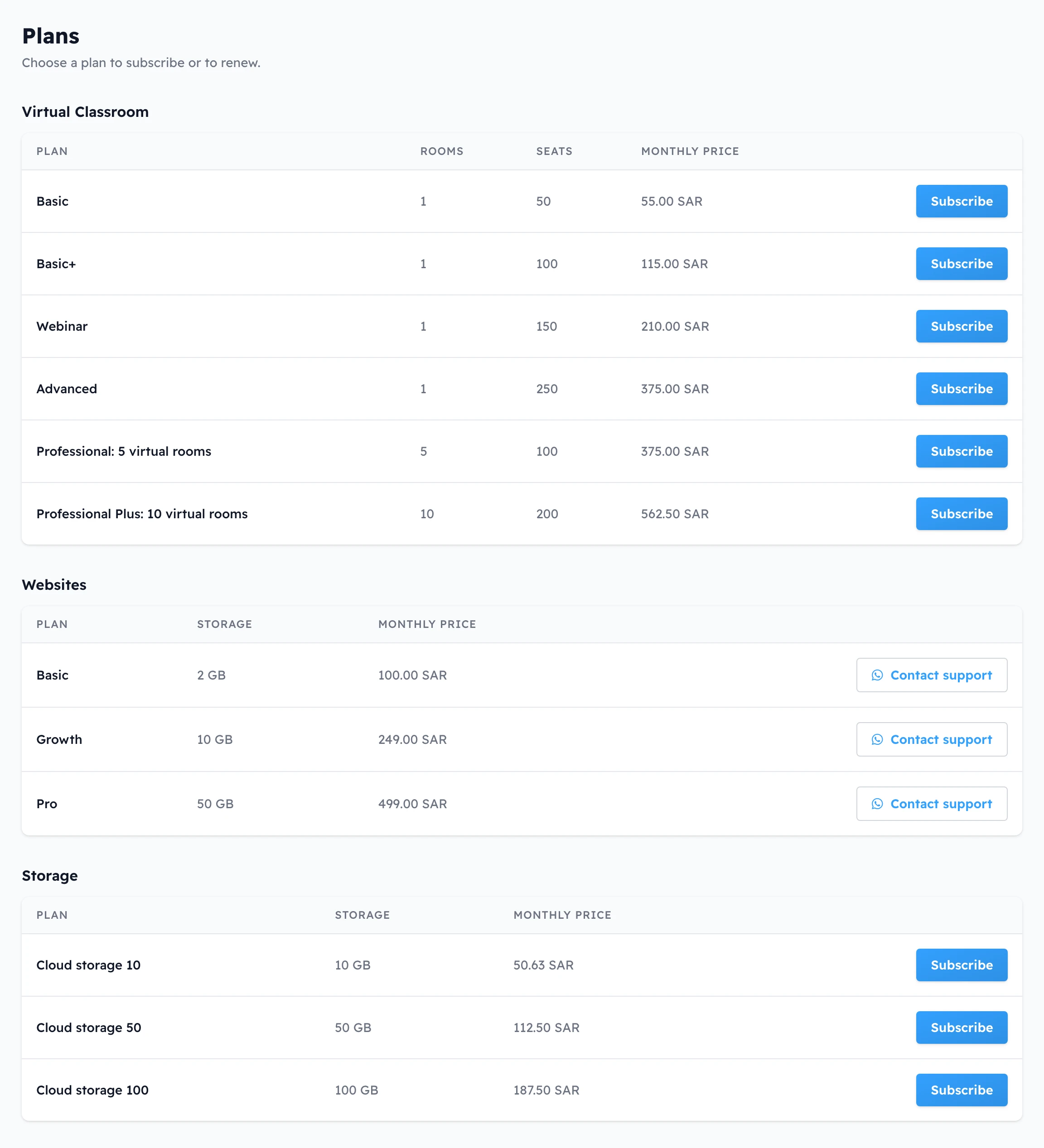
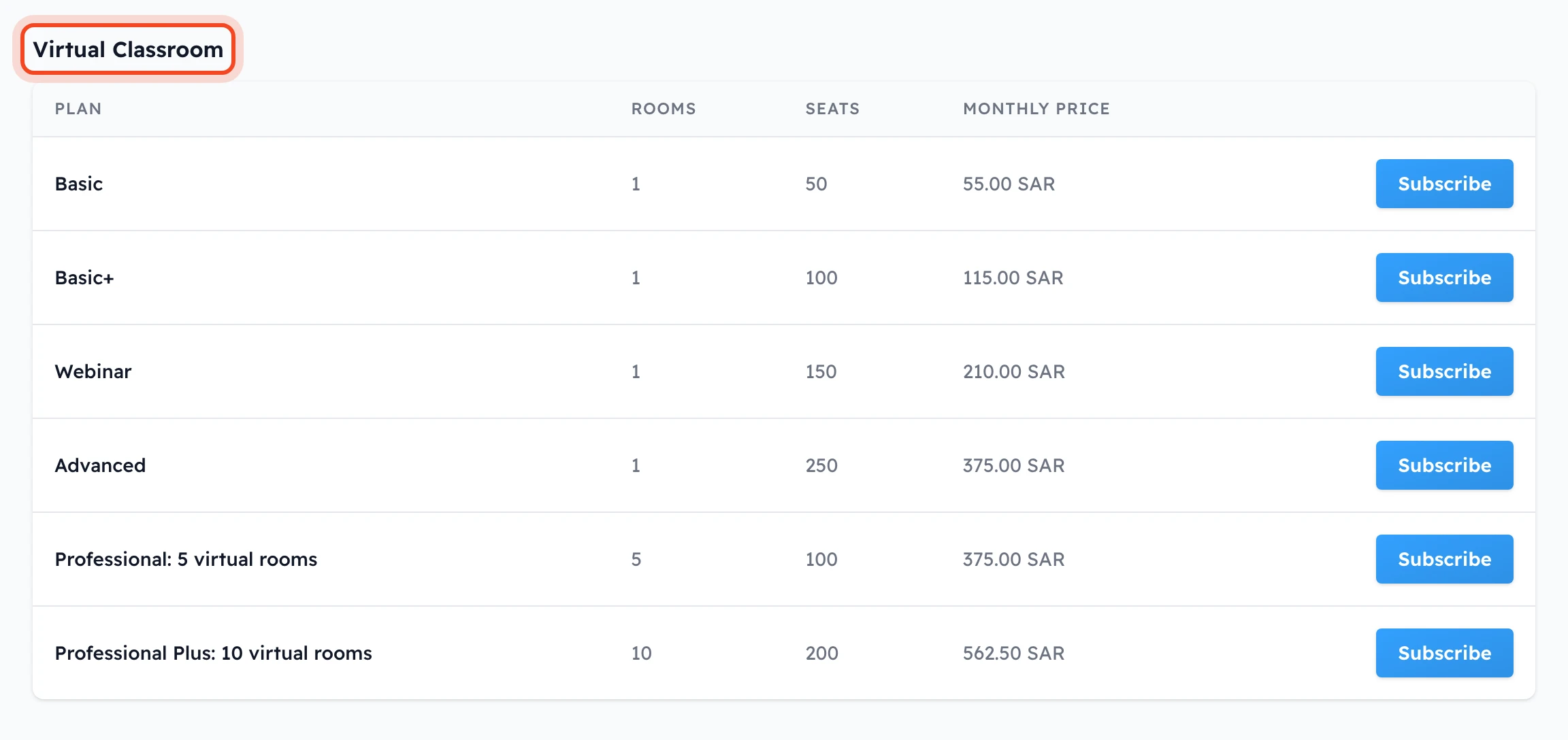
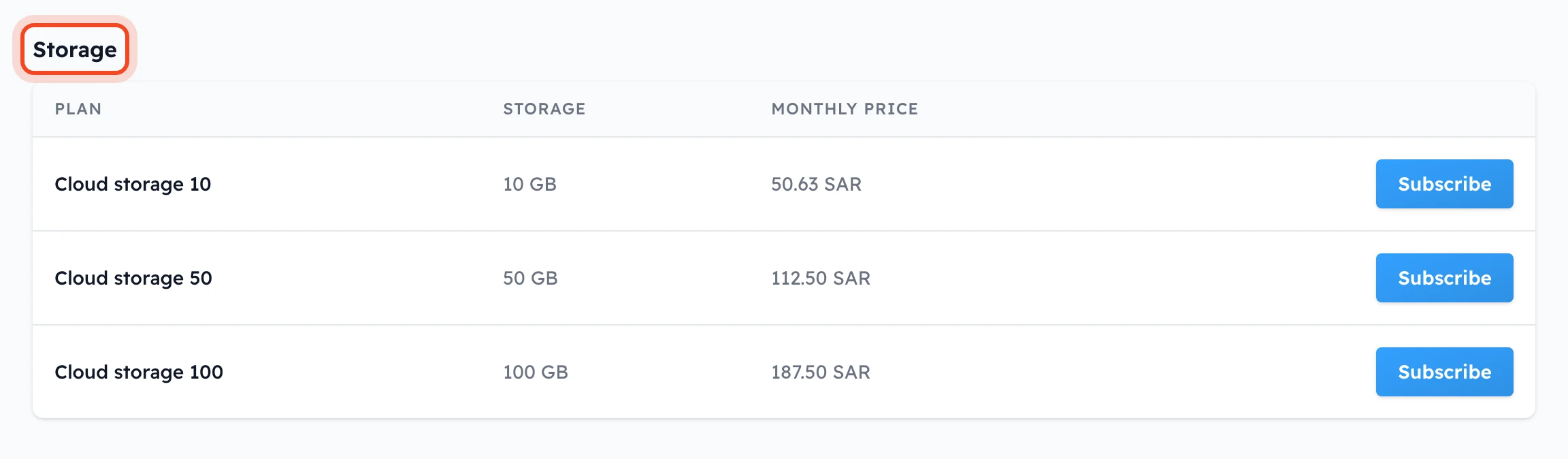
Go to the Plans page. The plans are shown in groups: Virtual Classroom, Websites and Storage.
Increase cloud storage in virtual classroom plans
Each virtual classroom plan comes with a different amount of cloud storage. You can add more storage to a plan by buying extra services when you subscribe.
-
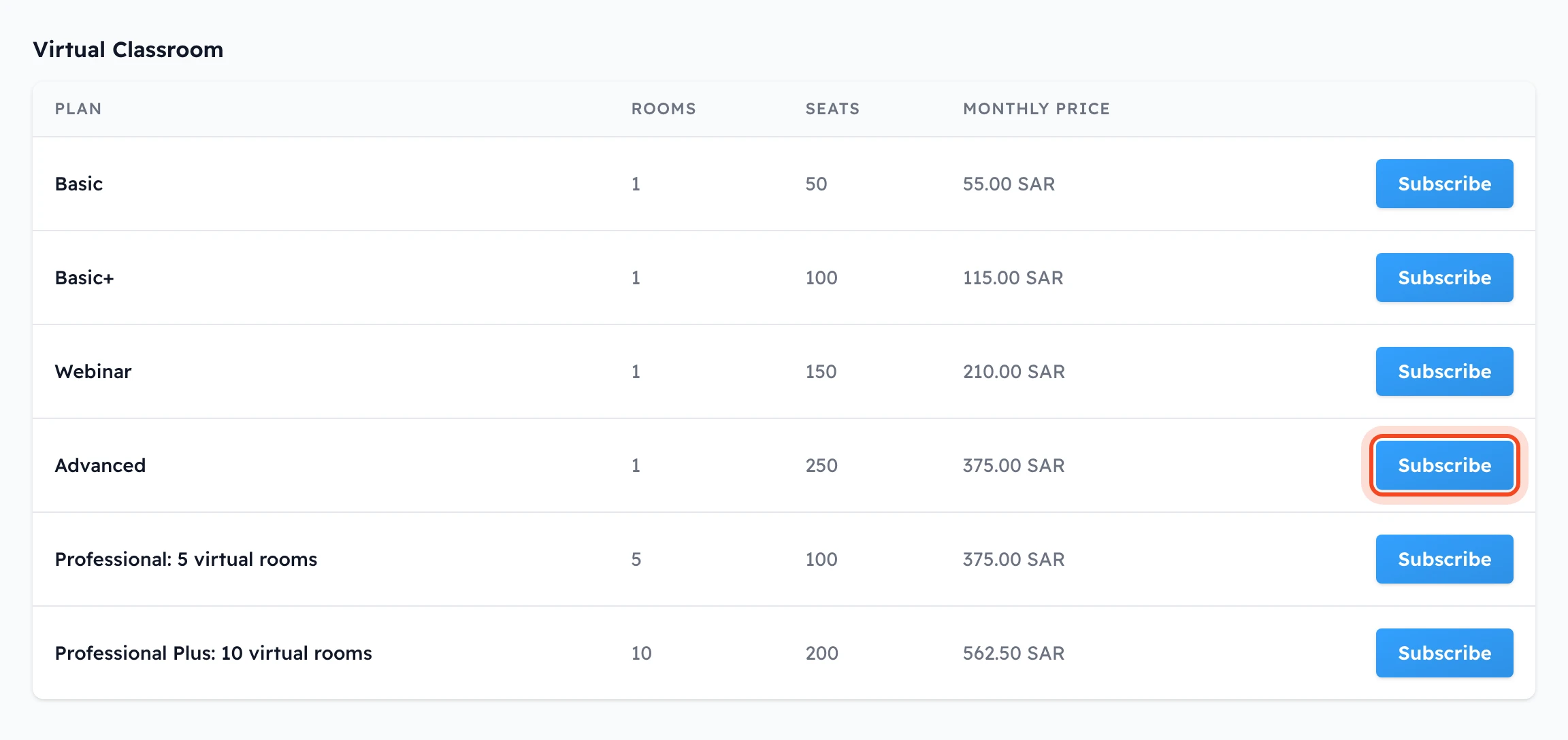
On the Plans page, click Subscribe next to the plan you want in the Virtual Classroom group.
-
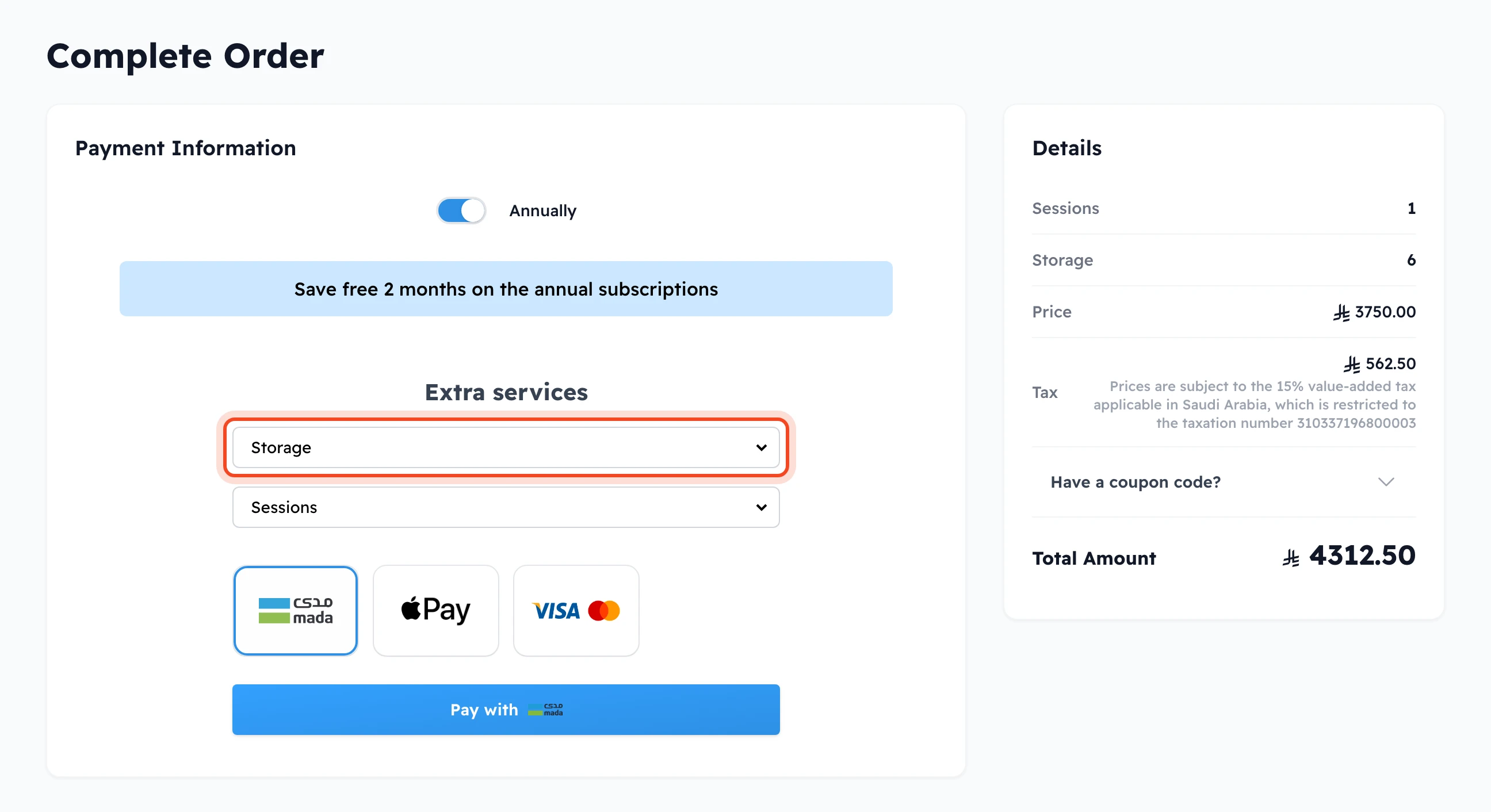
The payment page opens. Under Extra services, open the Storage list.
-
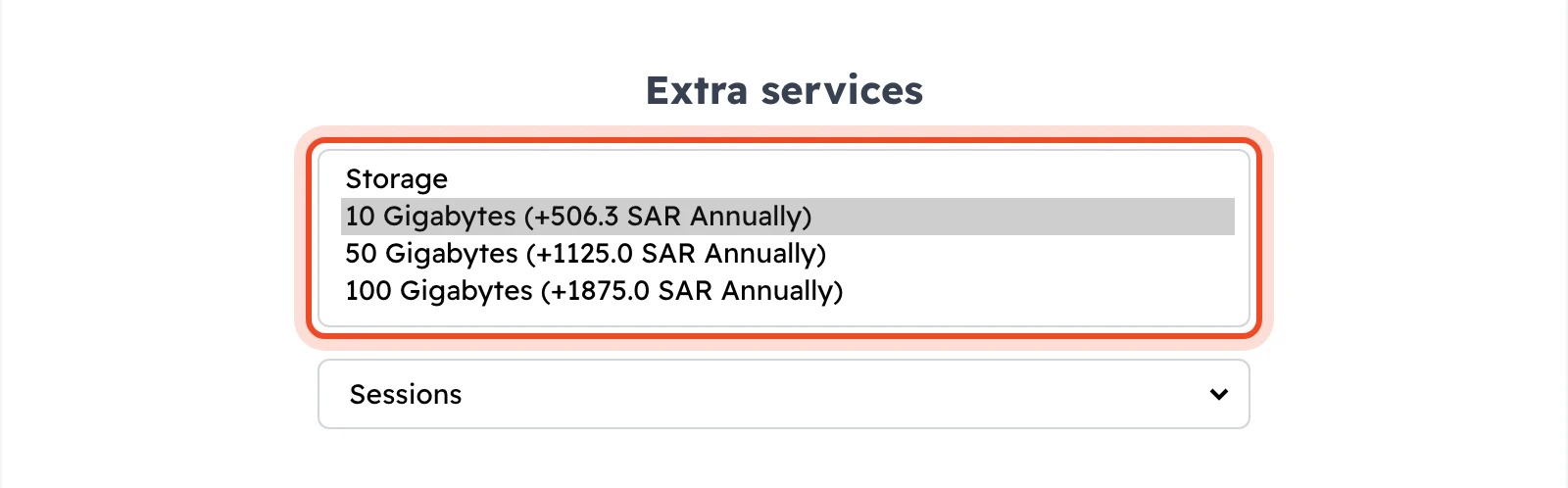
Choose the extra size that fits you.
-
Finish the rest of the subscription steps.
The Extra services section does not show for the Professional: 5 virtual rooms and Professional Plus: 10 virtual rooms plans.
Subscribe to a storage plan
-
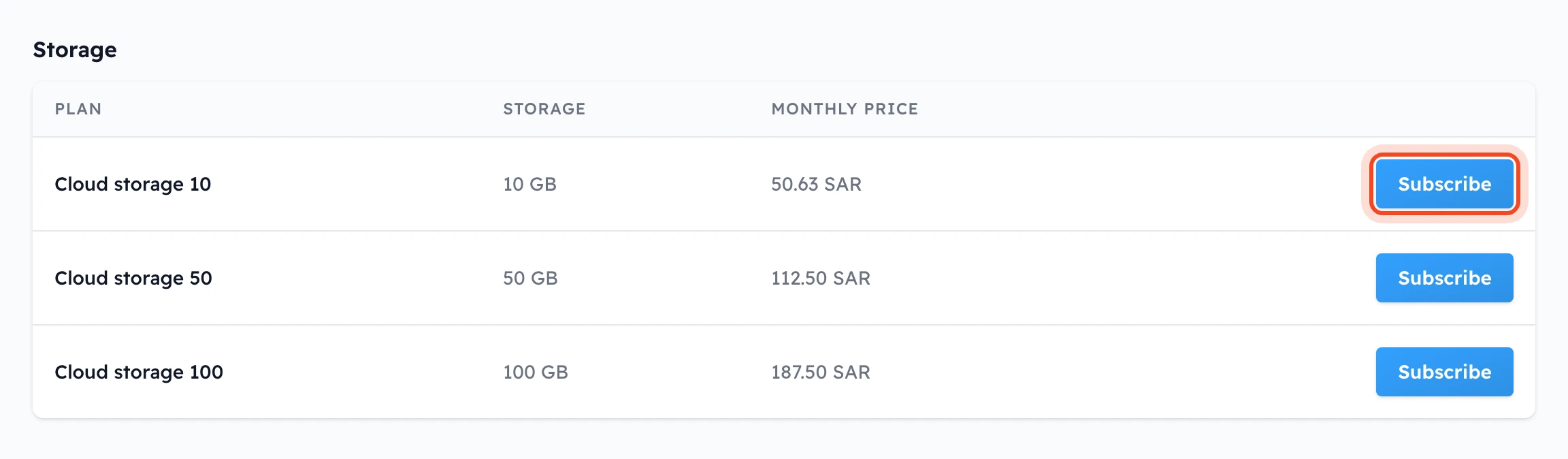
On the Plans page, click Subscribe next to the storage size that fits you in the Storage group.
-
Finish the rest of the subscription steps.
To see how much storage your platform uses and how much it has, look at the Storage bar at the bottom of the side menu. Click it to open the Storage page.