Increase cloud storage in LMS plans
This article shows how a platform owner can increase the platform's cloud storage. You can do it in two ways:
- When you subscribe to one of the LMS plans.
- By subscribing to one of the storage plans.
Reach the Plans page
Only the platform owner can subscribe or renew a subscription.
-
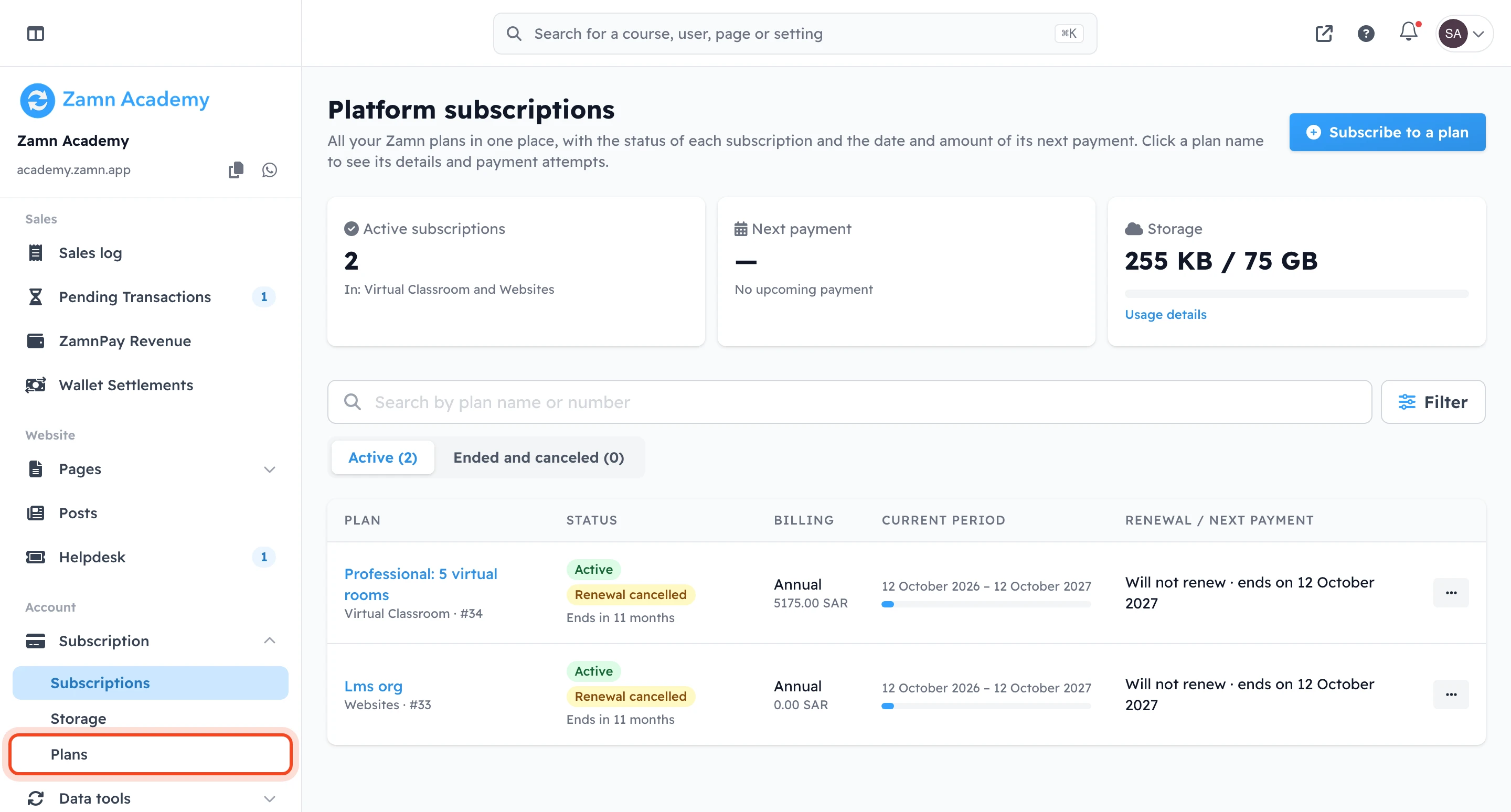
From your platform dashboard, choose Subscription.
-
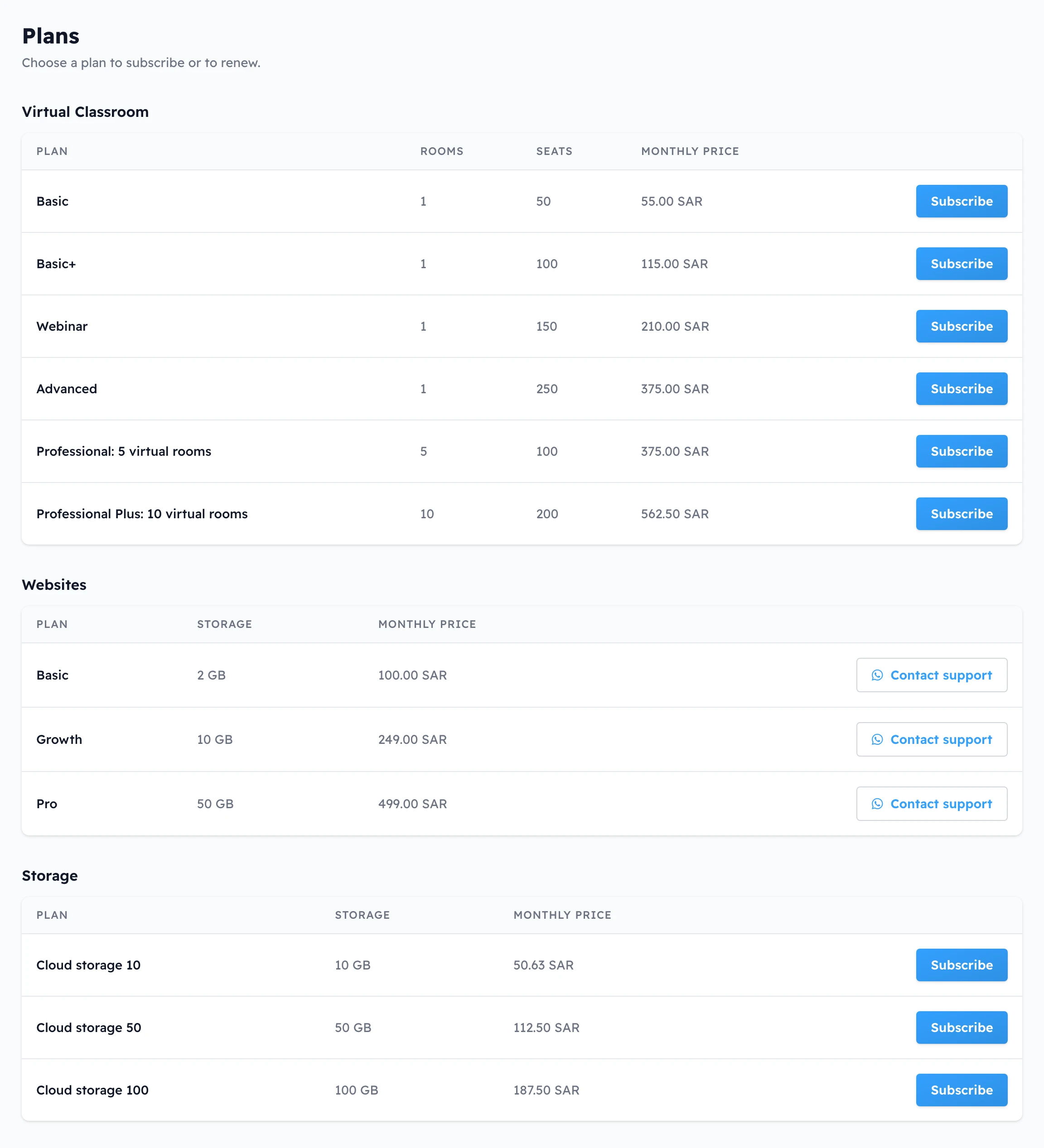
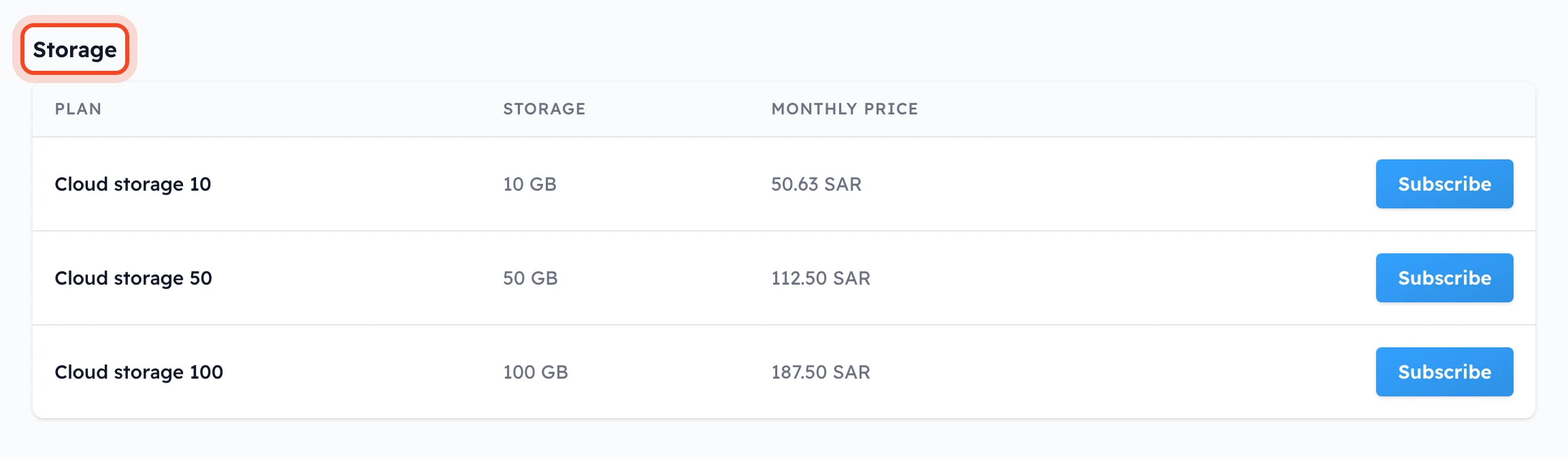
Go to the Plans page. The plans are shown in groups: Virtual Classroom, Websites and Storage.
Increase cloud storage in LMS plans
Each LMS plan comes with a different amount of cloud storage. You can add more storage to a plan by buying extra services when you subscribe.
You can have only one Websites plan at a time. If you already have one, you do not see Subscribe next to the plans of this group, so you cannot add storage this way. To get more space, subscribe to a storage plan (below), or move to a higher plan as shown in "Change your Websites plan" in Subscribe and pay online.
-
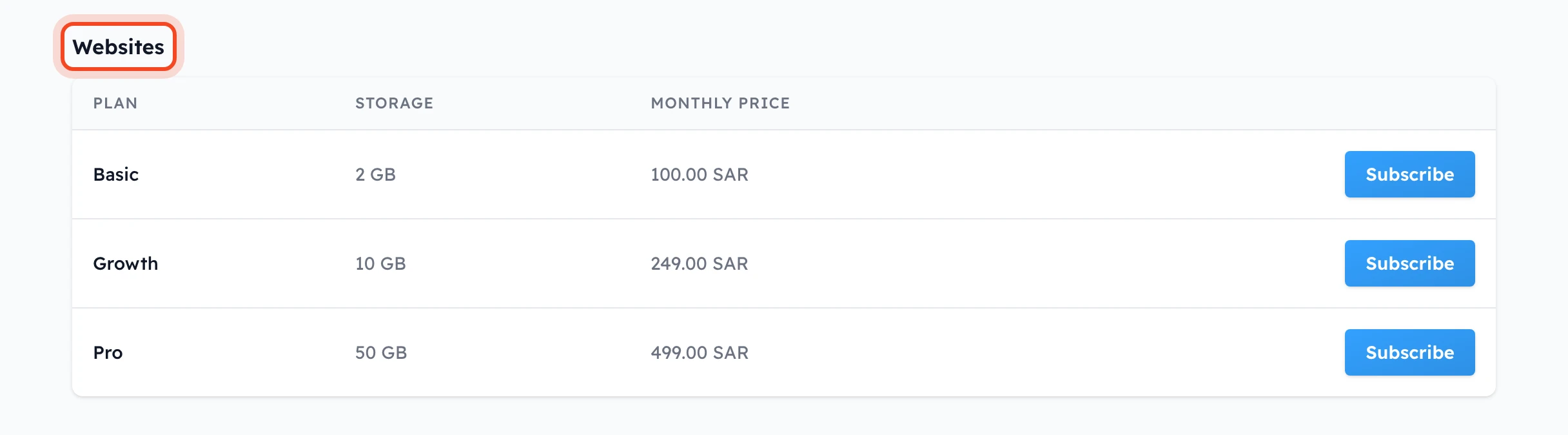
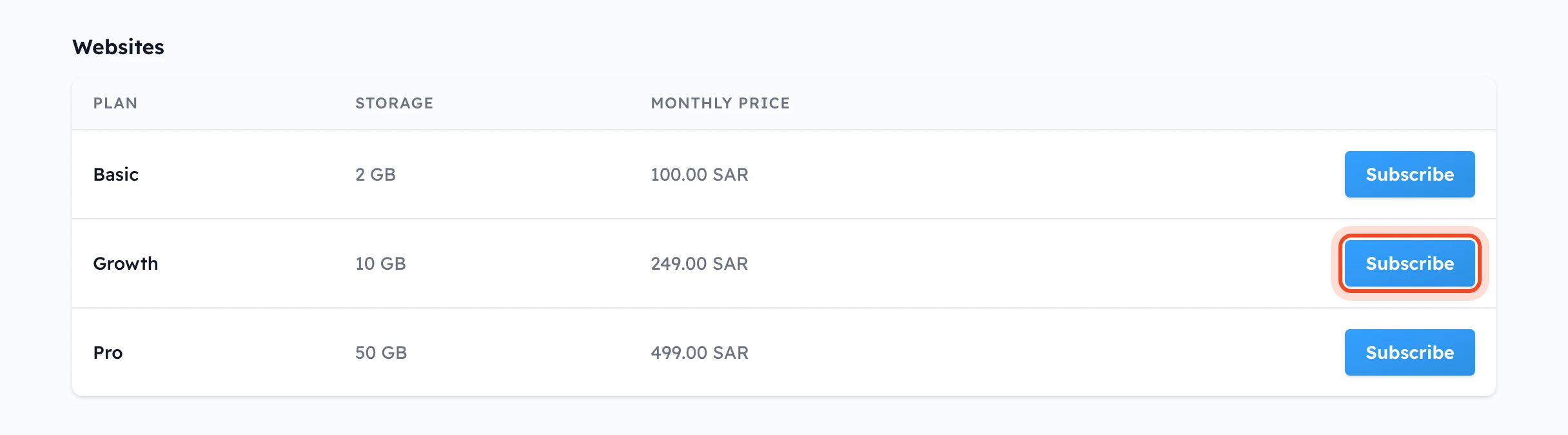
On the Plans page, click Subscribe next to the plan you want in the Websites group.
-
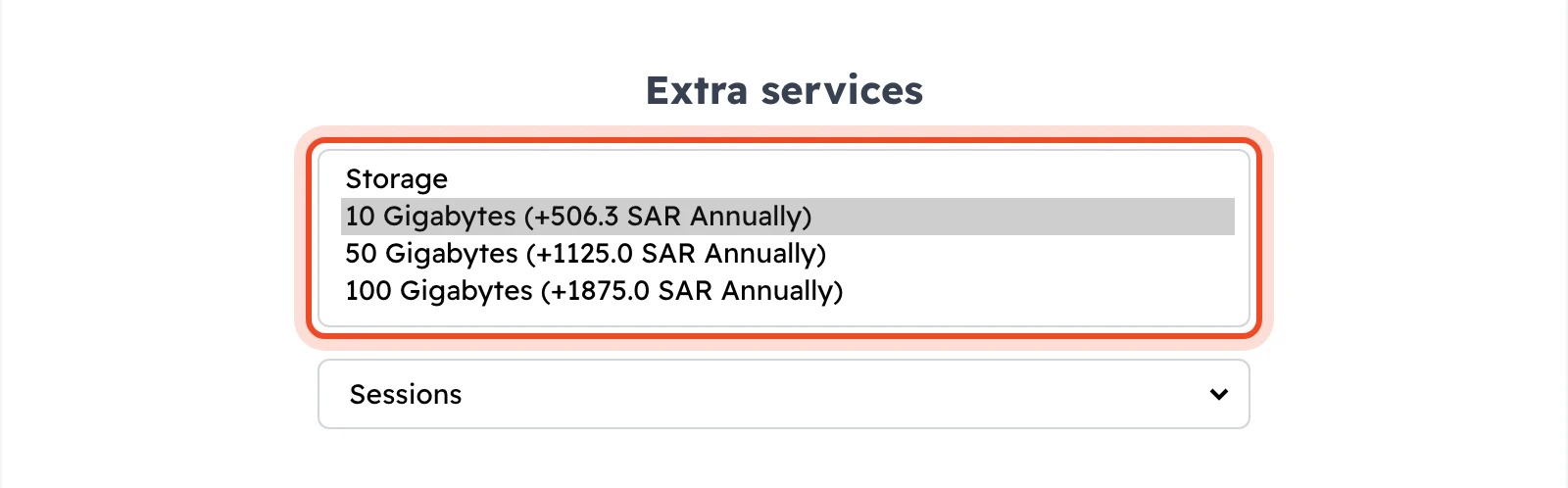
The payment page opens. Under Extra services, open the Storage list.

-
Choose the extra size that fits you.
-
Finish the rest of the subscription steps.
Subscribe to a storage plan
-
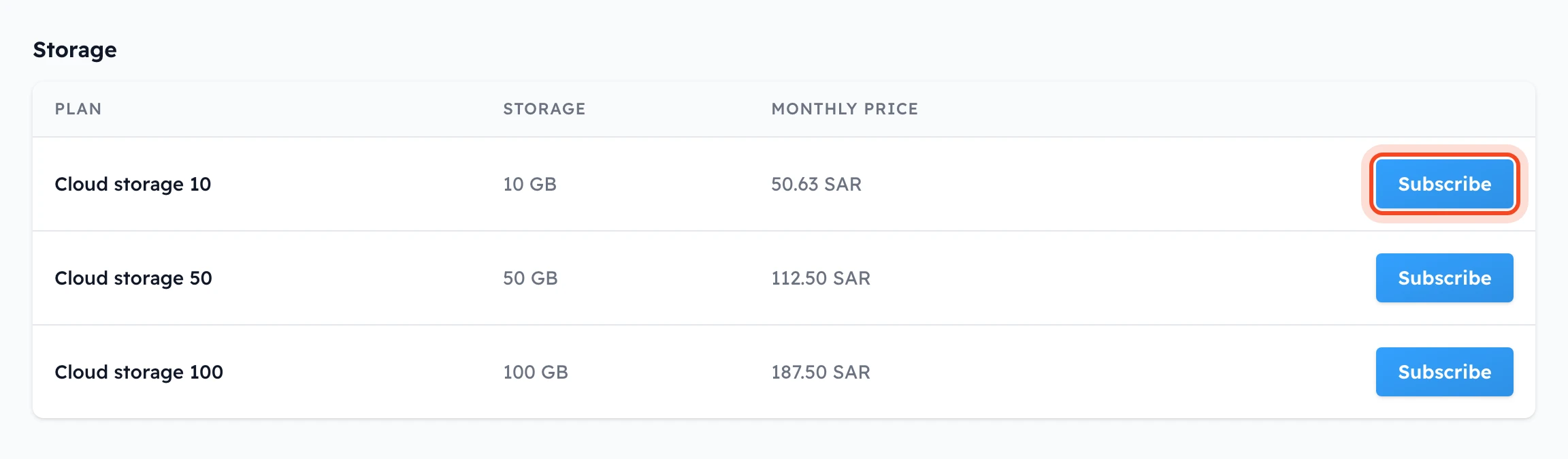
On the Plans page, click Subscribe next to the storage size that fits you in the Storage group.
-
Finish the rest of the subscription steps.