Get Zamn on your phone easily
Does Zamn have an app?
Yes. If you are a platform admin, you can manage your platform from the Zamn app, on iPhone and Android.
You cannot pay inside the Zamn app. This includes paying for your Zamn subscription, upgrading your plan and changing your renewal card. The app shows the message Payment is not available in the app. To continue, please open the platform in a browser. To pay, open your platform in a browser.
Students and coaches use your platform in the browser. They can add it to their phone's home screen so it opens like an app, by following the steps below.
For Android phones
-
Open the Zamn website in your browser.
-
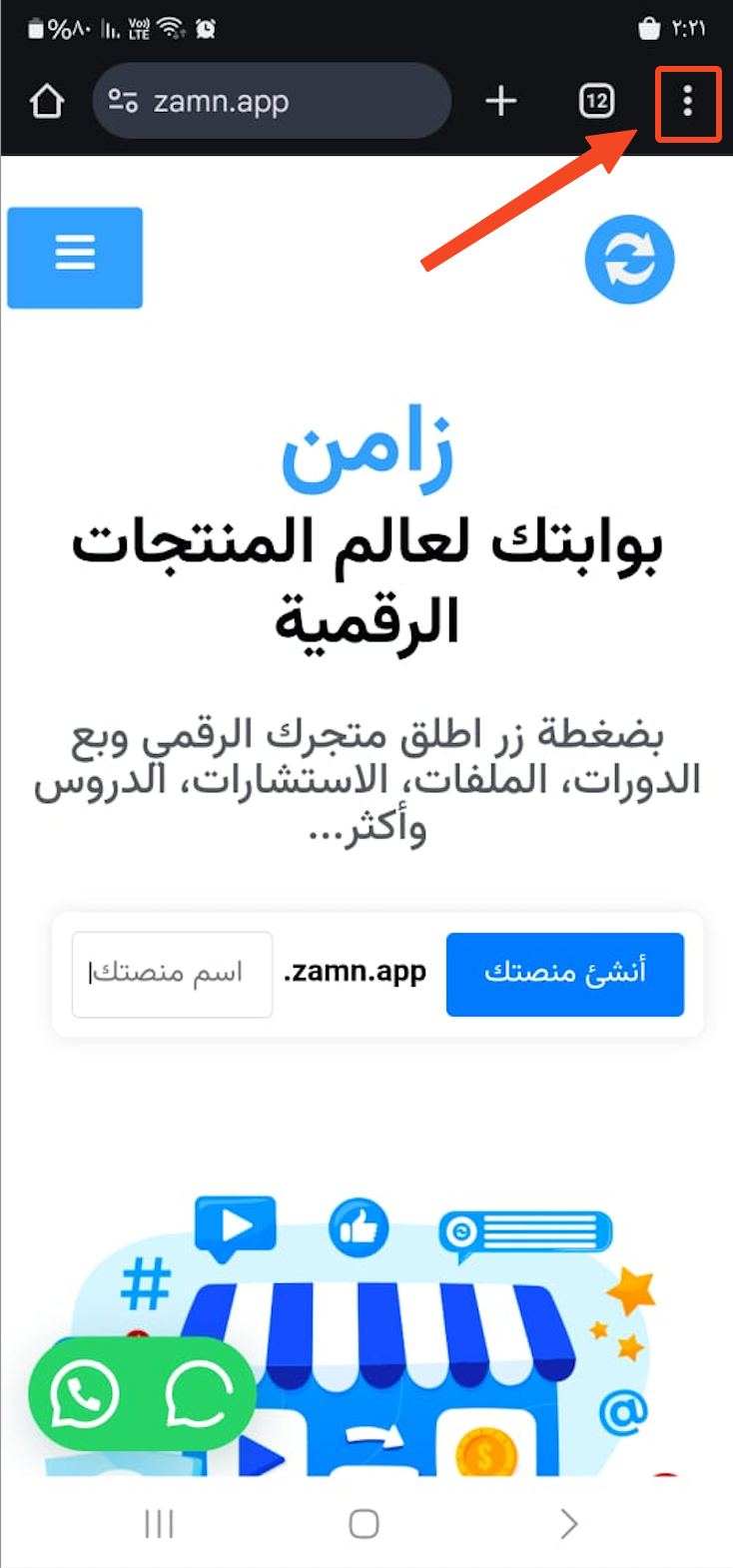
Tap the three dots at the top of the screen.
-
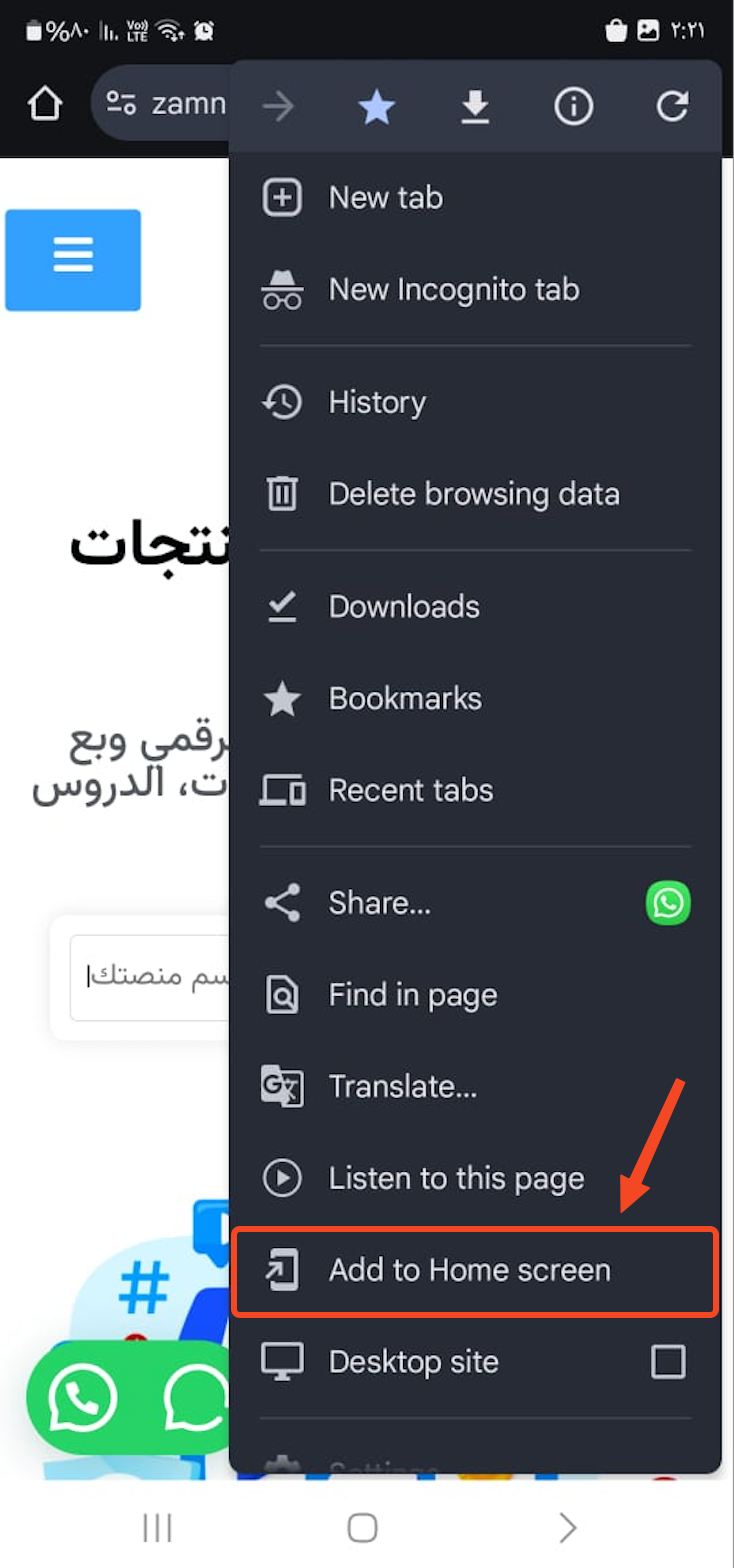
Tap Add to Home screen.
For iPhones (iOS)
-
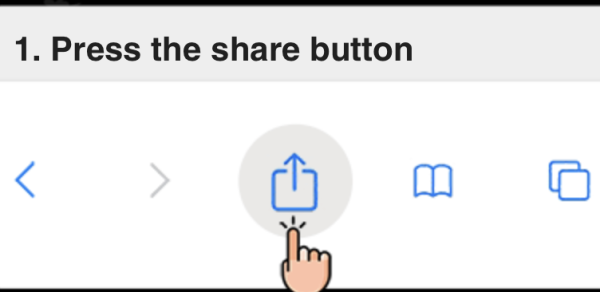
Open the Zamn website in your browser, then tap the share button.
-
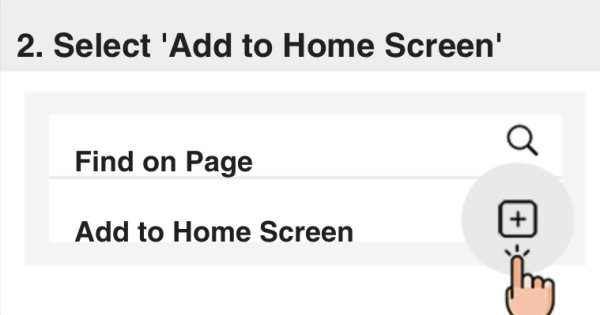
Choose Add to Home Screen.
-
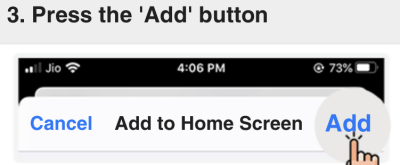
Tap Add to add Zamn to your home screen.